
What is a Yoosee camera, and how does the system actually work?
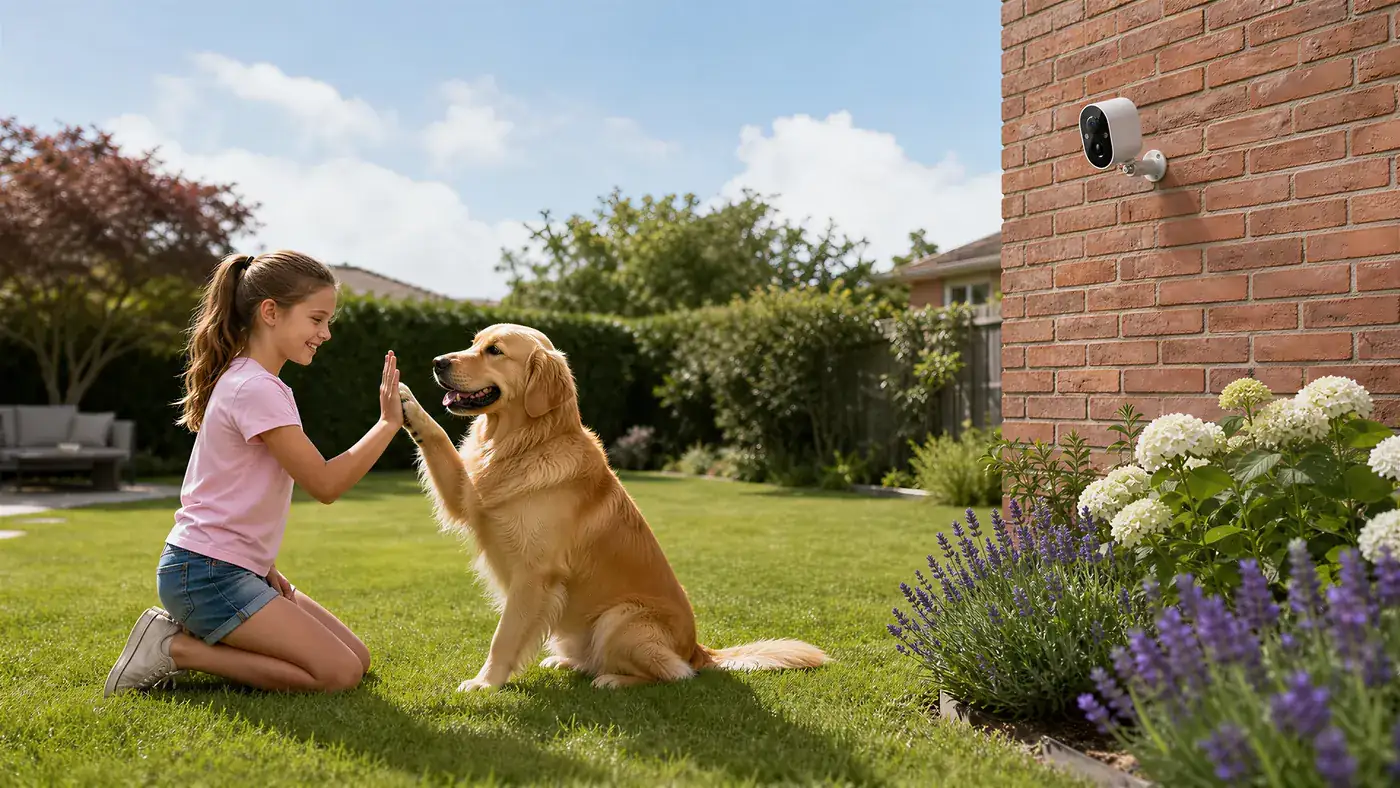
Strictly speaking, there is no such thing as "a Yoosee camera" in the way there is a single model of phone. Yoosee is the app and the platform behind it, and a range of camera hardware works with that app — indoor units, outdoor units, WiFi models, 4G models, solar models, cameras that pan and tilt and cameras that stare at one spot. When someone says "I have a Yoosee camera", what they reliably mean is "I have a camera that I control through the Yoosee app".
That distinction sounds pedantic until you go looking for instructions. It is the reason two guides for "setting up a Yoosee camera" can describe different buttons, different lights and different menus, and both be correct. They were written about different hardware that happens to share an app.
Once you see the system as three separate pieces — the app, the camera, and the account that links them — almost everything else about it becomes predictable. This article explains those three pieces and how they fit together. It is an orientation guide rather than a troubleshooting one.
The three pieces of the system
The app
The app is what you install on your phone. It is the control surface for everything: watching the live picture, playing back recordings, changing settings, receiving motion alerts and adding new cameras. It runs on phones, and depending on the version there may also be ways to view cameras on a computer.
The important thing about the app is that it is shared across many different camera models. That is what makes it convenient — one app for the camera at home, the one at the shop and the one on the gate — and it is also why its menus sometimes show options your particular camera does not have, or hide options it does.
The camera
The camera is the physical device: a lens, an image sensor, a processor, a network connection, usually a slot for a memory card, and in most models a microphone and speaker. It is a small computer that happens to be pointed at your driveway.
Cameras that work with the app are made in a variety of shapes for a variety of jobs, and their capabilities genuinely differ. Colour night vision, pan and tilt, battery or solar power, mobile data instead of WiFi, two-way audio, siren, spotlight — any of these may or may not be present on your specific unit. The app cannot invent hardware that is not there.
This is the single most useful thing to understand about the system: the app defines how you interact with the camera; the hardware defines what the camera can do.
The account
The account is the piece people think about least and depend on most. When you register, you create an account tied to a phone number or an email address. Cameras get bound to that account. Settings, camera names and access permissions belong to it.
Two consequences follow, and both matter:
- Whoever controls the account controls the cameras. Not whoever is holding the camera.
- A camera bound to one account cannot simply be claimed by another. This is a deliberate anti-theft design, and it is also why a second-hand camera that was never unbound by its previous owner can be difficult to add.
Why two "Yoosee cameras" behave differently
If you have ever compared notes with someone who has "the same camera" and found that their menu has an option yours does not, this is why. Several layers of variation sit between the brand name and the device in your hand.
Different hardware generations. A model released years apart from another has a different sensor, different processor, different radio. Older units may not support functions that are standard on newer ones.
Different feature sets by design. An indoor camera has no reason to include a solar input. A fixed camera has no motors to pan with. A 4G model has a SIM tray that a WiFi model does not.
Different app versions. The app updates, and what a menu is called or where a setting lives can move between versions. A guide written against an older version can be accurate in substance while describing a screen that has since been rearranged.
Different setup methods. Some cameras are added by scanning a code, some by having the phone play a sound the camera listens to, some by connecting to a hotspot the camera broadcasts, and some by cable. Which methods apply depends on the hardware. The general procedure and the usual snags are covered in adding a camera to the Yoosee app.
The practical conclusion is worth stating clearly: for anything specific — supported features, card limits, setup steps, reset behaviour — the authority is the manual for your exact model and the shop you bought it from. A general article, this one included, can only describe how the system is shaped.
How a camera, an account and a phone connect
Understanding the path from your phone to the camera explains most of what happens day to day.
When both are on the same local network, the app can usually reach the camera directly — which is why setup is done standing next to it. When you are away, the connection is brokered: the camera stays reachable through a service so that your phone can find it wherever you both happen to be. That is the mechanism behind watching your shop from another city without configuring anything on your router.
Three things follow from this design:
- The camera needs a working internet connection to be viewable remotely. If the site's connection drops, the camera can still be recording to its card while being unreachable from your phone. A camera showing as offline in the app is not necessarily a camera that has stopped working — the common causes are listed in why a Yoosee camera goes offline.
- Recording and viewing are independent. Local recording to the memory card happens on the camera itself, whether or not anyone is watching and, in many cases, whether or not the network is up.
- Access is granted through the account. Other people see the camera because the account owner shared it with them, not because they know a password to the device.
What the system does, in normal use
Live viewing
Open the app, tap the camera, watch. On a phone connection this uses mobile data, and on a 4G camera it uses the camera's data allowance too — the reason live viewing habits matter so much on a mobile-connected camera.
Recording and playback
Most cameras record to a memory card fitted in the unit. Depending on the model and the settings, that may be continuous recording, motion-triggered clips, or a combination. When the card fills, the camera loops over the oldest footage. Finding and exporting a specific clip is a common task and is covered in watching Yoosee playback recordings.
Some models also offer cloud storage as an optional paid service, which keeps a copy off-site. Whether it is available for your unit varies.
Motion alerts
When the camera detects movement it can send a push notification to the phones with access. How sensitive that detection is, whether it can distinguish people from other movement, and whether you can restrict it to part of the frame all depend on the model and the app version.
Two-way audio
Many models have a microphone and speaker, so you can hear the scene and speak through the camera. Not all do.
Sharing with other people
Access can be extended to other phones — a partner, family, staff at a shop — without handing over the main account password. Sharing is revocable, which is the reason to use it rather than sharing login details, and the practicalities are set out in sharing a Yoosee camera with family.
Two kinds of password, and why people mix them up
This trips up a large share of new users, so it is worth separating explicitly.
The account password is what you use to log into the app. It protects everything the account owns. Lose it and you recover it through the phone number or email you registered with.
The device password is set on the camera itself. It is checked when the camera is added, and on many models it is what a factory reset clears. Losing it does not lock you out of the app; it locks you out of that one camera until it is reset.
Knowing which one you have forgotten determines what you do next — the two recovery paths are laid out in what to do when you forget a Yoosee camera password.
Who the system is aimed at
The design leans towards self-installed cameras at small sites: homes, flats, shops, workshops, warehouses, farms and building sites. The characteristics that follow from that are consistent across the range — setup by phone rather than by configuring network equipment, recording to a card in the camera rather than to a separate recorder, and remote viewing that works without a fixed IP address or router changes.
That is a different design target from a large multi-building installation with a control room and a dedicated recorder, and it is a reasonable way to judge whether the system fits your situation. One or several cameras, watched from a phone, recording locally: that is the shape it is built for.
How to find the right instructions for your camera
When a guide does not match what you are seeing, work through this order:
- The manual in the box, for your exact model. Model numbers on the label are more reliable than the shape of the camera.
- The seller. The shop that supplied it knows which variant it sold and, for a 4G unit, whether it came with a SIM.
- The app itself. Its help section is written against the version you are actually running, which general articles are not.
- General guides last, and read them for the principle rather than for the exact button. The concepts — bind the camera to an account, record to a card, share rather than hand over the password — hold across the range even when the screens differ.
Frequently asked questions
Is Yoosee a camera brand or an app?
Primarily an app and the platform behind it. Rather than a single device, the name covers a range of camera hardware that is controlled through the same app — indoor, outdoor, WiFi, 4G, solar, fixed and pan-and-tilt models. That is why setup instructions vary: the app is shared, the hardware is not. For anything model-specific, the manual for your unit and the shop that sold it are the reliable sources.
Which cameras work with the Yoosee app?
Cameras built to work with the platform, which spans several form factors and connection types. What varies between them is not whether the app can control them but what each one is physically capable of — night vision type, movement, audio, power source, whether it takes a SIM. Check the product page or the manual for your specific model rather than assuming from the category.
Do I need a Yoosee account to use a camera?
In normal use, yes. The account is what cameras are bound to, and it carries settings, camera names and access permissions. It is also the mechanism that keeps a camera from being claimed by whoever happens to be holding it. Some models allow limited local viewing on the same network, but this varies, and remote access relies on the account.
Can two people use the same Yoosee camera?
Yes, and the recommended way is to share access from the owner's account rather than to hand out the account password. Shared access can be revoked later without changing the main password or re-adding the camera, which matters when staff change at a shop or when a shared phone leaves the household.
Why do different Yoosee setup guides show different steps?
Because they were written about different hardware and different app versions. Cameras are added by several methods — a scanned code, a sound the camera listens for, a hotspot it broadcasts, or a cable — and which apply depends on the unit. Menu names and locations also move between app versions. Read general guides for the principle, then confirm the exact steps in your model's manual.
Does a Yoosee camera keep recording if the internet goes down?
On most models, local recording to the memory card continues, because that happens inside the camera and does not depend on the network. What you lose while the connection is down is remote viewing and alerts on your phone. Once the connection returns, the camera becomes reachable again and the footage recorded in the meantime is still on the card. Confirm this behaviour for your model, as it is not universal.
Selling or installing these cameras?
Most support calls on this kind of system are account and setup questions rather than hardware faults, which makes a clear explanation at the point of sale worth more than any spec sheet. If you sell or install security cameras and want to discuss supply and dealer terms for the Yoosee range, see the Yoosee partner information.