
Security Camera Motion Tracking: How to Turn It On and Why It Stops Following
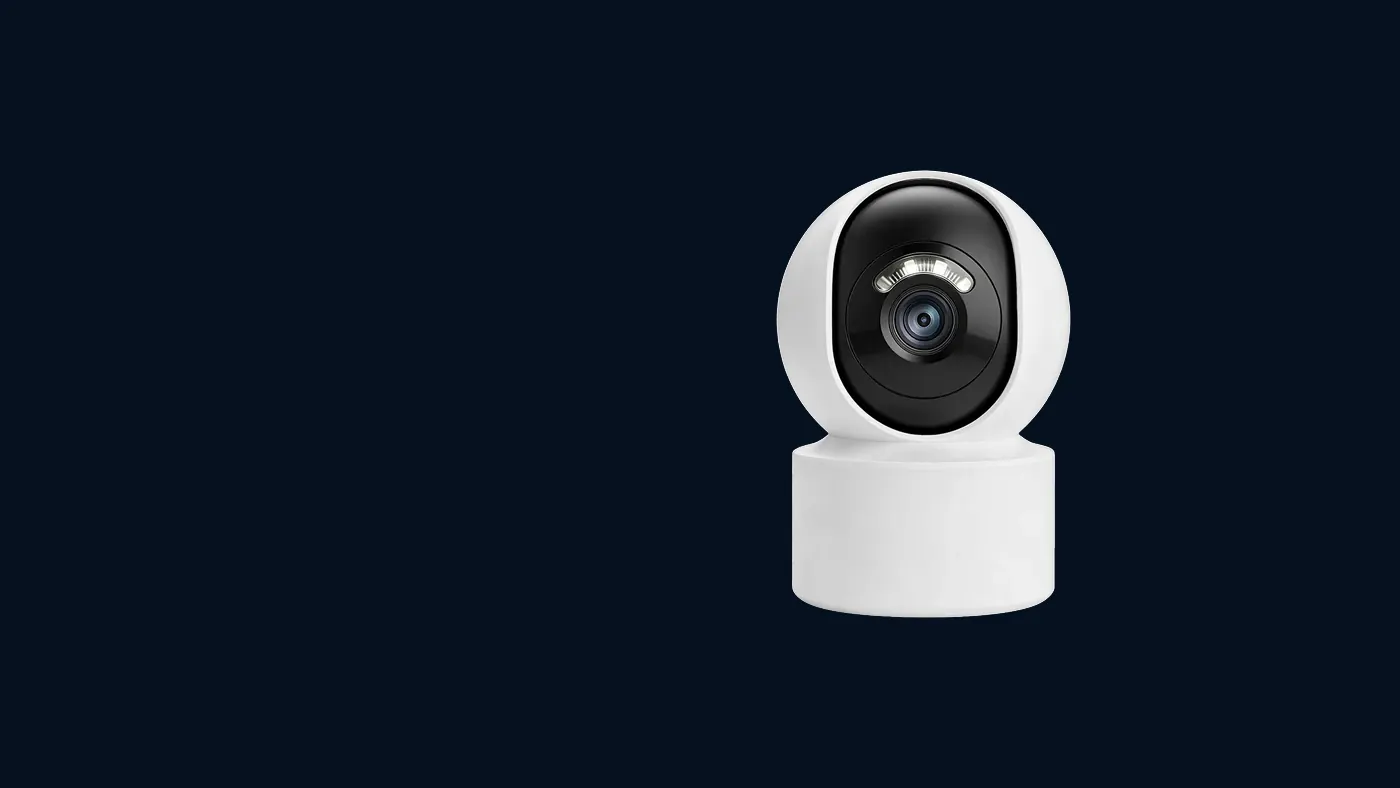
Security camera motion tracking means the camera physically turns to keep a moving person in frame, and it only exists on pan-and-tilt models that support it. If yours never moves, the feature is usually switched off in the camera's settings, or the camera is a fixed model that can only alert you. If it moves but loses people, the usual causes are a poor home position, low light, subjects that are too fast or too far away, or a mount that is too high. The checks below go through each in order.
First: can your camera track at all?
Before changing any setting, confirm the hardware can do it. A camera that tracks movement needs motors, and not every camera that shows up in the app has them.
- Look at the camera body. A pan-and-tilt camera usually has a rounded head that sits on a separate base, or a dome that visibly rotates. A one-piece bullet camera or a small fixed cube cannot turn, whatever the app shows.
- Try the arrows in live view. Open the camera in the app and look for direction arrows or a joystick pad on the live screen. If you can steer the picture left, right, up and down, the camera has motors. If there are no arrows, or nothing happens when you press them, it cannot track.
- Check the model's manual or product page. Some pan-tilt models can be steered by hand but do not have automatic tracking. The manual or the label for your model is the reliable answer. Our explainer on what a Yoosee camera is and how the system works covers why two cameras in the same app can have quite different features.
If your camera is fixed, it can still detect motion and send alerts, it just cannot follow. Skip to the section on fixed views further down.
How to switch on motion tracking
On models that support it, auto-tracking is normally a separate switch from motion detection. Turning on alerts does not turn on tracking, and the reverse is also true. Menu names differ slightly between app versions, so look for the closest match.
- Open the camera in the app and go into its settings (often a gear icon on the live view or next to the camera in the list).
- Find the motion or alarm section. It may be called motion detection, alarm settings, smart detection or intelligent functions.
- Look for a tracking option. Common labels are motion tracking, auto tracking, humanoid tracking or smart tracking. Switch it on.
- Make sure motion detection itself is also on. On many models, tracking depends on the detection engine. If detection is off, tracking has nothing to react to.
- Set detection sensitivity to a middle value to start. Too low and the camera will not notice someone walking past; too high and it will swing at every moving leaf.
- Save, then close and reopen the camera so you know the setting stuck. Some app versions only apply changes after the camera reconnects.
Then ask someone to walk slowly across the view while you watch live. The camera should start turning after a short pause and keep them roughly centred.
If there is no tracking option anywhere in the settings, the most likely explanations are that the model does not support it, or that the camera's firmware or the app is out of date. Update the app first, then check whether the camera offers a firmware update in its settings.
It is switched on but the camera never moves
Work through these in order, starting with the simplest checks.
Motion detection is off or on a schedule
If detection is scheduled to run only at night, or only on certain days, tracking will also only work in those windows. Check for an alarm schedule or arming schedule and set it to all day while you test.
A privacy or sleep mode is active
Some models have a privacy mode that turns the lens away or shuts the picture off. While that mode is on, the camera ignores movement. Look for a privacy, sleep or shield option and make sure it is off.
The movement is outside the detection area
If your model lets you draw a detection zone, the camera only reacts to movement inside it. A zone drawn tightly around the front door means the camera will not respond to someone crossing the driveway. Widen the zone, or clear it, and test again.
People-only detection is filtering the movement
Cameras with person detection may ignore anything that does not look like a human shape. That is usually what you want, but it also means a person far away, partly hidden or bent over may not register. Test with someone walking upright, in clear view, before deciding the feature is broken.
The motors are stuck or the camera needs a restart
Press the arrows in live view. If the camera does not respond to manual control either, the problem is not tracking, it is movement in general. Restart the camera by unplugging it from power, waiting a moment, then plugging it back in. Many pan-tilt models turn through their range as a self-check when they start up. If yours normally does this and now stays still, or if it makes grinding noises, contact the shop that sold it.
It moves, but loses people or turns the wrong way
This is usually about conditions rather than a fault. Basic tracking works by spotting change in the picture and turning towards it, so anything that makes the picture harder to read makes tracking worse.
The home position is pointed at the wrong place
Most tracking cameras return to a home position (sometimes called the preset or guard position) after the person leaves. If that home position points at a wall, the sky or the ground, the camera will only notice people once they are already close or nearly gone. Steer the camera with the arrows so it faces the main approach, such as the gate, door or path, then save that view as the home or guard position in the settings. On some models you need to set a preset first and then choose it as the return point.
The person is too far away
A person who appears small in the frame produces only a little change in the picture, which the camera may ignore or treat as noise. Tracking tends to work best on people at a moderate distance who fill a reasonable part of the frame. If your main interest is a gate at the far end of a long garden, a camera mounted nearer to the gate will track far better than one at the house trying to follow a distant figure.
The person is moving too fast
Pan-tilt motors can only turn so fast. Someone running or cycling across the view can leave the frame before the camera catches up, and once they are out of the picture, there is nothing left to follow. Tracking generally copes best with walking pace. For a fast path, a wider fixed view usually records more.
It is dark, or lights keep switching
At night the camera relies on infrared or a spotlight, and the picture has less detail, so tracking may lag. Switching between colour and infrared, car headlights sweeping the scene, or a security light snapping on can all look like large movements and pull the camera off its target. Our guide to a security camera that is blurry at night covers the light-related fixes, which also help tracking.
Something else in the scene keeps moving
Trees, flags, washing on a line, a busy road at the edge of the frame or reflections in a window can all trigger the camera and drag it away from the person. Lower the sensitivity a step, shrink the detection zone to exclude the moving background, or turn on person detection if your model has it.
The mount height or angle is wrong
A camera mounted very high looks down on the tops of heads, so people appear small and the movement is mostly up-and-down in the picture, which is harder to follow. A camera mounted too low sees people pass close to the lens, where they cross the frame very quickly. A moderate height, tilted along the path people walk, gives the camera the longest, clearest view to track. See how high to mount an outdoor camera for how to choose the height and tilt before you drill.
A quick test to find the cause
Instead of changing everything at once, do one controlled test:
- Set the home position to face the main path.
- Set sensitivity to the middle, detection zone to the whole frame, person detection on if available.
- In daylight, have someone walk slowly across the view at a normal distance.
- Repeat at walking pace, then further away, then at night.
Note at which step the tracking fails. If it fails at a slow walk in daylight, suspect a setting or a fault. If it only fails when the person is far, fast or in the dark, you are hitting the normal limits of tracking, and moving the camera or changing the approach will help more than any setting.
When a fixed view works better than tracking
Tracking sounds like the obvious choice, but it has a real downside. While the camera follows one person, it is not looking at the rest of the scene. If a second person comes in from the other side, the camera may never see them. And a camera that is still pointing down the street when something happens at the door has recorded the wrong place.
A fixed preset is often better when:
- There is one entry point that matters most, such as a front door or a shop counter. Point the camera at it and leave it there.
- People move fast through the area, such as a driveway or a road-facing gate.
- The scene is busy, with lots of background movement that keeps pulling the camera away.
- You need continuous coverage of a doorway for later review, rather than a nice follow shot.
Many people end up using a middle ground: tracking on, with a carefully chosen home position and, if your model lets you set it, a short return delay, so the camera follows briefly and then goes back to watch the door. Another option, where available, is a patrol or cruise mode that moves between saved presets on a timer, which suits a wide yard better than tracking does.
If one camera is trying to cover too much, the honest fix is usually a second camera rather than more tracking. Our guide on where to place security cameras around a house explains how to cover entry points first.
Safety when you adjust the camera
Tracking problems often lead to remounting the camera. If you need to move it, switch off power at the supply first, especially for cameras wired into mains power, and use a qualified electrician for any wiring work. Use a stable ladder with someone holding it, and do not work on a roof or high wall alone. Check local rules if a moving camera could turn to view a neighbour's property or a public path; some models let you set limits or privacy masks to prevent this.
When to get help
Contact the shop or installer that supplied the camera if:
- The camera does not respond to the manual arrows, even after a restart.
- It makes grinding or clicking noises, or stops partway through its startup self-check.
- The tracking option disappeared after an update, or settings will not save.
- It tracks well in tests but keeps pointing at a fixed wrong spot afterwards, even with the home position set.
When you get in touch, give the camera model (from the label on the body or box), your app version, and a description of exactly what happens during the walk test. That makes it much quicker to tell a setting from a fault.
Frequently asked questions
Does motion tracking still record when I am not watching the live view?
On most models, yes. Tracking runs on the camera itself, so the app does not need to be open. Whether the movement is saved depends on your recording setup: the camera needs a memory card or cloud storage, and a recording mode (continuous or on motion) switched on. Check your recording settings, then play back a test clip to see how well it actually tracked.
Why does my camera turn towards trees or cars instead of people?
Basic tracking reacts to any change in the picture, not specifically to people, so swaying branches and headlights can win. The fixes are the background-movement ones above; if the movement never stops, a fixed view is often the better choice.
Can a camera track more than one person at once?
Not really. A single pan-tilt camera can only point in one direction, so it follows one target at a time; which one it picks depends on the model. If two people go in different directions, it will pick one and lose the other. Covering a busy area well usually needs more than one camera.
Does tracking make the camera wear out faster?
Constant movement does put more work on the motors than a camera that rarely turns. If the camera swings all day at every passing car, that is a sign the sensitivity or detection zone needs adjusting anyway. Tuning it so it moves only for real events is better for both the camera and your alerts.
Why do I get motion alerts but the camera does not move?
An alert proves detection works, not that tracking is on. Either the tracking switch is still off, or your model does not track. If the live-view arrows do not move it, it has no motors; if they do but there is no tracking option in settings, check the manual for your model. If alerts themselves are unreliable, see why Yoosee app notifications are not working.