
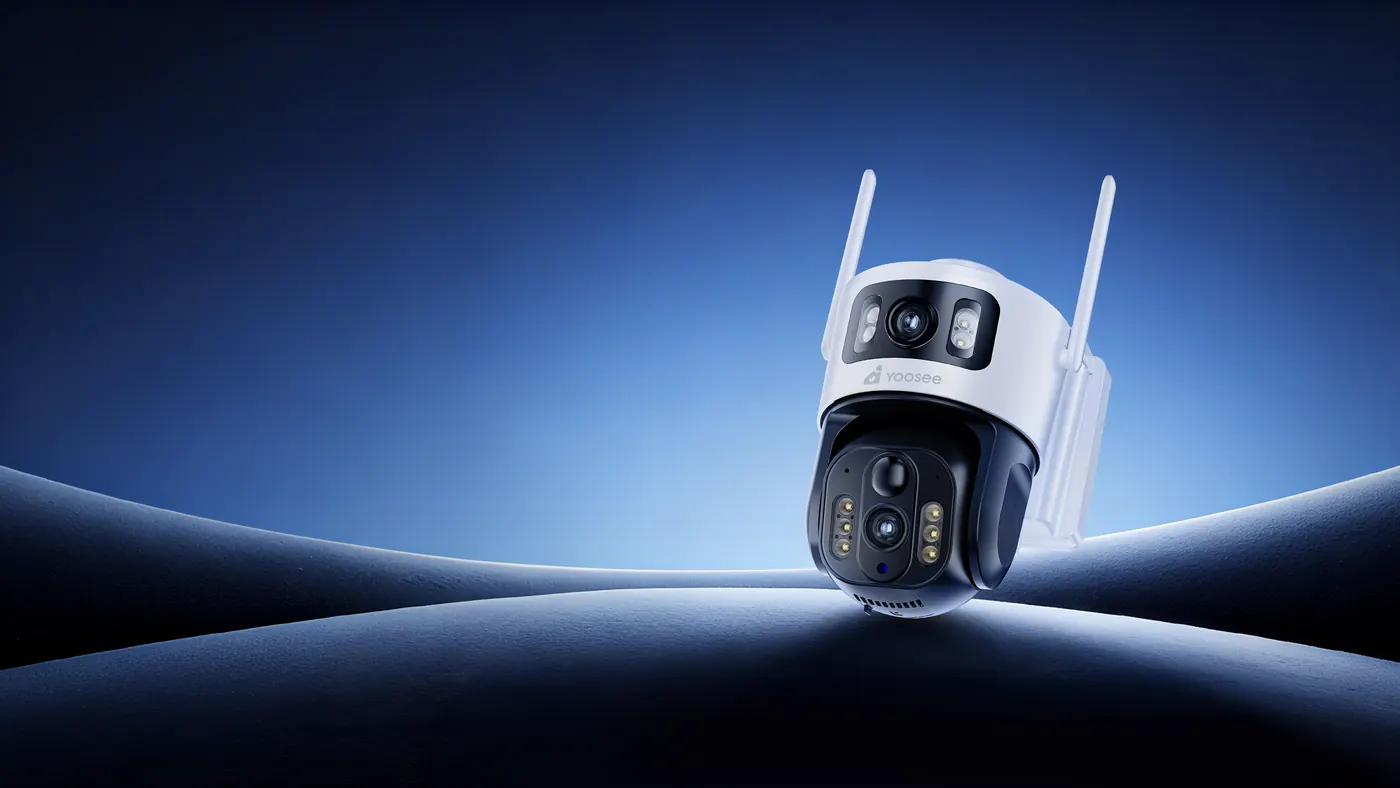
Yoosee camera blog
Practical guides for security cameras: which one to get, how to mount it, and what to do when it stops working — with a focus on places that have neither Wi-Fi nor mains power.
App, account & notifications
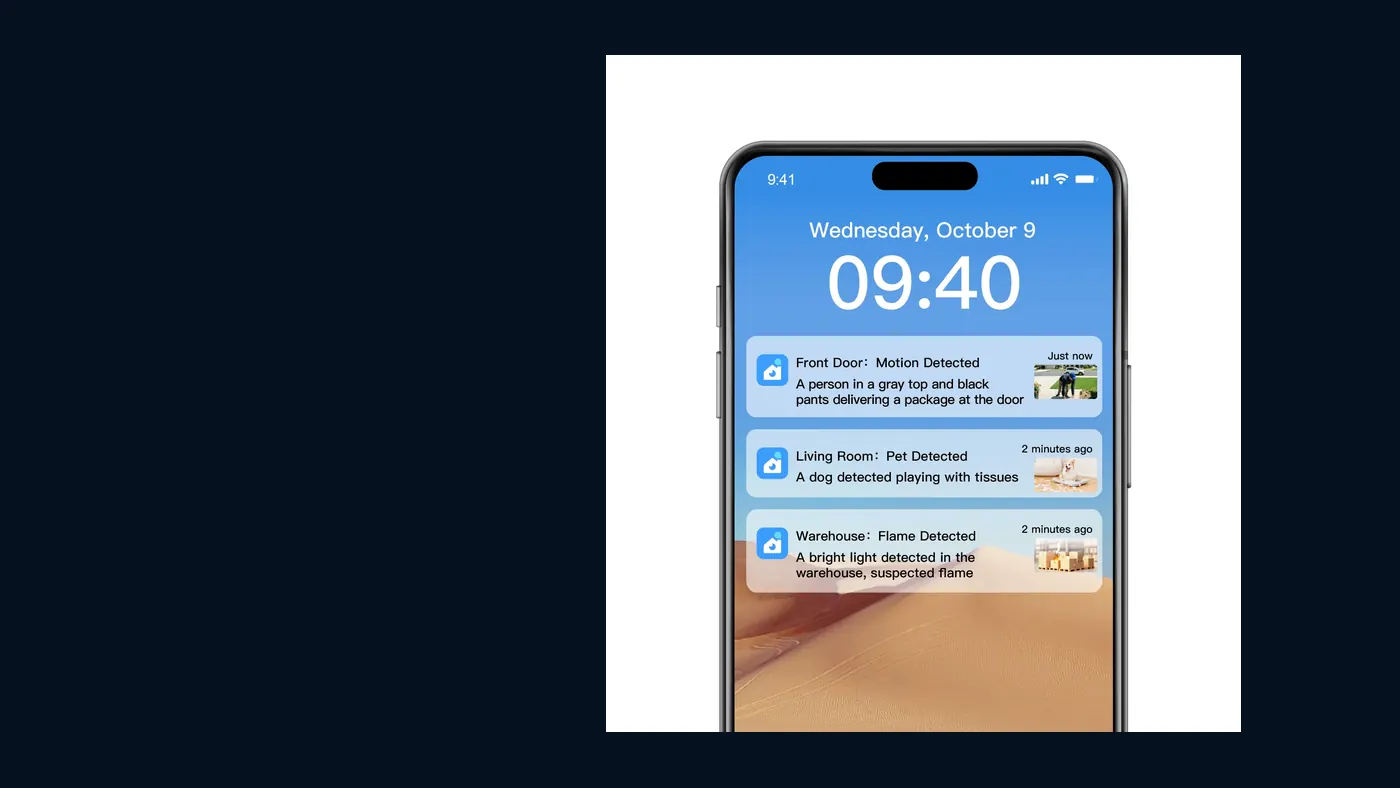
Forgot Yoosee Camera Password? Reset Device or Account
Forgot your Yoosee camera password? Work out which one is blocking you first: the account password can be reset in the app, the device password cannot.
- How to Add a Camera to the Yoosee App (Step by Step)Adding a Yoosee camera means powering it up, choosing AP or QR pairing in the app, and entering a 2.4GHz WiFi password. Here is the full order plus fixes.
- Yoosee App for PC Download: PC Client vs Android EmulatorYoosee app for PC download is not one single desktop app: you either run the PC client or an Android emulator. See what each supports before installing.
- Yoosee App Notifications Not Working: How to Fix AlertsIf Yoosee alerts stop arriving, the cause is usually phone notification permissions, battery optimisation, or motion detection switched off inside the app.
Troubleshooting & fixes
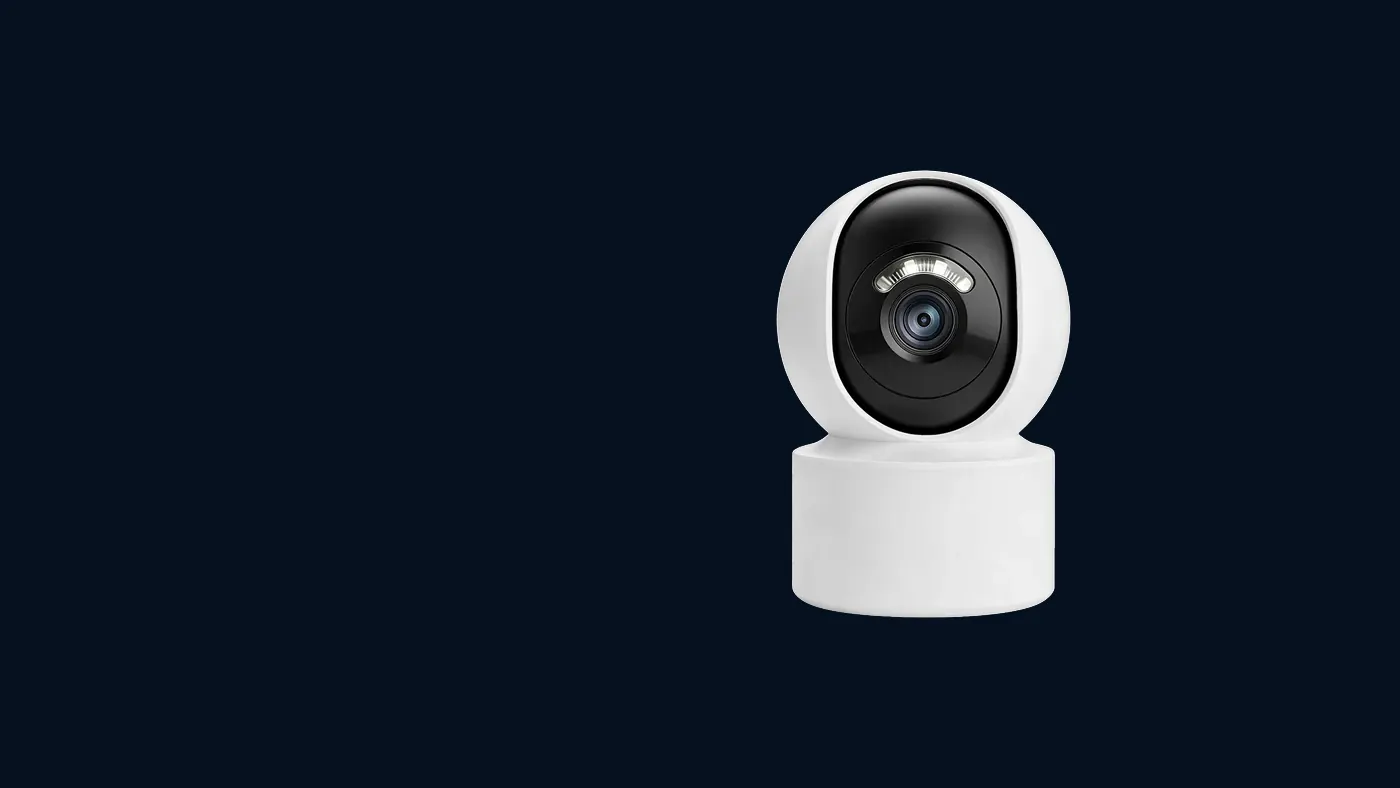
How to Reset a Yoosee Camera to Factory Settings
A factory reset wipes the WiFi profile and device password, so the camera must be paired again. Here is where the button sits and when not to press it.
- Security Camera Not Recording to SD Card: How to Fix ItA camera that shows live video but records nothing usually has an unformatted card, an unsupported card size, or a recording mode left on motion-only.
- Two-Way Audio Not Working on a Security Camera: 4 ChecksTwo-way audio not working on a security camera is usually mic permission, a muted live view, phone volume, or a model with no speaker. Check in that order.
- Why Is My Security Camera Blurry at Night? Six CausesNight blur is rarely a broken sensor. Infrared bouncing off glass, a wall or spider webs, plus dust on the lens, explains most washed-out night footage.
- Yoosee Camera Offline: How to Fix It and Get It BackAn offline Yoosee camera is almost always a power, network or account issue, in that order. Work through those three layers before you reset the device.
- Yoosee Camera Won't Connect to WiFi: Causes and FixesMost Yoosee WiFi failures come down to a 5GHz-only router, a password with special characters, or the phone sitting too far from the camera during pairing.
Solar power
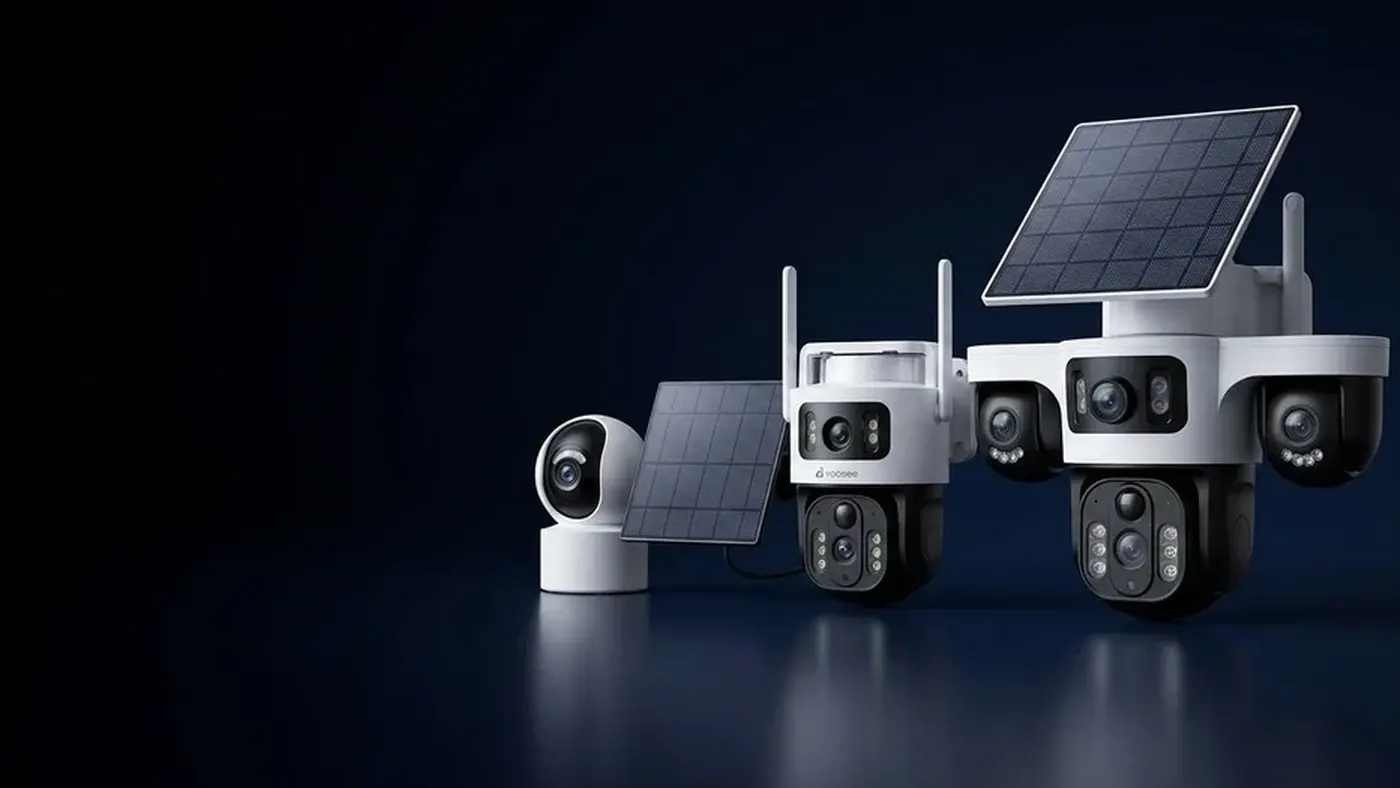
Construction Site Security Camera With No Power
Sites lose tools and materials before services are connected, so a temporary camera has to be quick to move, run without mains power, and survive dust.
- Do Solar Security Cameras Work in Cloudy or Rainy Weather?Solar cameras keep working through overcast spells because the panel still harvests diffuse light and the battery covers the gap. Long shade is the real risk.
- How Long Does a Solar Security Camera Battery Last?Runtime depends on how many events wake the camera, not on clock hours. This explains what drains the battery and how to judge a reserve for grey days.
- Solar Security Camera Not Charging: How to Diagnose ItIf the battery percentage never climbs, check the panel cable first, then shading, then the charge reading in the app. Each points to a different repair.
- Where to Mount the Solar Panel for a Security CameraThe panel matters more than the camera: face it toward the strongest midday sun, tilt it so rain rinses dust off, and keep branches and roof shadows clear.
4G & no Wi-Fi

Best Security Camera Setup for a Farm Without WiFi
Farms need coverage at gates, sheds and water points where no cable reaches. This sets out how to prioritise those spots and what a workable setup looks like.
- How Much Data Does a 4G Security Camera Use per Month?Live viewing, not standby, drives 4G data use. This breaks down what consumes it, why event alerts cost little, and how to cut usage without losing evidence.
- How Much Does a 4G Security Camera Cost to Run?The purchase price is only part of it. A 4G camera also carries SIM data, a memory card and mounting hardware, so compare total first-year cost instead.
- How to Install a 4G Security Camera Step by StepInstall a 4G camera in this order: activate the SIM, test signal at the exact spot, pair with the app, then mount. Reversing it causes most re-installs.
- Security Camera Without WiFi and Electricity: SetupSites with neither broadband nor a power point need the 4G plus solar combination. This covers what that pairing can realistically do and where it falls short.
- Security Cameras That Work Without WiFi or InternetTwo setups need no WiFi: a 4G camera with its own SIM for remote viewing, and an offline camera that only records to a card. They solve very different problems.
- Which SIM Card Do You Need for a 4G Security Camera?A 4G camera needs a data-only SIM in the right size, with the correct APN and no PIN lock. Getting any one of those wrong looks exactly like a dead camera.
- WiFi vs 4G Security Camera: Which Should You Choose?WiFi is cheaper to run where broadband already reaches; 4G buys independence from it. The deciding question is the site, not the camera's specification sheet.


Other guides
- How to Share a Yoosee Camera With Another PhoneOne Yoosee camera can be viewed by several people: share it from the owner account, or log the same account in on a second phone. Both routes have trade-offs.
- How to View Yoosee Camera Playback and RecordingsYoosee playback reads from the SD card in the camera, so the timeline only shows what was actually recorded. Here is how to find, scrub and export a clip.
- Outdoor Security Camera With No Monthly FeeCameras that record to a card avoid cloud fees, but a 4G model still needs data. Here is which running costs are optional and which ones never actually go away.
- What Is a Yoosee Camera and How Does the System Work?Yoosee is a camera app and ecosystem rather than a single device, which is why setup guides vary. This explains how app, camera and account fit together.
- Where to Place Security Cameras Around Your HouseEntry points beat wide views: front door, back door, and the path a stranger would take. Mapping those first tells you how many cameras a house actually needs.