
Outdoor Camera Housing: Fix Raindrops, Glare and Heat
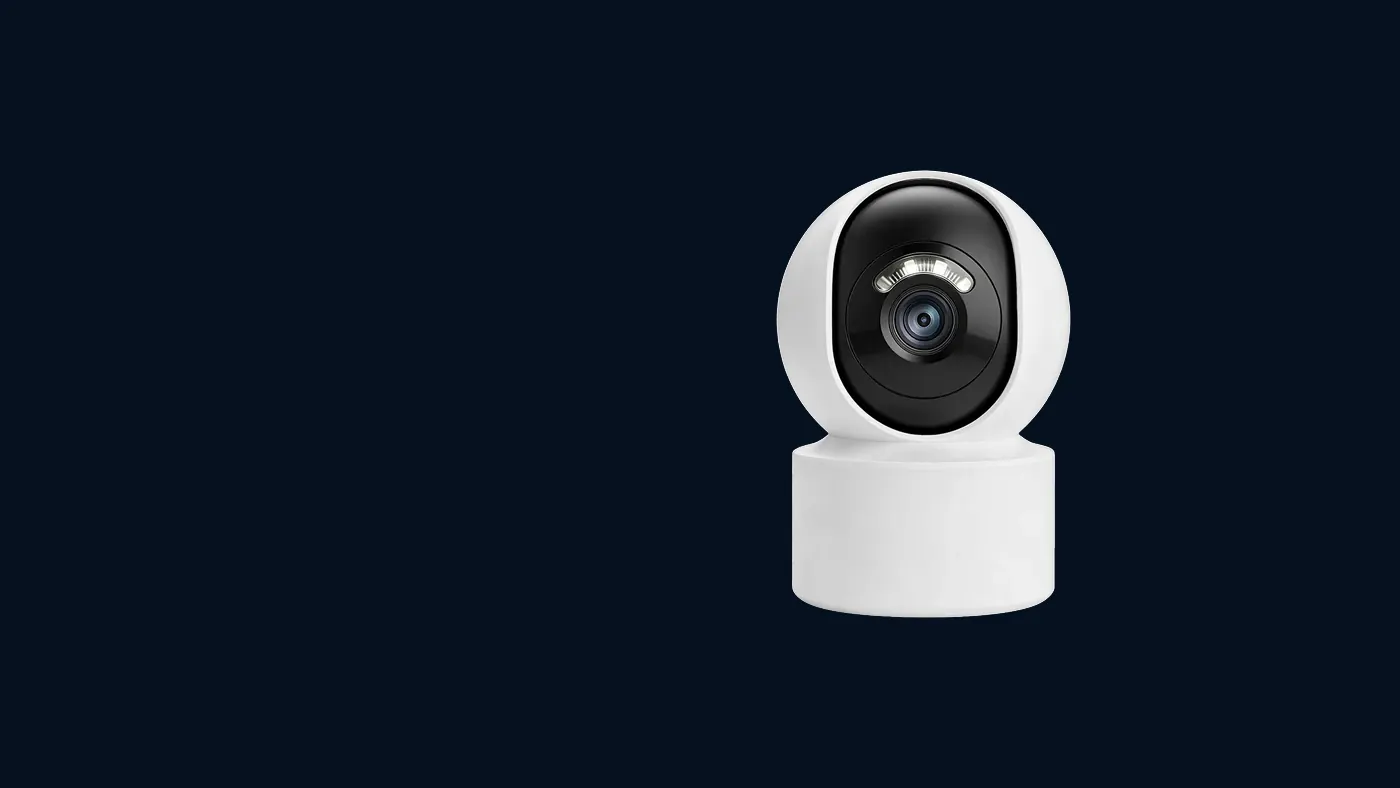
An outdoor camera housing — the weatherproof shell around the lens, plus the sun shield or hood that sits over it — solves three daytime problems: raindrops sitting on the glass, low sun flaring across the picture, and the camera running hot in direct sun. It does not fix a weak camera or a bad mounting spot, and a hood pushed too far forward can make night vision worse by bouncing infrared back into the lens. Below is how to tell which problem you actually have, and what to adjust first.
A Yoosee camera sold for outdoor use normally already has a weather-resistant body (check the label or manual for its rating), so for many readers the job is not buying a new housing but setting up the one you already own properly. Housing shapes, shield sizes and the settings mentioned here vary by model, so check the label and manual for yours.
First, match the symptom to the cause
Open live view in the app and look at the picture at the time of day the problem appears. Each housing problem leaves a recognisable signature:
- Blurry spots that move or shrink over a few minutes, worst during and after rain. Water droplets on the cover glass. They act like tiny lenses and smear anything behind them.
- A white haze, coloured streaks or bright circles across the frame at certain hours only. Sun glare — usually a low morning or evening sun hitting the cover glass at an angle. It comes and goes with the time of day, not the weather.
- An even fog over the whole picture that does not move. Condensation, either on the outside of the glass or trapped inside the housing. This is a different fault, covered in our guide to why a camera looks fine in the day and blurry at night.
- The camera disconnects, restarts or the image goes noisy on hot afternoons, then recovers in the evening. Heat. Direct sun on a dark housing raises the temperature inside well above the air around it.
- The picture is fine all day but turns white or washed out after dark, worse since you added a hood or moved the camera. Infrared reflection from the shield, wall or eave. More on this below.
Write down the time and weather when the problem shows up. If it repeats at the same hour on clear days, it is almost certainly sun. If it follows rain, it is water.
Fixing raindrops on the lens
With any housing cctv outdoor setup, most of the raindrop fix is about where water can land and how fast it leaves.
- Check the sun shield is fitted and pulled forward. On most bullet cameras the shield slides along the body. Fitted correctly, it should overhang the cover glass so falling rain cannot reach it. Many people install the camera with the shield pushed back, or leave it off entirely.
- Tilt the camera down a little more. A glass face pointing slightly downward sheds water; a glass face pointing straight out lets droplets sit. Even a small extra tilt helps, as long as you still see the area you need. Our guide on how high to mount an outdoor camera explains how to balance tilt against coverage.
- Look at what is above the camera. Water dripping off a gutter, a roof edge or a branch can hit the lens long after the rain stops. If droplets keep reappearing on a dry day, find the drip line and move the camera sideways or lower.
- Clean the glass properly. Dust and road film make water bead and cling. Wipe the cover with a soft microfibre cloth and plain water or a little mild glass cleaner. Do not use abrasive pads, solvents or paper towels, which scratch the glass and make glare worse.
- Consider a shelter rather than more plastic. Fitting the camera under an eave is often the simplest rain fix. If you are thinking of that, read our article on soffit mount camera pros and cons first, because tucking a camera under the roof line has its own night-time trap.
Some owners apply a water-repellent coating to the cover glass. It can help droplets roll off, but it also wears unevenly and can leave streaks. If you try it, use a product meant for optical glass, test it on a small area, and stop if the night picture gets hazier.
Dome camera housing and rain
A dome camera housing behaves differently. The curved cover has no separate shield, and water on the dome tends to run down across the lens area rather than drip off. Domes do best mounted on a ceiling or under an overhang, facing down. If a dome on an open wall keeps showing droplets, a small rain shroud or a mounting spot under shelter usually helps more than any cleaning routine.
Fixing sun glare and flare
Glare is a daytime problem that people often mistake for a faulty camera. The picture washes out, colours fade, or you see bright circles and streaks, always at a similar time of day.
- Watch it happen. Open live view at the time the glare appears and look at which direction the sun is coming from. If the sun is in the frame or just above it, no housing can fully remove that.
- Extend the sun shield. On a bullet camera housing the shield acts like the peak of a cap. Sliding it forward blocks sun coming from above. It cannot block sun coming from directly in front.
- Tilt down and avoid the horizon. A frame that includes a lot of sky invites low sun into the picture. Tilting down so the top of the frame stops at the far edge of what you care about often removes the problem completely.
- Turn the camera a little sideways. A camera aimed due east or due west faces the low sun directly at one end of the day. Rotating it so the sun crosses the edge of the frame rather than the middle often helps.
- Clean the cover glass. Scratches, dust and dried water spots scatter sunlight into a haze. A clean cover reduces flare.
- Check image settings in the app. On models that offer them, settings such as backlight compensation or wide dynamic range can help when a bright sky makes the foreground too dark. Menu names and availability vary by model and app version, so if you do not see them, your camera may not support them.
If the glare only lasts a short time each day and the rest of the day is clear, it may be acceptable to live with it. Seasonal changes also move the sun, so a camera that glares in winter may be fine in summer, or the reverse.
Fixing heat in direct sun
A camera that drops offline on hot afternoons and comes back in the evening is often overheating. The housing absorbs sun and the electronics inside struggle.
- Confirm the pattern. In the app, check when the camera goes offline. If it lines up with the sunniest part of the day several days in a row, heat is the likely cause. If it drops at random times, look at Wi-Fi signal or power first.
- Make sure the sun shield is fitted. On many housings it is there as much for heat as for glare, because it shades the top of the body.
- Move it into shade. An eave, the shaded side of a wall or a short shelter above the camera usually helps more than any accessory.
- Keep the body clear. Do not wrap the camera in tape, plastic bags or homemade covers to keep rain off. These trap heat and moisture and usually make things worse.
- Check the power supply is not also baking. An adapter sitting in direct sun, or sealed in a small box with no airflow, can fail in the heat too. Keep it in a shaded, dry spot.
- Check your model's operating temperature range on the label or in the manual. If your climate regularly goes beyond it, a different mounting position or a model rated for harsher conditions is the real fix.
When a hood makes night vision worse
This is the trap many people fall into after fixing a daytime problem. Most outdoor cameras light the scene at night with infrared LEDs around the lens. If anything sits close in front of those LEDs — a shield pushed too far forward, a homemade hood, the edge of an eave, a nearby wall — the infrared hits it and bounces straight back into the lens.
The signs are a white or foggy night picture, a bright band at the top or side of the frame, or a halo that was not there before you added the hood. To check:
- Pull the shield back a little so its front edge does not sit in front of the infrared LEDs, then look at the night picture again.
- Remove any homemade covers and compare.
- Look for spider webs. Shields and hoods are a favourite spot for spiders, and a single web strand lit by infrared looks like fog.
- Check the camera has not switched off night mode entirely. A completely black picture at night is a different fault; our guide to CCTV night vision problems walks through the checks.
The goal is a shield that covers the glass from above for rain and sun, without reaching in front of the LEDs. On most models, the shield position that came from the factory is a sensible starting point.
A quick setup checklist
Run through this once, ideally on a sunny day and again that night:
- Shield fitted and overhanging the glass, but not in front of the infrared LEDs.
- Camera tilted down enough to shed water and cut out most of the sky.
- No gutter, branch or roof edge dripping onto the lens.
- Cover glass clean and unscratched.
- Cable entry pointing down, with a drip loop so water runs off before reaching the camera.
- Power adapter dry and shaded.
- Live view checked at the glare hour and after dark.
When to get help
Some problems are beyond a housing adjustment. Contact the seller if:
- There are droplets or fog inside the housing that do not clear in dry weather. That usually means a seal has failed, and opening it yourself may affect any warranty.
- The cover glass is cracked or badly scratched. A replacement cover or housing for your exact model is the right fix.
- The camera still overheats in shade, or shuts down even on mild days.
- The housing has rust, a loose bracket or water marks around the cable entry.
If moving or re-angling the camera means working on a ladder or near the roof line, have someone hold the ladder and work only in dry, calm weather. If the job involves mains wiring, a new outdoor socket or moving the power supply, switch off power first and use a qualified electrician.
Install or resell cameras?
Rain, glare and night reflection problems tend to cause callbacks, because they only show up at certain times and the customer sees them after you leave. A few habits reduce that:
- Check the shield on every job and set it over the glass but clear of the infrared LEDs, rather than leaving it in whatever position it shipped in.
- Ask where the low sun sets and rises at the property before you drill, and avoid pointing cameras straight at it.
- Do a quick night check before leaving, or ask the customer to send a night screenshot that evening.
- Show the customer how to clean the glass and what a spider web looks like on screen, so a dirty lens is not reported as a fault.
If you install or supply security cameras, see the Yoosee dealer program.
Frequently asked questions
Do I need to buy a separate outdoor camera housing for my camera?
Usually not if the camera is sold for outdoor use, because the body is already the housing. A separate housing is mainly for cameras that were built for indoor use, and fitting an indoor camera into an aftermarket box often brings glare and infrared reflection problems through the extra glass. Check your model's label or manual to see whether it is rated for outdoor use.
Can I put an indoor camera behind a window instead of outside?
You can for daytime viewing, but the glass will reflect light and, at night, it reflects the camera's own infrared straight back into the lens. If you do it, press the lens close to the glass, turn off indoor lights near it, and expect weaker night images. A camera rated for outdoor use mounted outside is the more reliable choice.
Will rain damage my outdoor camera?
A camera rated for outdoor use is built to handle normal rain, but the weak points are the cable connections and the cable entry rather than the body. Keep connectors in a dry box or indoors, leave a drip loop, and seal the hole in the wall. Fog or droplets inside the housing mean water has got in and should be raised with the seller.
Why does my camera picture have a purple or rainbow streak in the afternoon?
That is lens flare from sunlight hitting the cover glass at a low angle. Sliding the shield forward, tilting the camera down and turning it slightly away from the sun usually removes it. A dirty or scratched cover makes flare stronger, so clean the glass as well.
Is a dark or light coloured housing better in hot weather?
A lighter housing generally absorbs less sun than a dark one, but shade matters much more than colour. If heat is a problem, moving the camera under an eave or onto a shaded wall will help more than repainting or swapping housings. Never paint over the cover glass, LEDs or vents.