
Best Security Cameras for Cold Weather: What Fails First
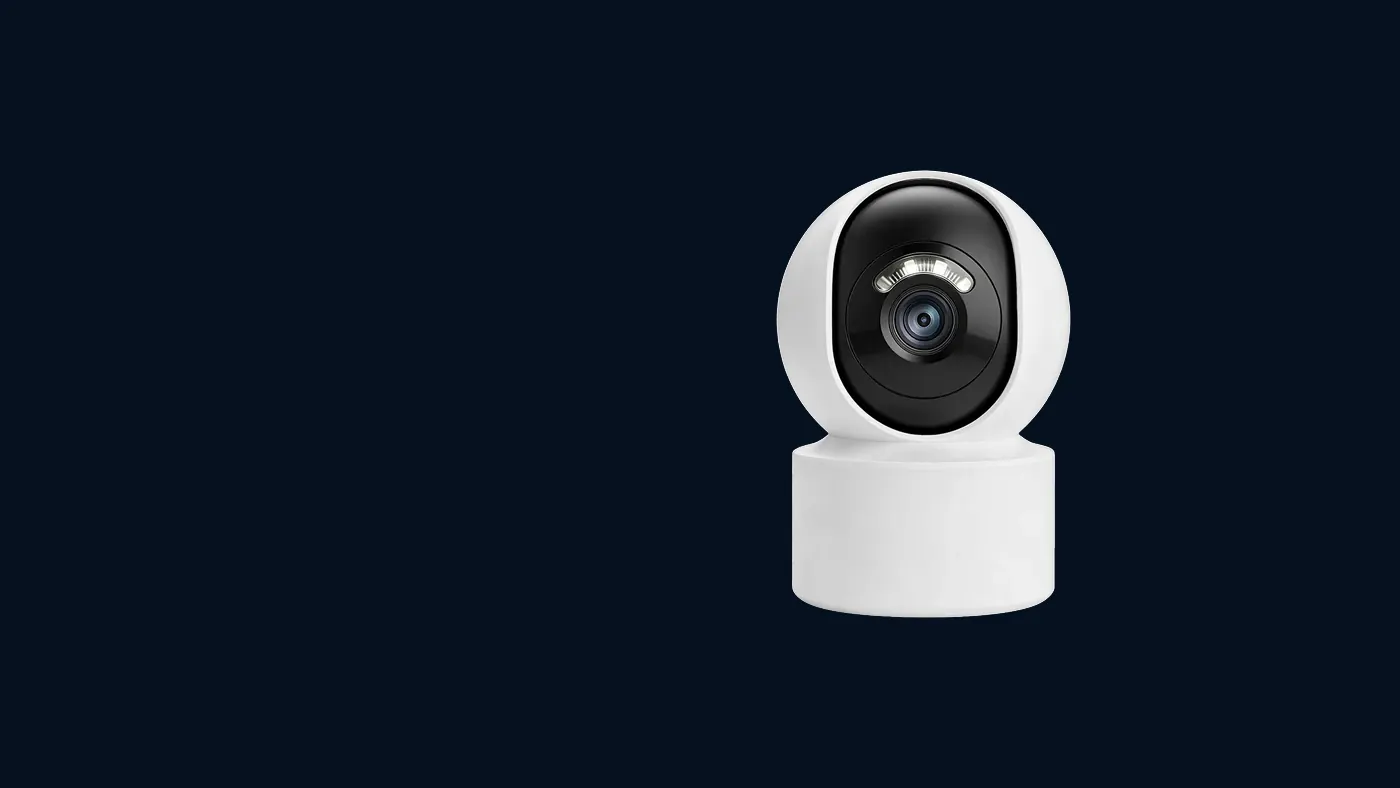
The best security cameras for cold weather are not a particular model so much as a particular setup: mains or wired power rather than a battery alone, a fixed lens rather than a moving head where you can manage with one, a rated operating range that covers your coldest nights, and a mount under real shelter. In freezing weather the things that fail first are predictable — battery capacity, condensation, pan-tilt motors and ice or frost on the lens. If you know what breaks and why, you can choose and position a camera so it keeps recording all winter.
This guide goes through each failure in the order it usually shows up, what the symptom looks like in the app, and the specs and mounting choices that prevent it.
Start with the label: the operating temperature range
Outdoor cameras normally list a rated operating temperature range. It is usually printed on the box, the label on the camera body, or the specification page in the manual. That range is the single most important number for cold climates, and it varies between models, so check yours rather than assuming.
Read it carefully:
- Find the lower limit. Compare it with the coldest nights where you live, not the average winter day. Cameras fail on the worst night, not the typical one.
- Check whether the battery has its own range. On battery and solar models, the battery's charging range is often narrower than the camera's operating range. A camera may run in the cold but refuse to charge until it warms up.
- Look at the ingress rating. A weather-resistance rating tells you how well the housing keeps out rain and dust. It says nothing about cold on its own, but a poorly sealed housing is where condensation and ice start.
- Treat "indoor" cameras as indoor. An indoor camera placed in an unheated garage, porch or shed is outdoors as far as temperature is concerned.
If the lower limit sits close to your coldest nights, the camera may work most of the winter and then drop offline during a cold snap — which is exactly the pattern people describe as "it stops every January".
Failure 1: the battery runs down or will not charge
On battery and solar cameras, the battery is usually the first thing to suffer. Cold slows the chemistry inside a rechargeable cell, so it delivers less and accepts charge more slowly. Winter also brings shorter days, which matters for solar models.
What it looks like in the app:
- The battery level drops much faster than in autumn, with the same number of events.
- The camera shows offline in the early morning and comes back by midday.
- The battery reading jumps up as the day warms, without any charging.
- On solar models, the battery never climbs back to full even on a bright day.
What to check, in order:
- Watch the pattern over several days. A low reading at dawn that recovers by afternoon is the cold, not a dead battery. A level that keeps falling day after day is a real energy shortfall.
- Reduce wake-ups. Tighten the detection zone, lower sensitivity a step and shorten clip length. Fewer events means less drain, which matters more when the battery has less to give. How long a solar camera battery lasts explains how events, not hours, set the runtime.
- Check the panel, not just the battery. Low winter sun is easily blocked by a roofline or a bare tree that was fine in summer. Snow or frost on the panel blocks light completely. Whether solar cameras work in cloudy weather covers panel placement and long grey spells.
- Charge indoors only if the manual allows it. Some removable batteries can be brought inside to charge at room temperature. Let the battery warm up slowly first, and do not charge a battery that is still frozen.
The spec that prevents it: wired power. A camera fed by a mains adapter or a powered network cable does not depend on battery chemistry, and its electronics give off a little warmth of their own while running. If you live somewhere with hard winters and the spot has power available, a wired camera is the more reliable choice. Any new outdoor wiring should be done with the power switched off, and by a qualified electrician where local rules require it.
Failure 2: condensation and fog on the image
Condensation is easy to mistake for a broken camera. Warm, humid air meets a cold surface and leaves water on it. With cameras this happens in two places.
On the outside of the cover. Overnight the housing cools below the surrounding air and dew forms on the glass. The image goes soft and foggy in the small hours, and lights get halos around them. It usually clears as the day warms. A deeper eave or a rain shroud over the camera reduces how much dew settles.
Inside the housing. This is the serious one. If the fog persists in daylight, or you can see droplets on the inside of the dome, moist air has got past a seal. In cold weather the damp then freezes, and repeated freeze and thaw works seals looser over time.
What to check:
- Note when the fog appears and when it clears. Night-only fog that is gone by mid-morning is outside dew. Fog that stays all day is inside.
- Look at the cable entry. Moist indoor air often tracks up the cable from a heated building into the camera. Seal the hole in the wall around the cable, and make sure the cable approaches the camera from below so water drips off before it reaches the connector.
- Check the cover and gasket. A dome screwed down unevenly or a pinched gasket lets damp air in. Switch off power before opening anything outdoors.
- Do not use heat on the lens. A hair dryer on a frozen dome can crack it or drive more moisture inside.
Condensation also makes infrared night images look washed out. If your picture is clean by day and milky after dark, why security cameras go blurry at night walks through the other causes so you can rule them out.
Failure 3: frozen or sluggish pan-tilt motors
A pan-tilt camera has small motors and gears that turn the head. In freezing weather the grease in those gears thickens, ice can form in the gap between the moving head and the base, and the motor has to work harder at the very moment the power available may be lower.
What it looks like:
- You tap a direction and nothing happens, or the head moves in short jerks.
- The camera makes a buzzing or clicking sound but the picture does not move.
- Auto-tracking or patrol stops working on cold mornings and returns later in the day.
- After restart, the head does not complete its normal calibration sweep.
What to check:
- Look at the gap between head and base. Ice or packed snow there will physically block movement. Clear it gently by hand once the power is off. Do not force the head round — that can strip the gears.
- Try again after the day warms. If movement comes back in the afternoon, cold is the cause, not a dead motor.
- Turn off patrol and frequent auto-tracking for the winter. Fewer movements means less strain on stiff gears and less battery drain on wireless models.
- Rule out the usual non-weather causes. A weak connection, the head sitting at its end stop, or a cable caught in the mount all look the same in the app. Fixing a PTZ Yoosee camera that will not move covers those checks in order.
The choice that prevents it: where a single fixed view covers the area you care about, a fixed camera has nothing to freeze. Where you do need pan and tilt, mount it under a roof overhang so snow and freezing rain do not settle in the joint.
Failure 4: ice, frost and snow on the lens
The last common failure is simple: the camera keeps working, but it cannot see. Frost forms on the cover overnight, freezing rain glazes it, or wet snow sticks to it.
What it looks like:
- A white or grey patch over part of the picture, often the top edge.
- A completely white image at night, because the infrared light bounces back off ice on the glass.
- Motion alerts with nothing visible in the clip, triggered by melting snow sliding off.
What to do:
- Choose the mounting spot for shelter first. Under an eave, a porch roof or a deep soffit, the lens is out of the line of falling snow and freezing rain. This prevents more ice than anything else.
- Angle the camera slightly down. A face tilted towards the ground sheds water and snow better than one looking straight out.
- Fit a sun or rain shroud if your model has one. It acts as a small roof directly over the lens.
- Clear ice gently. Let it thaw or use a soft cloth with lukewarm (not hot) water. Scraping scratches the cover permanently, and scratches scatter infrared light at night.
- Keep spider webs off before winter. Webs collect frost and droplets and turn a small problem into a large one.
Other things the cold makes worse
A few weaker problems show up more often in winter because the cold exposes them:
- Memory cards. Cards have their own rated temperature range, and a card near the end of its life may start throwing errors in cold weather. If recordings go missing or the app reports a card fault, try a fresh card from a reputable source and format it in the app.
- Cables and connectors. Outdoor cable insulation stiffens and can crack where it bends sharply. Leave gentle loops rather than tight bends, and protect connectors from standing water that can freeze.
- WiFi range. Snow-laden trees and closed, insulated windows can weaken the signal to an outdoor camera. If the camera drops offline in winter but the battery is fine, check signal strength in the app before blaming the cold.
- Motion detection. On models with a heat-based motion sensor, warm objects stand out more against a cold background, so winter can bring more alerts from cars, pets and warm air from vents. Adjust the detection zone if false alerts climb.
A short checklist before buying for a cold climate
Use this list when comparing outdoor cameras for winter. Specs and features vary by model, so confirm each one on the product page or in the manual.
- Operating temperature range that comfortably covers your coldest nights.
- Power source: wired power where possible; for battery or solar models, check the battery's charging range separately.
- Fixed or pan-tilt: fixed where one view is enough; pan-tilt only where you need to look around.
- Weather-resistance rating suitable for outdoor use, with a sealed cable entry.
- A shroud or overhang to keep snow and freezing rain off the lens.
- Local recording to a memory card, so short connection drops in bad weather do not lose footage.
When to get help
Most cold-weather problems can be fixed by repositioning, sealing or changing settings. Get help in these cases:
- Water or ice inside the housing that comes back after drying. If the camera is new, talk to the seller rather than opening it, since opening may affect any warranty.
- A pan-tilt head that will not move even on a warm day after the checks above. That points to a motor or gear fault.
- A battery that will not charge indoors at room temperature. Cold is no longer the explanation.
- Any work on a roof, a ladder or mains wiring. Ice makes ladders and roofs far more dangerous. Wait for safe conditions, switch off the power, and use a qualified electrician or installer for wiring.
Frequently asked questions
Can I leave my outdoor security camera up all winter?
Yes, if the camera is rated for outdoor use and your coldest nights fall inside its operating range. Taking it down removes your cover for the whole season. The better approach is to fit it under shelter, seal the cable entry and adjust settings to save battery while the cold lasts.
Does freezing weather damage a security camera permanently?
Cold inside the rated range does not normally harm the camera by itself; it comes back to normal as it warms. Lasting damage usually comes from what the cold does to water and to stressed parts: moisture that gets inside and freezes, cable insulation cracking at tight bends, a frozen pan-tilt head forced round by hand, or a battery charged while still frozen. Avoid those and a camera can ride out a hard winter.
Should I put a heater or cover around the camera?
Do not wrap the camera in anything that blocks its vents, lens or infrared lights, and do not add improvised heating near it — that creates a fire and electrical risk. A purpose-made shroud or a mounting spot under an eave is the safe option. Some cameras designed for very cold sites have heating built in; check the specification for your model rather than adding your own.
Is a wired camera really better than a battery camera in snow?
For reliability in hard winters, generally yes. It removes the battery, which is the part most affected by cold. A battery or solar camera can still work well in the cold if it is sheltered, the panel gets enough light and the detection settings are kept tight.
My camera image is fine in the day but white at night after snow. Why?
Snow or ice close to the lens, on the housing, the cover or a ledge just below it, bounces the camera's own infrared light straight back and floods the image. A large bright snow surface in the frame can also make the night picture look overexposed. Clear the cover and any nearby ledge, and adjust the angle so less of the snow close to the camera is lit by its infrared.