
How Long a Solar Camera Battery Actually Lasts
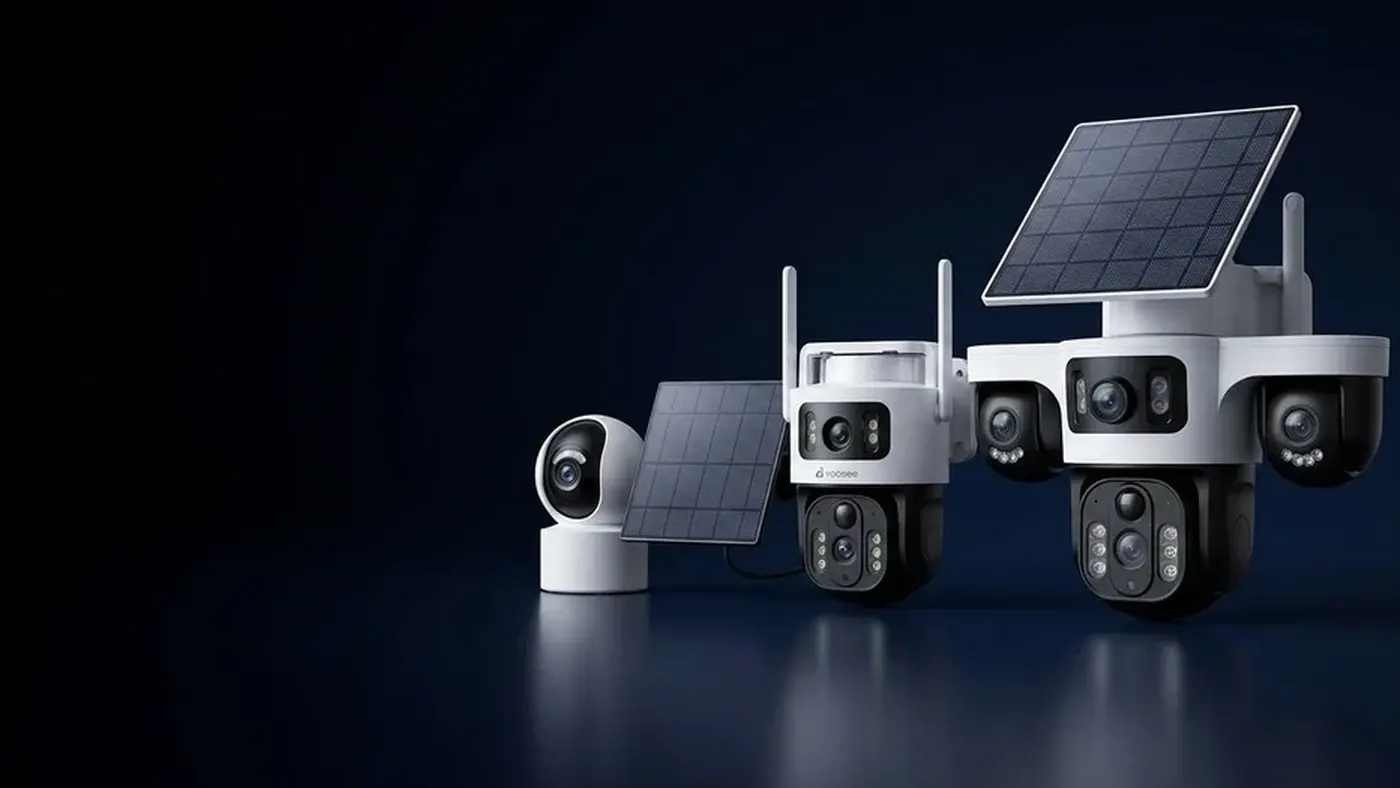
There is no honest answer in days, and anyone who gives you one without asking where the camera is pointed is guessing. A solar camera's battery is not draining steadily like a torch left on. It sits in a very low-power sleep almost all the time and only spends real energy when something wakes it up. Runtime is set by how many times a day the camera wakes, how long it stays awake each time, and whether it is dark when it happens — not by how many hours have passed on the clock.
That is why two identical cameras behave completely differently. One watches a quiet side wall and coasts for weeks. The other faces passing traffic, a tree moving in the wind and a security light flicking on at dusk, and it is flat within days. Same hardware, different workload.
This article is about that workload: what spends the charge, what tops it back up, and how to judge your reserve. If the camera is not charging at all, that is a separate problem, covered in why a solar camera stops charging.
Think in energy in versus energy out, not in days
Picture the battery as a bucket: the panel pours in during daylight, every event takes a scoop out, and when it empties the camera shuts down until it has taken charge back in. Two things follow.
Fewer, shorter events means longer runtime, and the relationship is not gentle. Halving the number of daily triggers does not shave a little off the drain; it roughly halves the largest part of it. This is the single biggest lever you have, and it costs nothing.
Sun does not have to arrive every day. The bucket exists so that harvest and consumption need not match daily. What matters is the balance over a week or two, not any single afternoon — more on that in whether solar cameras work in cloudy weather.
What actually drains the battery
Wake-ups, not standby
Standby is cheap. The camera is listening on a low-power sensor and little else. The expensive part is everything that happens after a trigger: the processor comes up, the image sensor starts, the video encoder runs, the radio connects and pushes a notification and a clip. That start-up burst costs energy every single time, even for a clip that turns out to be a cat.
This is why false triggers are the number one cause of a battery that "drains fast". Common sources:
- Branches, tall grass or hanging plants moving in the wind
- Washing on a line, or a flag
- Traffic and pedestrians on a public road inside the detection zone
- A security light or a bright reflection switching on and off
- Rain and insects lit up by the camera's own infrared at night
- Heat shimmer from a metal roof, driveway or wall in strong sun
Every one of those is a full wake cycle. A camera triggering constantly on a swaying branch is doing the same work as one recording real visitors all day.
How long it stays awake
The second factor is the length of each recording and whether the camera keeps watching after the subject has left. A short clip that stops when motion stops is far cheaper than a long fixed-length clip that runs on after the event, and a camera that records every trigger to the end of a long window will drain even on a quiet site.
Resolution and frame rate matter too: a higher-quality stream is more work for the encoder and more data to send. Lowering the recorded quality is one of the cheapest trades available — you keep the alert and a usable image, and cut the cost per event.
Night vision costs more than daytime
This one surprises people. At night the camera is not just recording, it is also lighting the scene itself. Infrared LEDs draw real current, and they run for the whole length of every night-time clip. A site that is busy after dark will always cost more than the same site busy at noon.
It compounds badly with false triggers. Insects and rain drift close to the lens, catch the infrared, look like motion, and set off another wake cycle — which turns the illuminators back on, which attracts more insects. Cameras that "die overnight" are very often stuck in that loop rather than suffering from a bad battery.
Live viewing, two-way audio and playback
Opening the live view is the most expensive thing you can do per minute: the camera encodes and streams continuously and holds the radio link open throughout, and two-way audio, a spotlight or a siren add to it. Checking in briefly is fine; leaving a feed open all afternoon is a common reason a camera that was stable for weeks suddenly runs low.
The radio: WiFi versus mobile data
The link back to your phone is a constant background cost, and a weak link is worse than no link, because the radio raises its transmit power and retries when the signal is poor. A camera sitting at the edge of WiFi coverage will use noticeably more energy than the same camera with a solid signal — one more reason mounting position affects battery, not just picture.
A 4G camera carries its own radio cost, and mobile coverage at the mounting point plays the same role that WiFi signal strength does. If you are weighing the two, WiFi versus 4G security cameras covers the trade-offs beyond power.
Cold, heat and age
Batteries deliver less in the cold and recover more slowly, and cold weather also brings shorter days and thicker cloud — consumption and harvest move against you at once. Every rechargeable cell also loses capacity as it ages, so an older unit will not hold what it did when new. That is normal, not a fault.
Estimating your own reserve for grey days
You cannot look this up, but you can measure it in about a week, and the method is simple.
Step one: get to a full charge and note the level. Most apps show a battery percentage or a bar. Write down the reading and the date.
Step two: leave everything alone and read it at the same time each day. Same hour matters, because the level swings between morning and late afternoon while the panel is working.
Step three: watch the trend across a week, not a single day. You want the level recovering to full or near full on a decent day and dipping on poor ones. A camera that ends a sunny week where it started has a working balance.
Step four: find your worst realistic case. Judge how far the level falls on a genuinely grey day with your normal traffic, and how many of those in a row your reserve tolerates. That is the number worth knowing — not a manufacturer figure.
If the level never returns to full even after clear days, you have a harvest problem, not a consumption one: shading, a bad angle, dirt on the glass, or a cable or connector fault. Start with where to mount the solar panel.
The settings that buy the most runtime
In rough order of how much they help:
- Cut the detection zone down to what you care about. Mask out the road, the neighbour's path, the tree.
- Lower the motion sensitivity, then test by walking the area yourself. Sensitivity high enough to catch a moving branch is higher than you need for a person.
- Shorten the clip length and let recording stop when motion stops.
- Turn off alerts you never read. Each one still cost a full wake cycle to produce.
- Drop the recorded resolution or frame rate if it is more than you need to identify someone.
- Use a schedule if the site only matters at certain hours.
- Improve the signal at the mounting point, or move the camera closer to the router or better mobile coverage.
Which of these you actually have, and what they are called, depends on the model. Features differ between models and firmware versions, so check the manual for the unit in your hands and confirm with the place you bought it rather than assuming a setting exists.
When the battery is not the real problem
Some symptoms look like poor battery life and are not:
- The level drops fast, then recovers as the day warms. Cold cells report low and come back.
- It never reaches full even in good weather. That is charging, not capacity — panel, angle, shade, dirt, cable or connector.
- It runs down only in one particular week. Look for what changed: a new light, roadworks, a tree grown into the frame.
- It went flat once and now behaves normally. A deep discharge during a bad spell is not a failed battery.
- The camera is offline but the battery reads fine. That is a network problem — see what to do when a camera goes offline.
Frequently asked questions
How many days does a solar camera run without sun?
There is no single figure, because it depends on how much work the camera is doing. A camera on a quiet wall with a tight detection zone and short clips can ride out a long grey spell on its reserve, while the same camera recording traffic all night empties in a fraction of that time. To learn yours, note the battery level at the same hour each day through a normal week.
Why is my solar camera battery draining so fast all of a sudden?
Look for a change in triggers rather than a change in the battery. A branch grown into the frame, a new outdoor light switching on and off, roadworks, a hedge cut back so the road is now visible, or someone checking the live view often will each multiply the daily wake cycles. Cold weather and shorter days then push a borderline camera over the edge.
Does the camera use battery when nothing is happening?
Very little. In sleep it is running a low-power sensor and keeping its connection alive, which is a small background cost next to a wake cycle. The energy goes into detecting, booting, recording, lighting the scene at night and sending the clip — which is why counting events tells you far more about runtime than counting hours.
Is night recording harder on the battery than daytime?
Yes, because the camera has to supply its own light. The infrared illuminators run for the whole clip, so a night-time event costs more than the same event in daylight. Insects and rain drawn to the infrared also cause extra false triggers, which is why cameras with a healthy daytime balance can still run down overnight.
Should I bring the camera inside during the winter?
Usually not, unless the instructions for your model say otherwise. Taking it down removes your cover and stops the panel harvesting the light that is still available. The better response is to cut consumption for the season — tighter detection zone, shorter clips — and to clean the panel more often, since low winter sun is more easily blocked by dirt and shadow.
Can I add a bigger battery or a second panel?
That depends on the model, and it is not something to assume. Some cameras take a separately mounted panel on a cable, some have removable battery packs, some are sealed. Check the manual for your unit and ask the seller which accessories are compatible before buying anything — a panel with the wrong connector or voltage is at best useless.
Installing solar cameras for other people
If you fit cameras for customers, battery complaints are usually survey problems rather than hardware problems: a panel put where the roof shades it in winter, or a detection zone left wide open onto a public road. Both are cheaper to fix at the survey than on a return visit. If you sell or install security cameras and want to discuss supply and dealer terms, see the Yoosee partner information.