
Security Cameras for Rental Property: Where to Place Them and What to Leave Alone
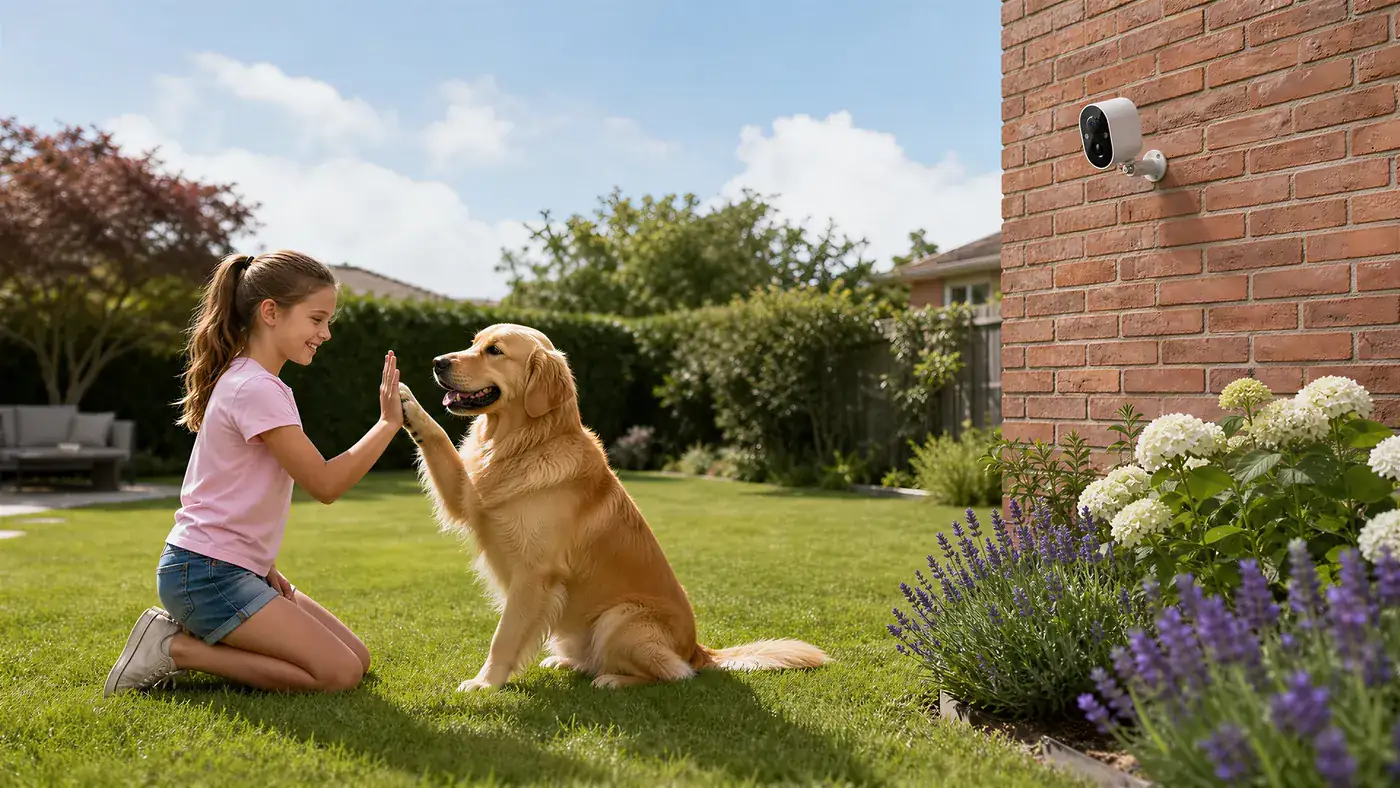
The right security cameras for rental property watch the places you are responsible for and nobody lives in: the front entrance, the car park or driveway, the bin area and shared corridors or gardens. They stay out of everything a tenant treats as home, which means bedrooms, bathrooms, living rooms and anything visible through a tenant's windows. Pick spots like these, choose cameras that need no new wiring (Wi-Fi or 4G, with a memory card), and tell your tenants about them in writing. You end up with a useful record and no privacy dispute.
This guide is for landlords and property managers who look after a let property from a distance. If you only need a camera for a short stay or a single locked unit, our guides on a portable security camera for temporary use and security cameras for storage units fit better.
Start with the rules, because they decide the plan
Before buying anything, settle three questions. Laws differ a lot between countries and even cities, so check local rules or ask a local property professional; the points below are common good practice, not legal advice.
- What does the lease say? If the property is let, the tenant usually has exclusive use of the inside. Your right to put a camera in a shared area may need to be written into the lease or notified in advance.
- Who else is affected? In a multi-unit building, other owners, a management company or a residents' committee may need to agree before you mount anything in shared space.
- What will it record? Video is simple. Audio is often treated much more strictly than video, so many landlords switch audio recording off. Check your camera's settings, and remember that what the camera is capable of depends on the model.
Put the outcome in writing: where cameras are, what they cover, who can see the footage and how long it is kept. A clear note in the lease or a signed notice is cheaper than any dispute.
The one hard line: no cameras inside tenant spaces
This is the rule that keeps everything else simple. Do not install cameras inside a let unit, and do not point an outdoor camera at a tenant's window or private balcony. A camera that sees into someone's home can be unlawful in many places, and it will end a tenancy badly even where it is not.
Two cases get landlords into trouble:
- A "doorbell" view that looks into a hallway or a flat's front door. A camera on your own entrance is fine. One aimed at the door of a tenant's flat records when they come and go, which many people find intrusive. If you need a camera in a shared corridor, aim it at the building entrance or stairwell, not at individual doors, and tell everyone.
- A garden camera that catches a ground-floor window. Tilt it down, narrow the view, or use a privacy mask in the app if your model offers one. Our guide on keeping a front yard camera on your own property walks through tilt, detection zones and masking in the right order.
If a unit is empty between tenants, an indoor camera can make sense for you as owner, but switch it off or remove it before the next person moves in, and be honest in the listing if anything stays.
Where cameras earn their place
Think about what you actually need to know from a distance. For most rentals it comes down to five areas.
1. The main entrance
This shows who comes and goes, deliveries, and any damage to the door or lock. Mount the camera above door height and angle it down so faces are visible, rather than only the tops of heads. A porch light helps at night, and if the area is very dark, check how the night picture looks before you commit to the spot. For flats and apartments specifically, our guide on a wireless apartment door camera covers the choices when you cannot drill into the frame.
2. The car park or driveway
A camera here shows whether bays are used by the right people and records damage or break-ins. Cover the entry point and the bays, not the whole street. If vehicles are far from the building, a camera close to the bays will give more useful detail than a wide one far away. Headlights sweeping across the frame can cause false motion alerts, so draw the motion zone around the bays and not the road.
3. The bin area
Illegal dumping and overflowing bins are among the most common landlord complaints, and a camera pointed at the bins settles who is responsible. Aim it at the storage point and the approach to it. This is also the location where fine detail matters least and a clear time stamp matters most, so check that the date and time are set correctly.
4. Shared corridors, stairwells and entrances in multi-unit buildings
Keep these to the entry points and the shared space itself. Avoid lobbies where tenants' doors are in direct view. If you manage the building together with others, agree the camera list with them first.
5. Gardens, side passages and gates
A rear gate or side passage is where many intruders arrive unseen. Cover the gate and the path, not the neighbours' fence line.
For a general walk-through of the angles that work on a house, our guide to where to place security cameras around your house is a good companion.
Choosing the connection: Wi-Fi, 4G or card only
A rental is awkward because you rarely control the network and you are not there to restart anything. Match the camera to the building.
| Situation | Better option | Why |
|---|---|---|
| Tenant has Wi-Fi and agrees to share it | Wi-Fi camera | Cheapest and simplest, but it goes offline if the tenant changes the router or password |
| Landlord-owned Wi-Fi in a shared area | Wi-Fi camera on that network | You control it and can keep the password stable |
| No Wi-Fi you control, no mains socket outside | Battery 4G camera | Has its own SIM, so it does not depend on anyone's router |
| No signal at all, or you only need a record | Camera with memory card, no live access | Footage stays on the camera and you collect it when you visit |
A few honest limits:
- A camera on the tenant's Wi-Fi is the tenant's dependency. If they cancel the broadband, you lose the camera until it is reconnected. For anything outdoors that is not your own network, 4G is usually less fragile.
- A 4G camera needs a working data SIM. Whether a model uses a SIM, a battery, a solar panel or all of them depends on the model, so check the label or the manual. Before you buy, test mobile signal at the exact spot with your phone.
- A battery camera still needs recharging. How often depends on the model, how many events trigger it and the weather. Choose a position where a person can actually reach it, and treat it as a visit-driven job.
If you need something you can put up with no drilling and no electrician, see our guide to the easiest security camera to install. Where wiring is involved, such as a mains-powered camera on an outside wall, have a qualified electrician do the connection and switch the power off at the breaker before anyone touches the cable. If the spot needs a ladder, have a second person hold it.
Storage and sharing: who sees what
A rental camera is useful only if the right people can get footage when it matters, and only those people.
Local storage on a memory card keeps clips on the camera. It is private and does not depend on the internet, but it only helps if the camera has not been stolen and you can get to the card. Check in the app that the card is detected and set to record, because a card that is not recognised records nothing. Whether a model also offers cloud storage depends on the model and the plan, so check before assuming it.
Sharing access is where many landlords create problems for themselves. A few habits help:
- Give each person who needs to look their own access, and never share one login among a team.
- Share only the cameras that person needs. A caretaker may need the bin and car park cameras, not the main entrance.
- Remove access when a caretaker, cleaner or agent leaves.
- Do not hand live views to tenants unless it is part of what you agreed. If tenants share a camera view of a common area, say so in writing.
Many camera apps, including the Yoosee app, let you share a camera with other people rather than passing around your own login. Whether and how this works depends on the app version and the camera model, but our guide on how to share a camera with family shows the general idea, and the same method works for a caretaker or property manager.
Decide how long you keep footage, delete what you no longer need and, if someone asks to see footage of themselves, check local rules before replying.
A setup you can follow in an afternoon
- Walk the property and list what you need to see. Write down entrance, car park, bins, and so on. Cross off anything pointing at a tenant's private space.
- Check the lease and tell your tenants. Get the notice in writing before any camera goes up.
- Test the signal at each spot. Do a quick video call or stream on your phone at the camera position. Choose Wi-Fi or 4G on the result.
- Mount high, tilted down, with a clear view. Keep it out of easy reach so it cannot be pulled off, and keep the lens away from glass and shiny surfaces that reflect night light.
- Set the time, the motion zones and the storage. Draw the motion area around the thing you care about, not the road or a neighbour's window. Menu names vary slightly by app version, so look for the detection and storage settings.
- Walk through the scene yourself at day and night, and check the clip in playback. Fix what you do not like before you leave.
- Write down where everything is and who has access, so a replacement agent can pick it up.
Common mistakes
- Putting a camera inside the tenant's space "just to check on it".
- Aiming at a neighbour's window because the angle was convenient.
- Relying on the tenant's Wi-Fi for a camera you need to work all year.
- Leaving the default password or sharing one login among several people.
- Setting motion alerts so sensitive that you ignore them after a week.
- Not checking footage until something has already happened, only to find the card was never recording.
When to get help
Ask a local property professional or legal adviser if you are unsure whether a camera position or recording is allowed, especially for audio, shared corridors or multi-unit buildings. Call a qualified electrician for any mains wiring or outside lighting. If a camera shows signs of tampering or forced entry, report it through the normal channels and keep the original footage as it is.
Frequently asked questions
Can a landlord put a camera in a rental property?
In shared or outdoor areas that you control, usually yes, with notice to the tenants and within local rules. Inside the part the tenant lives in, generally no, and many places make it unlawful. Laws differ, so check where you are before installing anything.
Do I have to tell tenants about the cameras?
It is good practice everywhere and a legal requirement in many places. Put the camera locations, what they cover and who can view the footage in the lease or a written notice. A visible camera with a clear notice is also more likely to deter damage than a hidden one.
What is the best camera setup if the tenant will not share their Wi-Fi?
A battery 4G camera with its own SIM avoids the tenant's router completely. If there is no mobile signal at the spot, use a camera that records to a memory card and collect the footage when you visit. Which of these a given model supports depends on the model, so check the label or manual.
Where should I not point a camera at a rental?
Not into windows, bedrooms, bathrooms, living areas or onto a tenant's private balcony. Be careful about shared corridors aimed at individual flat doors, and avoid capturing neighbours' homes. If a legitimate view includes private space, use tilt, a narrower view or a privacy mask if your model has one. Our guide on front yard camera privacy explains the order to do this in.
Can I share the camera view with my property manager or caretaker?
Yes, and it is better than sharing your own login. If your app has a sharing feature, use it to give each person access to only the cameras they need, then remove them when they stop working for you. See our walkthrough on sharing a camera with family for the general steps, which are similar for staff.
Are battery cameras good enough for a rental, or do I need wired ones?
Battery cameras suit rentals because you can mount them without wiring or drilling into the tenant's space. The trade-off is recharging, which depends on the model and how busy the spot is. For a high-traffic entrance where you can reach the camera easily, battery works well; for a spot that is hard to reach, mains power installed by a qualified electrician may be the better call.