
Security Cameras for Storage Units: Working With No Power and No WiFi
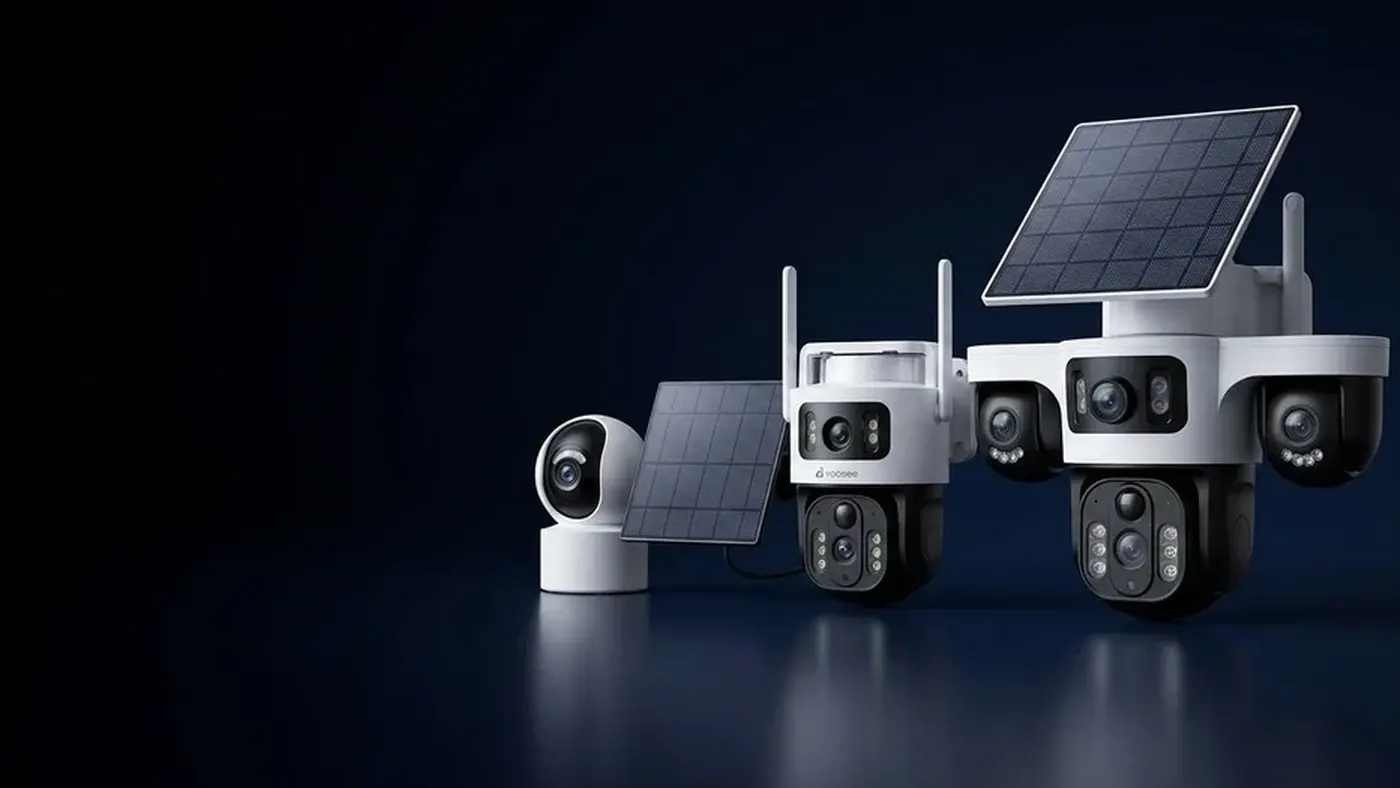
Most rented units have no socket you can use and no WiFi you can join, so the only security cameras for storage units that work reliably are self-contained ones: a battery camera that records clips to its own memory card, or a battery 4G camera with its own SIM that can also send alerts to your phone. Before buying either, check two things: whether the facility allows cameras inside units at all, and whether a phone gets a usable mobile signal inside your unit with the metal door closed. Get those two answers first and the rest is mostly placement and settings.
This guide is about a camera inside your own rented unit. The corridor cameras the facility already runs are theirs, not yours, and they rarely show what happens inside a closed unit.
Step 1: Read the rental agreement and ask the office
Do this before you spend anything. Facilities differ, and some have rules that decide the whole plan for you.
Things to ask or look for in the agreement:
- Are cameras allowed inside units? Some sites are fine with it; others are not, or only allow devices that do not record shared areas.
- Can you fix anything to the walls or ceiling? Usually the answer is no drilling. That pushes you towards free-standing, clamp or magnetic mounts.
- Is there any power in the unit? Some units have a light or a socket, but often it is on a timer or shared, and you may not be allowed to plug devices into it.
- Are batteries allowed to be left inside? Some facilities restrict what can be stored, and lithium batteries can fall under their rules. Ask, rather than assume.
- Where can the camera point? Pointing it out into the corridor or at other people's doors can break facility rules and privacy rules. Keep the view inside your own unit and check local rules if you are unsure.
If the office says no cameras, stop here. A camera that gets you removed from the facility protects nothing.
Step 2: Test the mobile signal behind a closed door
A roller door and steel partition walls form something close to a metal box, and metal blocks radio signal well. It is a common reason a storage-unit camera "goes offline" the day after it is set up: it worked while the door was open during installation, then lost its connection the moment the door came down.
A practical test with nothing more than your phone:
- Turn off WiFi on your phone so it uses mobile data only.
- Stand where the camera will go, at the height it will be mounted.
- Do not shut yourself inside the unit. Instead, start a video call from the phone to a friend (or play a streaming video), leave the phone in place, close the door from outside and see whether the call or video keeps going. Open up again after a minute or two and check how it went.
- Judge by what actually worked, not by the signal bars. A few bars that cannot keep a call or a video going is not a usable signal.
- Repeat at a different time of day, because some facilities sit in busy areas where the network is slower in the evening.
Your phone and the camera may use different network bands, so this test is a guide, not a guarantee. It does tell you a lot, though: if your phone has nothing inside the closed unit, a 4G camera will almost certainly struggle too.
Also note: a phone signal check by the office or at the gate means nothing for the inside of your unit. Ground-floor units near the entrance and upper-floor units in the middle of a block can behave very differently.
Step 3: Pick the camera type from what the test showed
There are really only three outcomes.
Good signal inside: a battery 4G camera
If your phone loads video reliably with the door shut, a battery 4G camera is the most useful option. It records when it detects movement, can push an alert to your phone, and lets you check in from anywhere. It needs a data SIM; our guide on the SIM card for a 4G security camera covers the size, APN and PIN-lock problems that make a working camera look dead.
Most battery 4G cameras also take a memory card, so clips stay on the camera if the connection drops. On most models it is worth having both.
Weak or no signal inside: a battery camera recording to a card
If there is nothing usable behind the door, accept that the camera will not be online. A battery camera that records motion clips to its own memory card still has real value: if something goes missing or is damaged, you open the unit, take the card, and see when the door went up and who came in.
What you give up is the alert. You will only find out at your next visit. For many people storing furniture or boxes they rarely touch, that is an acceptable trade.
A WiFi camera: almost never the right choice
A WiFi camera needs a network you control, and a storage facility does not give you one. Some people try a portable mobile router left in the unit, but that is a second battery-powered device to keep charged and a second thing to fail. If you want remote access, a camera with its own SIM is simpler.
If you are weighing these options more generally, our overview of running a security camera without WiFi and electricity explains how the power side and the connection side are two separate problems.
Step 4: Plan for battery life, not just picture quality
There is no mains power, so battery life decides how often you have to visit. How long a charge lasts depends on the model, the battery size, how often the camera triggers, how cold the unit gets and, for 4G models, how strong the signal is. A weak signal costs more power because the radio works harder. Treat any figure on the box as a best case and measure your own.
Ways to stretch it:
- Use motion-triggered recording, not continuous. A closed storage unit should be still almost all the time, which suits battery cameras well.
- Keep clips short. In the recording settings, a shorter clip length means less work per event.
- Avoid long live views. Checking in for a few seconds is fine. Leaving the live view open drains the battery and, on 4G, uses data.
- Make sure nothing moves in the view. A hanging plastic sheet, a dust cover near an air vent or a door that rattles in the wind can trigger the camera over and over.
- Watch the cold. Unheated units get cold in winter, and batteries deliver less in the cold. Expect shorter runtime in the colder months.
A simple routine: note the battery level shown in the app when you leave, then check at the same time each day for the first week. That tells you your real runtime far better than any estimate.
If you are curious about how backup batteries and SIM cameras compare more broadly, see our guide to a CCTV camera with battery backup and SIM card.
Step 5: Place and mount it without damaging the unit
Placement inside a storage unit has a few traps that do not exist at home.
- Aim at the door from the back of the unit. The door is the only way in. A view of the door opening, with enough of the floor in front of it to see faces and hands, is what you want.
- Mount high and stable. On top of a sturdy stack, on a shelf, or on a clamp attached to shelving. Magnetic mounts can work on plain steel walls; check that your camera's mount is suitable for the weight and that the magnet holds when the door slams.
- Keep the lens clear of shiny surfaces close by. In the dark the camera uses infrared night vision. Plastic wrap, glass, a mirror or a white box right next to the lens reflects that light back and can wash the picture out. Give it some open space in front.
- Check the night picture before you leave. With the door shut, the unit is dark all day as well as all night, so the camera will be in night mode most of the time. Open the live view with the door closed and make sure the door area is actually visible.
- Do not make it the first thing a visitor sees. A camera in plain view can deter, but it can also simply be taken. Placing it among your own boxes, with the lens clear, makes it harder to notice and remove.
- Keep the memory card reachable for you. You will want to take it out quickly without unmounting everything.
Avoid ladders on uneven stacks of boxes. If you need height, use a proper step stool on the floor and have someone hold it, and never touch any wiring or light fittings in the unit; that is the facility's job.
Step 6: Set it up in the app and test with the door shut
Set the camera up at home or in the car park where you have good signal, then move it in. Menu names may differ slightly by app version and camera model, but the checks are the same:
- Set the correct time zone and time. Clips with the wrong time are hard to use as evidence of when something happened.
- Turn on motion detection and, if your model offers a sensitivity setting, start in the middle. Raise it only if a test walk through the door is missed.
- Check the memory card is detected and formatted in the camera's storage settings. A card that shows as not inserted or unformatted records nothing.
- Turn on alerts on your phone for a 4G camera, and make sure your phone's notification settings allow them.
Then run a real test: close the door with the camera running, wait a minute, open the door and walk in. For a 4G camera, you should get an alert on your phone and see the clip in playback. For a card-only camera, check playback straight away to confirm the clip exists and the door area is clearly visible.
What the symptoms usually mean
| What you see | Most likely cause | What to try |
|---|---|---|
| Online with the door open, offline once it is shut | Metal door blocking signal | Move the camera nearer the door or higher, or switch to card-only recording |
| Shows signal but no alerts arrive | SIM data, APN, or phone notification settings | Check the SIM guide above and your phone's notification permissions |
| Battery empties much faster than expected | Frequent false triggers, weak signal, or cold | Look at the clip list for empty clips, lower sensitivity, remove moving objects |
| Night video is white or foggy | Infrared reflecting off something near the lens | Clear the space in front of the camera |
| No clips at all on the card | Card not detected, not formatted, or recording turned off | Check the storage settings and record a test clip |
When to get help
Contact the seller or the place you bought the camera if the memory card is never detected after formatting, the battery will not charge to full, or the camera will not connect even in a spot where your phone works well. Contact the facility office if you are unsure what is allowed or you see signs someone else has been in your unit; they control access logs and their own cameras. If something has actually been stolen, report it through the normal channels and keep the memory card safe as it is.
Frequently asked questions
Can I put a camera inside a storage unit I rent?
Often yes, but it depends on the facility. Read your agreement and ask the office before installing anything, and keep the camera pointed only inside your own unit. Some sites also have rules about leaving batteries inside, so ask about that too.
Will a 4G camera work behind a metal roller door?
Sometimes. Metal doors and steel walls weaken mobile signal a lot, so a camera that works with the door open may go offline once it closes. Test with your phone inside the closed unit first; if your phone cannot load video there, plan for a camera that records to a memory card instead.
How often will I need to charge the battery?
It depends on the model, how often the camera triggers, the signal strength and the temperature, so there is no single answer. A unit that stays still most of the time is a good case for battery cameras. Check the battery level in the app daily for the first week to learn your real runtime.
What happens if someone steals the camera itself?
With a card-only camera, the footage leaves with it, which is why hidden placement matters. A 4G camera that has already sent an alert and uploaded a clip gives you a record even if the camera is taken, but whether clips are stored off the camera depends on your model and the services you have set up.
Is the facility's own CCTV not enough?
Facility cameras usually cover gates, lifts and corridors, which helps show who entered the building. They rarely see inside a closed unit, and getting footage from them depends on the facility's own policy. A camera in your unit shows exactly what happened to your things.
Can I use the same camera later for a site without power?
Yes, a battery or battery 4G camera moves easily to other places without mains power. For example, our guide to a construction site camera with no power covers how to plan for a camera that is moved around a site several times.