
PIR Camera Explained: How Motion Sensing Works and Where It Fails
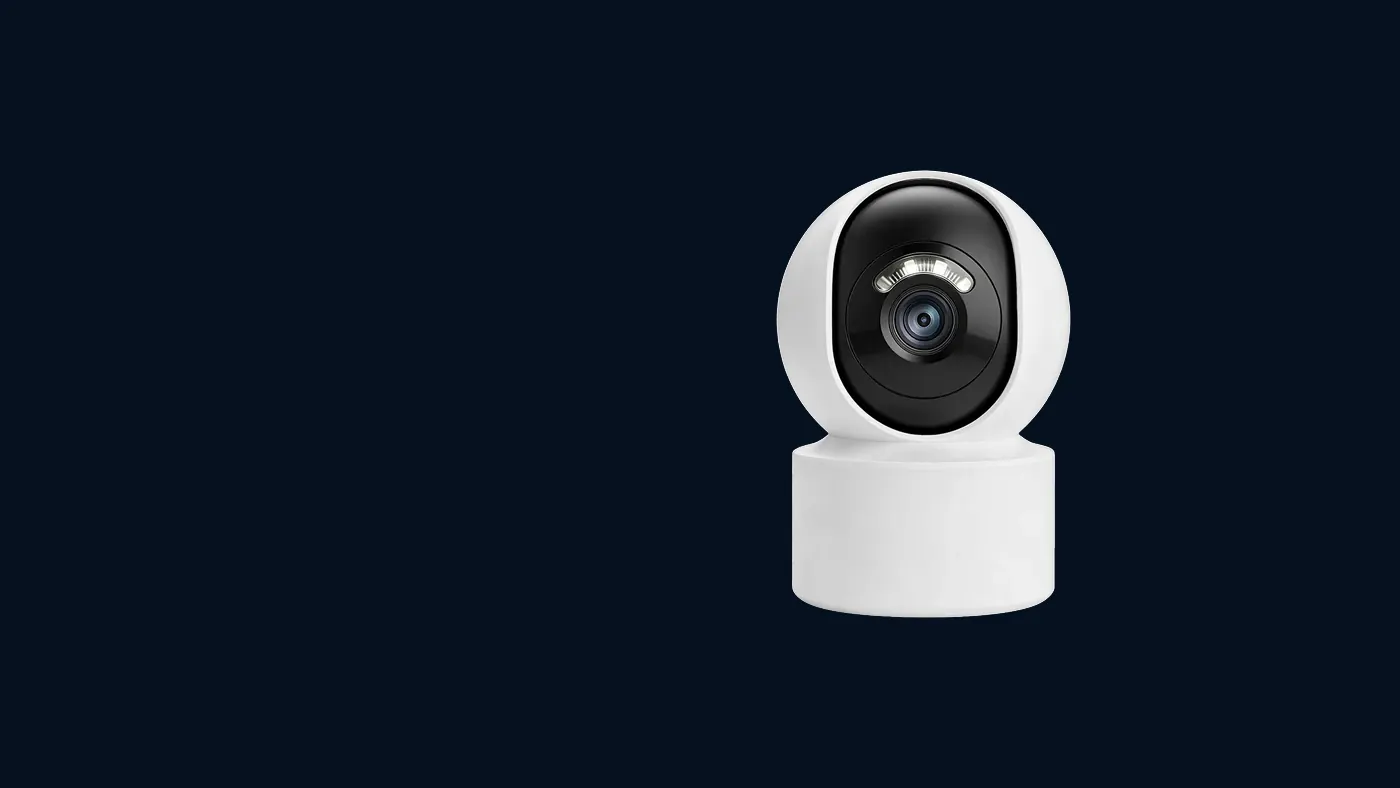
A pir camera uses a passive infrared sensor to notice a change in heat — usually a person, an animal or a car engine moving across its view — and only then wakes the camera to record. It does not "see" movement in the video; it feels warmth shifting between zones. That makes it very efficient, which is why battery and solar cameras depend on it, but it also explains its blind spots: someone walking straight towards the lens, a person behind a window, or a scene where everything is the same temperature as the body in it.
This article explains how the sensor works, why it misses what it misses, and what you can check and change on your own camera. Menu names in the app may differ slightly by app version and by model, so treat the steps as a map rather than an exact script.
What "PIR" actually measures
PIR stands for passive infrared. "Passive" means the sensor sends nothing out. It simply receives the heat that every warm object gives off as infrared light — invisible to your eyes, but measurable.
The sensor itself is tiny and sits behind the small dome or frosted window you can see on the front of most battery cameras. That window is not just a cover. It is a segmented lens that splits the area in front of the camera into a fan of separate zones, a bit like the fingers of a spread hand. The sensor compares neighbouring zones all the time:
- If every zone stays at a steady temperature, nothing happens.
- If a warm shape moves out of one zone and into the next, the balance between them flips, the sensor registers a sudden change, and it signals the camera to wake up.
Two consequences follow, and almost every complaint about a security camera with a PIR sensor traces back to one of them:
- It responds to heat contrast, not to shape or colour. A person who is roughly the same temperature as the background is hard to detect.
- It responds best to movement across zones, not movement along a single zone.
Why battery and solar cameras rely on it
A camera that analyses its own video for movement has to keep the image sensor and processor running all the time. That is fine on mains power, and it is how many wired cameras do motion detection. On a battery it would drain the pack quickly.
A camera PIR sensor draws very little power. So a low power solar camera spends most of its life asleep, with only the PIR sensor and a minimal network connection alive. When the sensor trips, the camera boots its image sensor, starts recording, decides whether to send you an alert, uploads the clip and goes back to sleep.
That wake-up chain has a cost you should know about:
- There is a short delay. The camera needs a moment to wake and start recording, so the first part of an event can be missing from the clip. Someone who moves quickly through the edge of the frame may appear only as they leave.
- Every trigger spends energy. A false trigger costs as much as a real one. If you want to understand how triggers translate into runtime, see how long a solar security camera battery lasts — the short version is that counting wake-ups tells you more than counting hours.
Some models combine both methods: the PIR sensor wakes the camera, then the camera checks the picture (for example for a human shape) before deciding whether to alert you. Whether your camera does this depends on the model, so check the manual or the settings page for an option such as human detection.
The situations where PIR misses
These are the failure patterns worth recognising. If your missed events match one of them, you are dealing with physics, not a broken camera.
Walking straight at the camera
If a person walks directly towards the lens, they stay inside the same zone for most of the approach. The sensor sees one zone getting a little warmer, rather than warmth jumping from zone to zone, so the change may be too gradual to trigger. The same person walking across the view would be caught at a much greater distance.
What to do: aim the camera so the main path crosses its view at an angle instead of running straight at it. A camera at the side of a path, looking along and across it, usually beats one at the end of the path looking straight down it. The mounting angle also matters for faces — how high to mount an outdoor camera explains how to get both.
Anyone behind glass
Ordinary window glass blocks most of the infrared that the sensor relies on. A PIR camera placed indoors looking out through a window will often not detect people outside, even though the video picture through the glass looks perfectly clear. The reverse is also true: a camera outside will not detect someone inside behind a closed window.
What to do: if you want to watch the outside, mount the camera outside. If it has to stay indoors behind glass, a camera that detects motion from the video image (usually a mains-powered model) is the better tool. Glare from the infrared night lights on the glass is a second problem in that setup.
Hot weather and warm backgrounds
PIR works on the difference between the body and the background. On a hot afternoon, when a wall, the paving or the air is close to body temperature, that difference shrinks and the effective detection range shortens. Heavy winter clothing can reduce the contrast too, because the outer layer is cooler than the skin.
What to do: expect shorter range in the hottest part of the day, and raise the sensitivity a step if your model allows it. Avoid aiming the sensor at a surface that bakes in direct sun.
Too far away, or too close below
Every sensor has a working range, and that range differs by model, by sensitivity setting and by weather. Check the label or manual for your model rather than assuming a figure. People beyond that distance simply do not register. A camera mounted very high and tilted down can also have a gap directly underneath it, where someone standing against the wall passes below the lowest zones.
Small or slow movement
A person standing still is invisible to the sensor once the initial movement stops. Someone moving very slowly can sometimes stay below the threshold. Small animals close to the camera, on the other hand, can trigger it easily because they fill several zones at once.
The situations where PIR triggers for nothing
The same heat-change principle produces the most common false alarms on a security camera PIR:
- Sun and shadow. Cloud passing over sunlit paving, or a patch of sunlight moving across a wall, changes surface temperature fast enough to trip the sensor.
- Car engines and exhaust. A car parking or idling in the zone is a large warm object.
- Heaters, air-conditioner outdoor units and vents. Hot air blowing across the view flips zones constantly.
- Plants and branches in the sun. Leaves warmed by the sun and moving in the wind can look like a moving heat source.
- Insects and spiders right in front of the sensor, which can be close enough to register, and which the infrared night lights tend to attract.
- Pets and wildlife, which are warm and move across zones exactly as a person does.
If you get a burst of alerts with nothing in the clip, the trigger often left the frame before the camera finished waking, or it was heat with no visible shape at all.
Checks and settings, in order
Work through these in sequence. Change one thing at a time, then watch a day or two of events before changing the next, otherwise you will not know which change helped.
- Check when the clip starts. Open a missed or false event in the app's playback list and look at the moment the clip starts. A clip that begins after the person is already halfway across tells you the wake-up was late, not that detection failed entirely.
- Clean the sensor window. Wipe the PIR dome and the lens gently with a soft, dry cloth. Dirt, cobwebs and dried rain spots on the sensor window reduce what it can feel.
- Find the motion or PIR settings. In the Yoosee app, open the camera, go into its settings, and look for an alarm, motion detection or PIR section. Depending on the model and app version you may find a sensitivity level, a detection on/off switch, human detection, and an alarm or recording schedule.
- Adjust sensitivity in single steps. Too many false alerts: lower it one step. Missing people: raise it one step. Very high sensitivity on a battery camera means more wake-ups and a faster drain.
- Re-aim before you re-tune. If people approach head-on, change the angle so they cross the view. If a road, a hedge or a sunny patch causes most false triggers, tilt or turn the camera so it is not in view. Moving the camera usually fixes more than any setting.
- Use human detection if your model has it. It filters out many triggers caused by heat without a person, at the cost of occasionally ignoring a partly hidden person.
- Check the schedule. A detection schedule left from setup can mean the camera is simply not armed at certain hours.
- Walk-test it. Ask someone to walk the routes you care about — across the view, towards the camera, and at the far edge — while you note which ones produce an event. That tells you where your real coverage ends.
If the camera does record events but your phone stays silent, the problem is on the alert side rather than the sensor. Work through why Yoosee app notifications stop arriving before changing any detection settings.
Placement tips that suit PIR
- Put the main walkway across the view, not straight towards the lens.
- Keep the sensor out of direct afternoon sun and away from heaters, vents and air-conditioner units.
- Avoid framing a public road or a neighbour's driveway, which add triggers you do not care about.
- Keep branches and tall plants out of the near part of the view.
- On a solar model, find a place where both the camera view and the panel position work. A great view with a shaded panel will still end in a flat battery.
For electrical work, ladders or roof access, switch off any power at the supply first and use a qualified electrician for anything wired into the building. Working at height alone is a common way to get hurt, so have someone hold the ladder.
When to get help
Contact the seller or support channel listed in your manual if:
- Walk-tests produce no events at all at close range, even after cleaning, maximum sensitivity and checking the schedule.
- The camera triggers constantly with an empty scene that has no sun, heat source or plants in view.
- Settings you change in the app do not stick after the camera sleeps and wakes again.
- The sensor window is cracked, fogged on the inside, or has water behind it.
Have the model number from the label, the app version and a few example clip times ready. It makes the conversation much shorter.
Frequently asked questions
Can a PIR camera see through a window?
The camera lens can show you the scene through glass, but the PIR sensor generally cannot detect people through it, because ordinary glass blocks most of the infrared heat it measures. That is why a camera on a windowsill can show a sharp view of the street yet stay silent when someone walks past. For outdoor coverage, the camera itself needs to be outside.
Is PIR better than video-based motion detection?
Neither is better in every case. PIR uses far less power and ignores many visual changes like moving shadows on a cool day, which makes it the natural choice for battery and solar cameras. Video-based detection keeps working behind glass and on head-on approaches, but it needs constant power and can be fooled by lighting changes.
Will a PIR sensor detect a cat or a dog?
Usually yes, because pets are warm and move across zones just like people. Lowering sensitivity reduces this, and human detection, if your model has it, can filter many pet alerts. Placing the camera higher so its lower zones look past ground level can also help, but check that it still covers the faces you want.
Why does my camera miss the first few seconds of an event?
A battery camera is asleep until the PIR sensor wakes it, and starting the image sensor and recording takes a moment. Fast movement near the edge of the frame can pass before the recording begins. Aiming the camera so people enter the view further away gives it time to wake before they reach the area you care about.
Does rain or wind trigger a PIR camera?
Rain on its own is not usually warm enough to trigger it, but heavy rain can change surface temperatures and drops on the sensor window can cause problems. Wind is more often the issue indirectly: it moves sunlit branches or blows warm air from vents across the zones. Trimming plants and re-aiming the camera solves most of these.