
4K Solar Security Camera: Can Solar Keep Up With 4K?
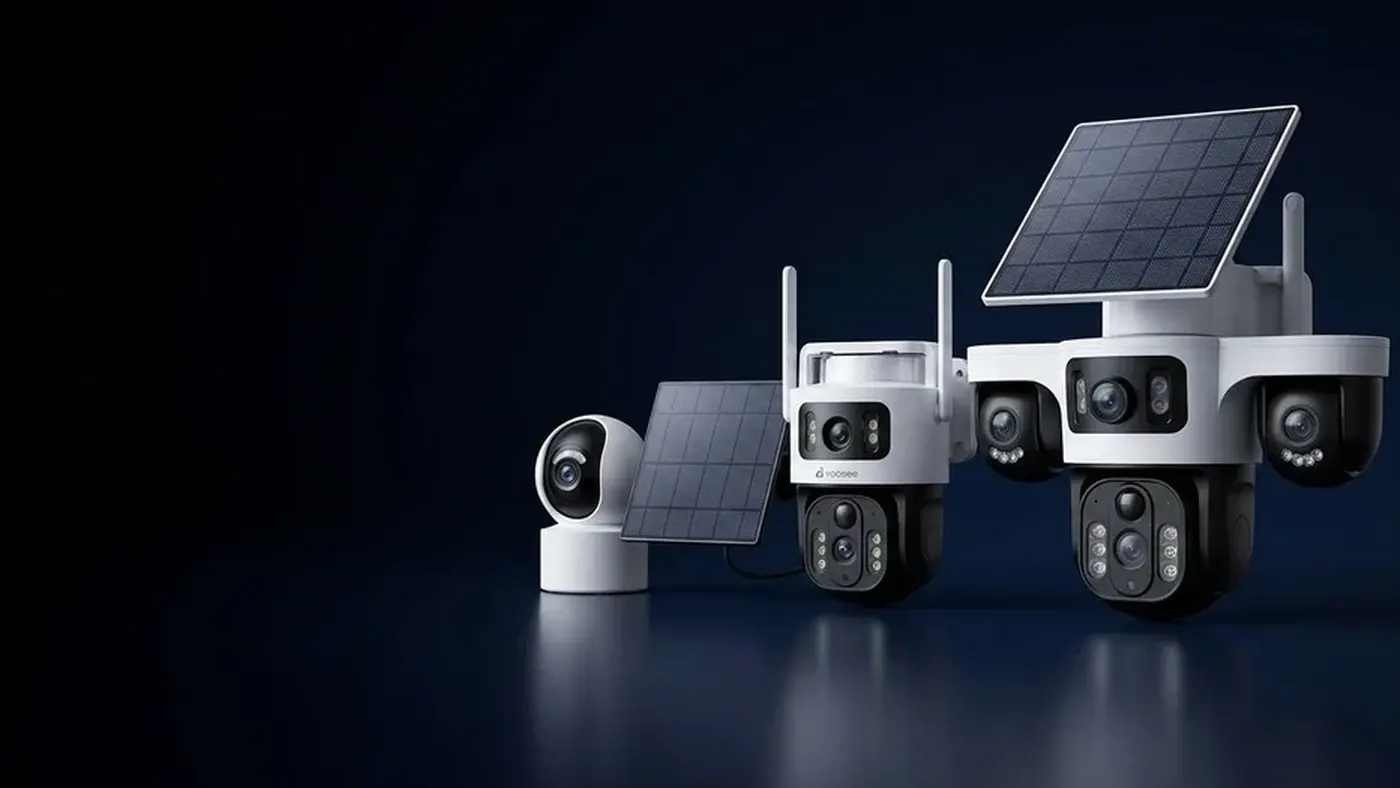
A 4K solar security camera can run reliably, but only when the site gives it more than a lower-resolution camera would need: strong sun on the panel, a solid wireless signal, and a modest number of recordings per day. Higher resolution means the camera works harder on every clip — more processing, more data to write and more data to upload — so the battery drains faster per event. If your spot is shaded, busy or at the edge of your WiFi, a 2K camera is often the more dependable choice, because the picture you actually get to keep matters more than the picture the box promises.
This article explains where the extra energy goes, how to check whether your site can support 4K, and how to tune a 4K solar camera so it does not go flat in the first grey week.
Why 4K costs more power on a solar camera
A solar camera lives on a simple budget: energy collected by the panel in, energy spent by the camera out. For the full picture of that budget, see how long a solar camera battery actually lasts. Here we focus on what resolution changes.
On most battery and solar cameras, the camera sleeps until its motion sensor wakes it. Each time it wakes, it does the same set of jobs, and 4K makes most of them heavier:
- Processing. The image chip has to handle far more pixels per frame than at 2K or 1080p (4K has four times the pixels of 1080p), and compress all of it. More work per second means more power for as long as the camera is awake.
- Writing to the card. A higher bitrate means more data written to the SD card per second of video. On its own this is a small cost, but it adds up across many clips.
- Uploading. This is usually the big one. A clip sent to the app or to cloud storage has to travel over the radio, and the radio is one of the hungriest parts of the camera. More data means the radio stays on longer for every event.
- Live view. When you open the camera in the app, it wakes, streams and keeps its radio busy for as long as you watch. A higher-quality stream keeps that radio working harder.
The standby part — the camera asleep waiting for motion — does not change much with resolution. So a 4K camera at a quiet spot can do fine, while the same camera facing a busy street will spend far more per day than a 2K camera would in the same place.
The signal problem: weak WiFi multiplies the cost
Resolution and signal strength interact in a way that catches many people out. When the WiFi signal at the mounting spot is weak, the camera cannot push data quickly. It retries, slows down, and keeps its radio on longer to get the same clip through. With a 4K clip there is more data to move, so a weak link costs proportionally more time — and more battery — than it would at 2K.
A weak signal also shows up as symptoms that look like other faults:
- Clips arrive late or cut off in the app, even though the SD card copy is complete.
- Live view takes a long time to open, or drops back to a blurry picture.
- The battery falls faster than expected even though the panel is in full sun.
Before blaming the panel, check the signal. In the Yoosee app, open the camera, go to its settings and look for the network or device information page; many models show a signal indicator there (menu names differ slightly by app version). Better still, stand at the mounting spot with your phone on the same WiFi network and run a speed test. If the phone struggles there, the camera will too. For more on how much data a 4K stream actually produces and how sub-streams work, read whether your WiFi and SD card can keep up with a 4K camera.
If your camera uses mobile data rather than WiFi, the same logic applies: a weak mobile signal makes every upload longer, and 4K uploads also use your data allowance faster. Check your plan and the signal bars at the actual mounting spot, not at ground level.
The sun problem: 4K needs a better panel position
Because a 4K camera spends more per event, it has less margin on poor days. The panel has to collect more on good days to keep the battery topped up for the bad ones. That makes panel placement more important, not less.
Check these in order:
- Open sky at midday in the worst month. A spot that is sunny in summer may be shaded by a roof edge or tree in winter, when the sun sits lower. Walk out around midday and look at what stands between the panel and the sun.
- Panel facing the sun's path. It should face the side of the sky where the sun spends most of the day, with enough tilt that rain rinses it. The details are in where to mount the solar panel.
- No partial shade. Even a shadow across part of the panel can cut its output sharply. A pole, a wire or an overhanging branch matters.
- A clean surface. Dust, pollen and bird droppings quietly reduce charging. A clean panel is free extra margin.
Cloud is a smaller problem than shade, but it does reduce what the panel collects. If you live somewhere with long wet seasons, read whether solar cameras work in cloudy weather and plan for the darkest weeks, not the average ones.
4K or 2K: a simple way to decide for your spot
There is no universal rule, because it depends on your sun, your signal and how busy the scene is. But you can make a sensible call by asking four questions about the spot you have in mind:
| Question | Points toward 4K | Points toward 2K |
|---|---|---|
| Does the panel get open sky most of the day, all year? | Yes | Shade for part of the day or season |
| Is the WiFi or mobile signal strong at the mounting spot? | Strong and steady | Weak, or drops in and out |
| How many motion events per day? | Few (a gate, a back yard) | Many (a street, a shop front, a path) |
| Do you need to read fine detail at a distance? | Yes, such as a plate or a face far away | No, you mainly need to see that something happened |
If most of your answers fall in the right-hand column, a 2K camera is likely to give you more complete recordings over a year. The sharper camera is not useful if it misses clips because it ran out of battery overnight or could not upload in time.
If you need detail and the site is difficult, there are middle paths: move the camera closer to what you need to see, so a lower resolution still captures it clearly; or keep 4K but limit when and what it records.
How to tune a 4K solar camera so it lasts
Many cameras let you trade a little picture quality or recording time for a lot of battery. Exact options vary by model and app version, so check what your camera offers in its settings. The ones that usually help most:
- Tighten the detection zone. If your model supports activity zones, draw the zone around the area you care about and exclude roads, trees and neighbouring property. Fewer false wake-ups saves more power than almost any other change.
- Lower the motion sensitivity one step at a time. Watch the event list for a few days after each change to make sure real visitors are still caught.
- Shorten clip length. A shorter clip means less processing and less to upload per event.
- Choose the recording quality. Some models let you record at a lower resolution or use a power-saving mode. Try it on the less important cameras first.
- Use a schedule. If the area only matters at certain hours, limit detection to those hours.
- Check live view habits. Opening the camera many times a day "just to check" is a real cost on a solar camera. Use the event list instead where you can.
- Watch the battery trend for a week. The app often shows battery level on the device page. A camera that ends each sunny week higher than it started is in balance; one that loses a bit every day will eventually go flat on the first run of grey days.
As a worked example of why clip length matters: if a camera records ten events a day and you halve the length of each clip, you roughly halve the time spent recording and uploading, while standby use stays the same. The real saving on your camera depends on its hardware and your scene, so treat this as a way to think about it, not a measured figure.
Installation checks before you drill
Get these right on day one and most 4K solar problems never appear:
- Test the signal at the exact spot, at the exact height, before mounting anything.
- Check the panel position at midday and think about how shadows move in winter.
- Use a quality SD card sized and rated for your model's recommendations in the manual. A slow or failing card causes gaps that look like power problems.
- Fully charge the battery before first use, if your model's manual recommends it, so the panel starts from a full reserve.
- Mount where you can reach to clean the panel, or plan how you will do it safely.
Safety: if the job needs a ladder or a roof, work with someone holding the ladder and do not work on wet or windy days. If you are adding any mains-powered equipment near the camera, such as a WiFi extender on an outdoor socket, switch off the power and use a qualified electrician. Check local rules on where a camera may point, especially toward neighbours or public areas.
When to get help
Contact the seller or a local installer if:
- The battery drops steadily every day even with a clean, unshaded panel and a strong signal. The battery or charging circuit may be faulty.
- The camera never shows a charging indication in full sun. The panel, cable or connector may be the problem.
- The camera goes offline at the same time each day. This can point to a signal problem at the site that needs a better access point or extender.
- You are unsure whether a larger or second panel is compatible with your model. The wrong panel or connector can damage the camera.
Have the model name from the label, the app version, and a few days of battery readings ready. It makes the conversation much quicker.
Frequently asked questions
Is a 4K solar camera worth it over 2K?
Yes, if you genuinely need to read detail at a distance, such as a face across a yard, and the spot has strong sun and signal. If you only need to know that someone came and went, 2K usually gives you the same answer with more battery to spare.
Why does my 4K solar camera look blurry in the app?
Many cameras show a lower-quality stream in live view to keep it smooth, especially over mobile data or a weak connection. Look for a quality switch in the live view, often labelled HD and SD. The recording on the SD card is usually at full resolution even when the live picture is not.
Does a solar powered wifi camera record all the time?
Most solar and battery cameras record only when motion wakes them, because continuous recording would use more power than a small panel can usually supply. Some models offer continuous or scheduled recording, but on solar this needs a very sunny site and often a larger panel. Check what your model supports in its manual.
Can I switch my 4K solar camera to a lower resolution to save battery?
On many models you can, through the video or recording quality setting on the camera's settings page. The exact options and names vary by model and app version. If you change it, watch the battery trend for a week to see whether it made a real difference at your site.
Will a 4K solar camera work in winter?
It can, but winter is when the margin is thinnest: shorter days, a lower sun and longer shadows all reduce what the panel collects. Reduce detection zones and clip length before winter starts, clean the panel, and check that no new shadow falls on it at midday.
Does 4K use more of my mobile data on a 4G solar camera?
Yes. Each uploaded clip and each minute of live view carries more data at higher resolution. If your camera runs on a SIM card, check your data plan, keep clips short, and use the lower-quality live view when you only need a quick look.