
Watching a Building Site Before the Power and Broadband Arrive
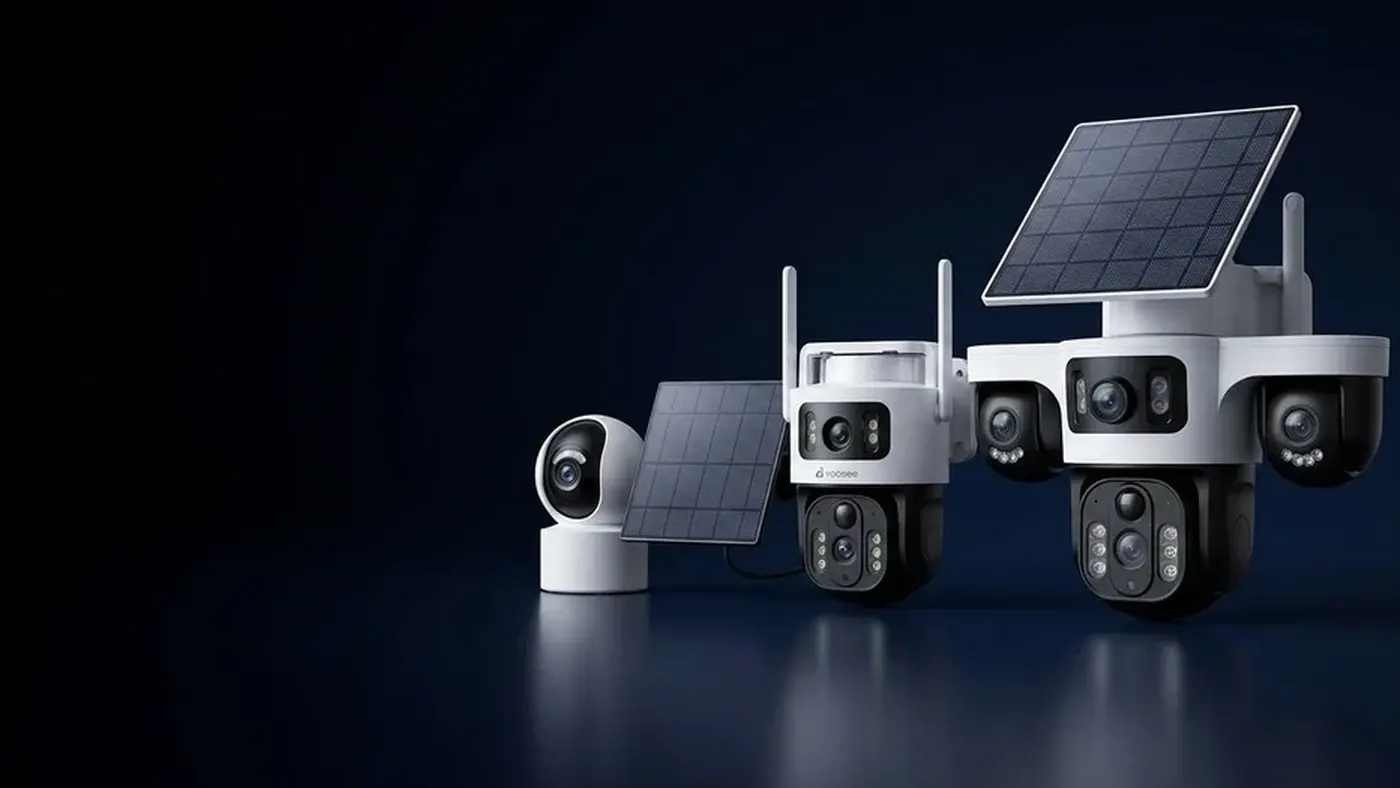
A site is at its most exposed in exactly the period when it has no services. There is no mains supply to plug a camera into, no broadband to connect it to, and often no fence worth the name — yet there are already tools, cable drums, copper, timber, fuel and plant standing on it overnight. The answer is a camera that carries its own power and its own connection: a battery with a solar panel for energy, and a 4G SIM for the link, which is the same combination used for places with neither wi-fi nor electricity.
The equipment part of that is settled and not very interesting. What makes a site different is time. A farm gate is in the same place next year. A site changes shape every few weeks: the view you set up in week one is a wall by week six, the compound moves, the scaffold comes down, and eventually the whole thing finishes and the camera goes to the next job. Everything about a site camera should be chosen for how easily it comes down and goes back up, not just for how it performs where you first hang it.
Plan for a camera that will move three or four times
Ask what the site looks like at each stage before you mount anything. Groundworks and first fix are the high-risk weeks: the perimeter is open, deliveries are stacked outside and nothing is lockable. Later the building itself becomes the strongbox and the risk moves to the compound and the plant.
That gives you a simple planning rule: cover the way in and the place things are stacked, and expect both to move. The way in is usually the gate, the site entrance road or the gap in the hoarding. The place things are stacked is the compound, the container, or the slab where deliveries land. Everything else is scenery.
It also means resisting the urge to permanently fix anything. Chemical anchors into a wall that is coming down, or a bracket bolted to a scaffold tube that is booked for strike next month, buys you a return visit. Prefer mounts you can undo with a spanner in five minutes.
Power: solar and battery, sized for the site's habits
Sites have a helpful quirk. During the working day there is constant movement, which is exactly what drains a battery camera — but during the working day nothing is being stolen. The value is at night, at weekends and over the shutdown.
So the setting that matters most is the detection schedule. If your model supports it, arm the camera outside working hours and let it sleep through the day. That alone changes the energy budget completely, because it removes the hundreds of daily triggers from vans, deliveries and the trades walking past the lens. Where scheduling is not available, tighten the detection zone hard so it covers the gate and not the road behind it.
The panel needs a genuinely sunny aspect and it needs to be cleaned. A site is a dust factory: cutting, sweeping, plant movements, and in dry weather a fine film of everything settles on glass within days. A dirty panel is the most common reason a site camera dies in week three. Give it a wipe whenever you check the footage, and mount it where somebody can actually reach it to do that. The same aiming logic applies as anywhere else — see where to put the solar panel.
Keep a plan B for the long shutdown, when nobody is on site to notice a flat camera. If the unit takes a removable battery pack, a charged spare in the office is cheap insurance.
Connection: a SIM instead of site wi-fi
There is rarely anything to connect to, so the camera brings its own line. A 4G unit takes a data SIM and sends clips and live view over the mobile network, and the practical questions are which network actually works on that plot, and how much data the thing will use.
Signal is site-specific, so check it before you buy anything. Stand where the camera will go, hold a phone at roughly that height, and compare the networks you can borrow a handset for. A basement, a deep cut or a steel frame all pull reception down, and the gate is often noticeably better than the middle of the plot.
Data is the other half. Live viewing is the expensive part; short recorded clips are cheap. If half a dozen people on the project all want to watch the site on their phones during the day, plan for that. For choosing and setting up the card itself, including the difference between a phone SIM and a data-only plan, see SIM cards for 4G cameras.
Keep the SIM and account details with the site paperwork rather than in one person's head. When a camera goes quiet a month later, the first question is whether the data ran out, and nobody can answer it if the person who bought the card has moved on.
Mounting so it comes down as easily as it went up
The best site mount is a pole in a base you can move, or a bracket on a container. Both give you height, both are yours, and both leave the site with you.
Containers are the strongest option on most sites: steel, immovable, and usually parked at the compound where the value is. Magnetic or bolted brackets both work.
Scaffold is convenient and temporary in the wrong way — it comes down without asking you. If you use it, treat the position as good for a few weeks only, and check the camera after any lift or strike.
A pole in a ballasted base is the most flexible: a heavy foot, a section of pole, the camera and panel at the top. Move it with a telehandler or two people when the site changes. Guy it or weight it properly; a site is windy and a toppled camera is a broken camera.
Height deserves a thought, because the temptation on a site is to go very high for the wide view — which gives you the tops of hard hats and no faces. The workable band and the tilt that fixes it are in how high to mount an outdoor camera.
Dust, vibration and knocks
Three things kill site cameras that survive fine on a house.
Vibration loosens things. Breakers, piling, plant tracking past and slamming container doors will slowly walk a bracket out of alignment. Check the aim weekly for the first month and use thread lock or nyloc nuts where you can.
Dust coats the lens as well as the panel, and at night it does something worse: the infrared illuminators light up the film on the glass and the image goes milky. If your night footage looks foggy, clean the lens before you blame the camera.
Knocks happen. Scaffold boards, ladders and lifting all pass close to whatever you have mounted. Keep the camera out of the traffic lane where possible, and accept that a site unit lives a harder life than a domestic one.
What you actually want to see at 2am
Set the camera up for the event you care about, then check it at night rather than at handover.
The useful frame at an entrance is not the whole site. It is the pinch point people and vehicles must pass through, filled by the width of the frame, close enough that a face or a plate is legible when you play it back on a phone. Walk to the gate at night and look at your own footage: if you cannot recognise yourself, the camera is too far away, too high, or looking into a floodlight.
Watch your own lighting too. A lamp pointing back at the camera flares the whole picture, while the same lamp beside the camera lighting the gate improves it.
Finally, record locally as well as to the cloud if the model allows it. A card in the camera keeps the clips that matter even if the mobile network drops for an hour. Whether the recording is scheduled, continuous or event-based varies by model, so confirm on the manual for the exact unit you have and with the place you bought it.
Setting it up on the day
The full sequence for a solar and 4G install is written up in installing a 4G camera step by step, but on a site there are three additions worth doing before you leave.
- Register the camera to a project account, not a personal one. People leave jobs. Sharing view-only access to the site manager and the office is safer than one foreman holding the only login.
- Photograph the mount and the settings. When it moves in six weeks, the next person can rebuild the same view in minutes.
- Do a night check on the same day. Nearly every disappointing site camera looked fine in the afternoon.
Frequently asked questions
Can a security camera work on a site with no electricity at all?
Yes, if it carries its own power. A battery camera with a solar panel generates and stores what it needs, and a 4G SIM replaces the missing broadband, so the camera is independent of both services. What it needs from you is a genuinely sunny position for the panel, a clean panel, and detection settings that stop it waking up hundreds of times a day for site traffic. Which of these features a particular unit has varies by model, so check the specification and confirm with the seller before ordering.
How do I stop the camera filling up with alerts during the working day?
Use a schedule if the model offers one, so the camera only arms outside working hours. If not, narrow the detection zone to the gate itself, raise the sensitivity threshold, and set a longer gap between alerts. Site traffic is the single biggest drain on both battery and data, and the working day is not when the risk is.
Will it work in a basement or a steel-framed building?
Sometimes, and you should test rather than assume. Both steel and depth attenuate mobile signal badly. Stand where the camera will go with a phone before you commit, and if the signal is poor, either move the camera to a position with a clear view of the sky, or plan for an external antenna if the model supports one.
Is it worth moving the camera as the build progresses?
Usually yes, and it is the main reason to avoid permanent fixings. Risk moves with the work: it starts at the open perimeter and the delivery stack, and later concentrates on the compound, the plant and whatever is stored inside the shell. A camera left pointing at a view that no longer matters is a camera nobody checks.
What happens to the footage if the mobile network drops?
That depends on the model. Many cameras keep recording to a memory card while the connection is down and simply cannot notify you until it returns, which is why a card is worth fitting even when you have cloud storage. Check the behaviour of your specific unit in the manual, and test it once by putting the camera in flight mode or covering the antenna for a few minutes.
Running cameras across several sites
With more than one job running, the difference between one camera and a fleet is administration: accounts, SIMs, spare batteries and knowing which unit is where. Standardise on one model and keep a spare, so a failed unit is swapped rather than debugged in the rain. If you install or supply security cameras, see the Yoosee partner information.