
Battery Powered Doorbell Camera vs Wired: Which One Should You Choose?
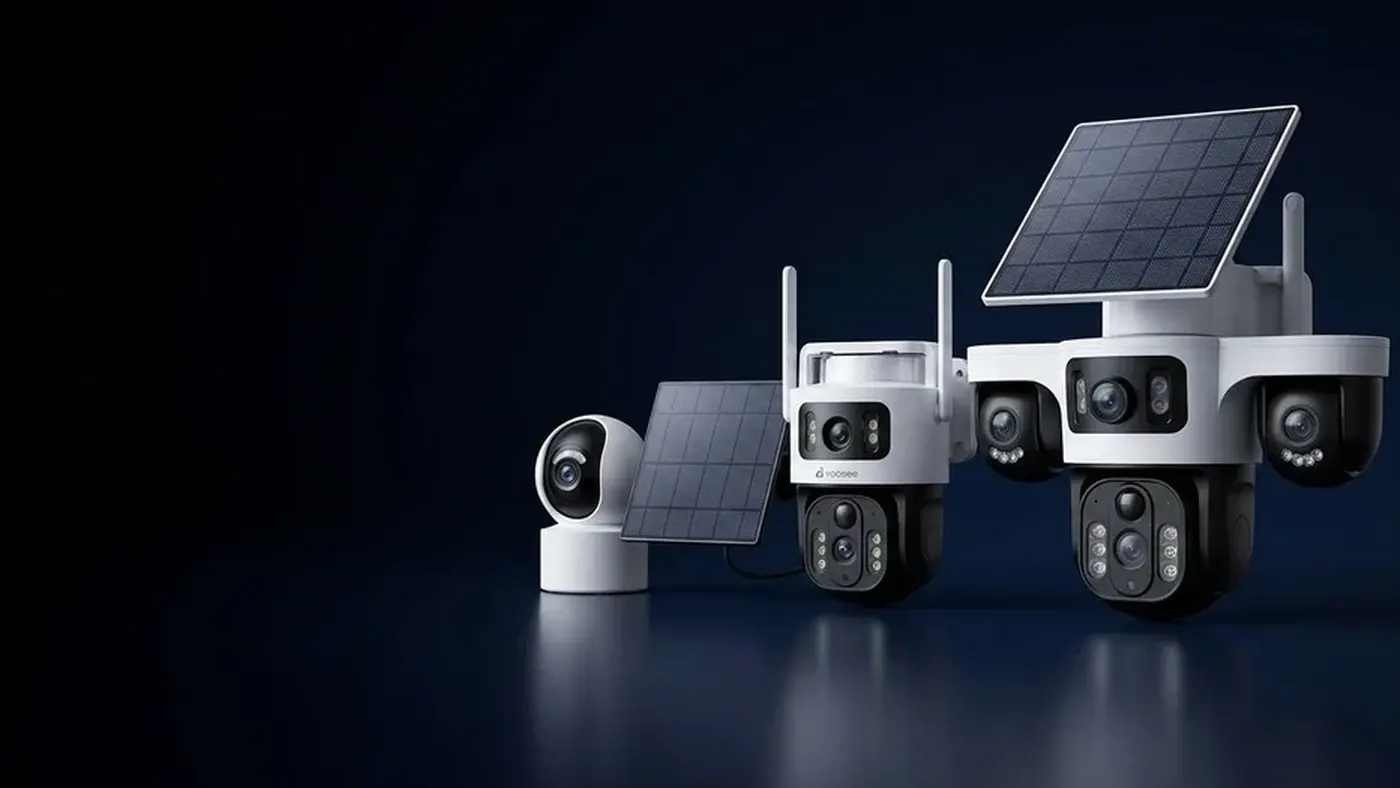
If your front door already has working doorbell wires, a wired video doorbell is usually the better choice: it stays switched on, answers faster and can ring your existing indoor chime. A battery powered doorbell camera makes sense when there are no wires at the door, when you rent and cannot drill into the wiring, or when you want something mounted today without an electrician. The trade-off is that a battery doorbell sleeps between events, takes a moment to wake up, and has to come down for recharging from time to time.
The rest of this article walks you through the checks that decide it for your door, in the order that saves you the most time.
How the two types actually behave day to day
Both kinds are WiFi doorbell cameras: they connect to your home network, send a call to your phone when someone presses the button, and let you talk to the visitor. The difference is what happens between presses.
A wired doorbell stays awake
A wired model takes power from the low-voltage doorbell circuit, the same wires that fed your old button. Because power never runs out, it can keep its WiFi connection open all the time. In practice that means:
- Live view opens quickly. You tap the doorbell in the app and the picture appears without a wake-up step.
- Motion detection can run continuously, so recordings tend to start closer to the moment something happens.
- The indoor chime can ring on most wired installs, because the doorbell sits on the same circuit as the chime.
- No charging. Once it is installed you mostly forget about it.
A battery doorbell sleeps to save power
A battery model cannot afford to keep WiFi and the camera running all day, so it spends most of its time in a low-power sleep. A button press or a motion trigger wakes it up. That design works well, but you will notice it:
- There is a short wake-up delay. When you open live view from the app, the doorbell has to wake and reconnect first. The first seconds of a visit can be missed on motion recordings.
- The app may show it as "offline" or "sleeping" when nothing is happening. That is normal, not a fault.
- It usually rings a plug-in wireless chime that comes with the doorbell or is sold separately, rather than your old wired chime. Check the box contents for your model.
- You recharge it. How often depends heavily on how many presses, motion events and live-view sessions it handles, the WiFi signal at the door, and the temperature outside.
Neither type is "better" in general. The question is which trade-off fits your door.
Step 1: Look for existing doorbell wires
This single check decides most cases.
- Look at your current doorbell button. If it is a small push button with no battery cover, it is probably wired.
- Switch off power to the doorbell circuit at the breaker before you touch anything. If you are not sure which breaker it is, switch off the main supply or ask an electrician.
- Unscrew the old button and look behind it. Two thin wires attached to screw terminals mean you have a low-voltage doorbell circuit.
- Find the transformer that feeds it. It is often near the main electrical panel, in a garage or utility area, or next to the indoor chime. Read the output printed on its label.
- Compare that label with the input range on the label or in the manual of the doorbell you plan to buy.
If the wires are there and the transformer matches, go wired. Our doorbell wiring and transformer guide shows how to identify the terminals, read the transformer label and spot underpowering before you mount anything.
If there are no wires, the transformer is too weak for a video doorbell, or the wiring looks damaged, either plan for an electrician or choose a battery model.
Step 2: Check your situation, not just the hardware
Even with wires present, a battery doorbell can still be the right call. Go through these questions honestly:
- Do you rent? Many tenants are not allowed to change the wiring. A non wired doorbell camera that mounts with screws or an adhesive plate is often easier to agree with a landlord, and you can take it with you. Check your agreement first.
- Is the door far from the router? This affects both types, but battery models suffer more from weak WiFi, because a doorbell that struggles to reconnect after each wake-up uses more charge.
- How busy is the entrance? A door that faces a street with a lot of passing people and cars will trigger motion events all day. On a battery model each event costs charge, so a busy entrance pushes you towards wired.
- Do you want continuous recording? Most battery doorbells record only when triggered. If you want recording around the clock, check whether your model supports it on wired power; battery models generally do not.
- Will you remember to charge it? If the doorbell goes flat while you are away, you miss everything until someone charges it. Be honest about this one.
Step 3: Test WiFi at the door before you buy
Whichever type you pick, the doorbell needs a usable 2.4 GHz WiFi signal where it will be mounted. Many video doorbells connect on 2.4 GHz only, so check the supported WiFi bands in your model's manual.
- Stand at the door with your phone and turn off mobile data so it uses WiFi only.
- Check the WiFi bars and play a short video. If it stutters or drops, the doorbell will struggle too.
- Close the door and test again from outside. Metal doors, brick and stone walls weaken the signal noticeably.
- If the signal is weak, move the router, add a mesh node or extender near the door, or choose a different mounting spot before you drill.
A weak signal is the most common reason a doorbell drops out later. If you are already seeing that, our guide to fixing a video doorbell that keeps going offline covers the checks in order.
Step 4: Think about charging before it becomes a chore
If you are leaning towards a wireless video doorbell, battery powered, plan how charging will work in your home:
- Check how the battery comes out. Some models have a removable battery pack; others charge through a port on the doorbell, which means taking the whole unit off its bracket. A removable pack is less hassle.
- Note the charging cable and adapter your model needs, and keep them somewhere you will find them.
- Turn down what drains the battery. Shorter recording clips, lower motion sensitivity, a smaller detection zone and fewer live-view checks all help. Menu names may differ slightly by app version.
- Watch the battery level in the app for the first couple of weeks. That tells you far more about your real charging interval than any figure on a box, because your traffic and signal are unique.
- Cold weather shortens battery life on most batteries. If your winters are harsh, expect to charge more often in that season.
What about solar?
A small solar panel can top up a battery doorbell and stretch the time between charges, but only if the panel sees open sky for a good part of the day. Many front doors sit under a porch roof or face a direction that gets little direct sun. Before you count on solar, read our check on whether a solar powered doorbell camera gets enough sun at your entrance.
Step 5: Compare the practical points side by side
Here is a quick way to settle it. Count which column describes your home better.
| Your situation | Points to wired | Points to battery |
|---|---|---|
| Doorbell wires at the door | Yes | No wires |
| Transformer matches the doorbell label | Yes | No, or unknown |
| You own the home | Yes | Renting |
| Busy street-facing entrance | Yes | Quiet entrance |
| Want the old indoor chime to ring | Yes | Happy with a plug-in chime |
| Want to mount it today, no electrician | Yes | |
| Want to avoid recharging | Yes |
If most of your answers land on the left, choose wired. If most land on the right, a battery doorbell will serve you well, as long as the WiFi at the door is solid.
Step 6: Set it up the right way for its power type
Once you have the doorbell in hand, a few habits make either type far more reliable:
- Pair it next to the router first, before mounting. This removes WiFi weakness from the equation if pairing fails.
- For a battery model, fully charge it before pairing. A battery doorbell may also go to sleep in the middle of setup; press the button to wake it if the app stops progressing.
- Test a ring at the router, then test again at the door before you drill the final holes.
- Allow notifications for the app on your phone, including any battery-saving exceptions your phone needs, so rings reach you as a call and not a late notification.
- Pair the chime (plug-in for most battery models, existing chime for most wired ones) and confirm it rings.
The full sequence, with what to tap in the app, is in our Yoosee doorbell setup guide.
Common surprises and what they mean
- "Live view takes a while to open." On a battery model this is the wake-up step and is expected. On a wired model it usually points to a weak WiFi signal.
- "The doorbell shows offline all the time." A battery doorbell may show as asleep or offline between events. If it also misses rings, check the charge level and the signal.
- "My wired doorbell restarts when someone presses the button." This usually means the transformer does not supply enough power. Check its label against the doorbell's input range.
- "The old chime buzzes or stays on." Some wired setups need an adaptor at the chime. Follow the diagram in your manual, and switch power off before opening the chime cover.
- "The battery drains much faster than I expected." Look at motion events in the app. A tree, a road or bright sunlight in the detection zone can trigger the doorbell many times a day.
When to get help
Call a qualified electrician if:
- You need a new transformer or new wiring run to the door.
- The existing wires look burnt, brittle or loose, or you find mains-voltage wiring where you expected low-voltage doorbell wires.
- You are not certain which breaker controls the doorbell circuit.
Contact the seller or support, with the exact model name from the label, if a wired doorbell keeps restarting after you have confirmed the transformer, or if a battery doorbell will not hold charge after a full recharge. For high mounting positions, use a stable ladder and have someone hold it.
Frequently asked questions
Can I use a battery doorbell even if I have doorbell wires?
Yes. Switch off the doorbell circuit at the breaker, disconnect the old wires, cap each one separately and tuck them away, then mount the battery model. If you are unsure about the wiring, ask an electrician to do this part. The old wired chime will not ring unless your model supports it, so plan on a plug-in chime.
Does a battery doorbell record all the time?
Usually not. They save power by recording only short event clips. If you need recording around the clock, look at a wired model that lists continuous recording in its manual, or an always-powered camera covering the entrance.
Can a wired doorbell camera also have a battery?
Some models accept both: they run on doorbell wiring but also have a battery, or they can switch between the two. Others are strictly one type. The label and the manual for your model will say which power options it supports, so check before you buy rather than assuming.
Why does my battery doorbell miss the start of visitors walking up?
It has to wake from sleep before it records, so the first moments can be lost. Angle it so the path to the door is in view earlier, set the detection zone to cover the approach rather than the street, and keep the WiFi signal strong so it reconnects quickly. If you need every second captured, wired is the better fit.
Is a non wired doorbell camera easier to steal?
A doorbell that mounts with a bracket can be pulled off more easily than one wired into the wall, so use the security screw if your model includes one and mount it at a sensible height. Recorded clips are usually stored on a memory card or in the cloud depending on your setup, so check where your recordings go if theft is a worry.