
Solar Powered Doorbell Camera: Will Your Front Door Get Enough Sun?
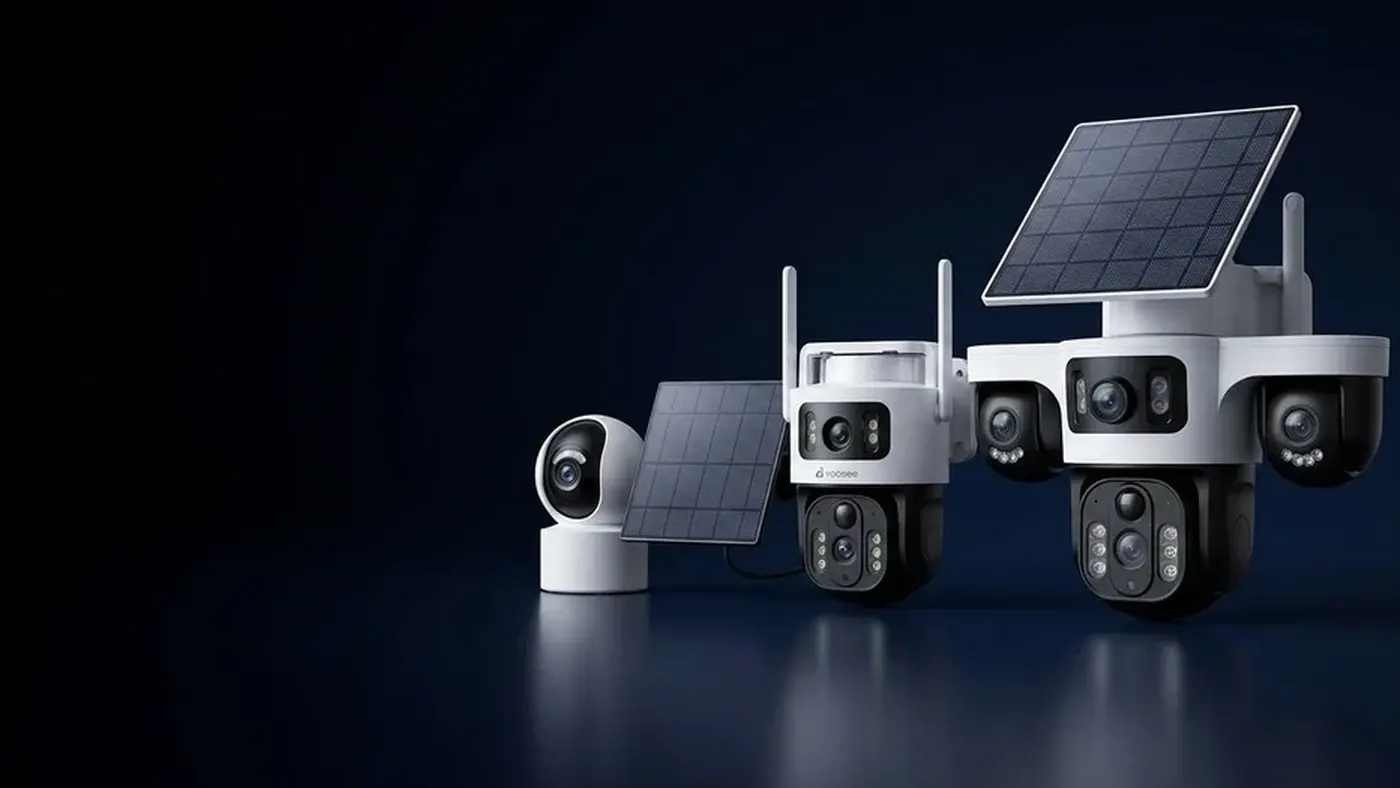
A solar powered doorbell camera only keeps itself charged if its panel gets direct, unshaded sky for a good part of the day. The problem is that front doors are often one of the worst spots on a house for that: they sit under porch roofs, in recesses, behind hedges, or on the side of the building that gets little direct sun. Before you buy one, spend a day checking how much light actually reaches your door. If the answer is "not much", a separate panel mounted somewhere brighter, or a battery doorbell you recharge every so often, will serve you better.
This article is about the doorbell case specifically. For general panel placement on any camera, see where to mount the solar panel for a security camera.
Why the front door is a hard place for solar
A garden camera can go almost anywhere on a wall or pole, so you can pick the brightest spot. A doorbell has to be next to the door, at a height a visitor can reach, facing the path where people approach. That leaves you very little freedom, and several common features of entrances work against a panel:
- Porch roofs and canopies. They are built to keep the door area dry and shaded. A panel under a canopy may see bright daylight around it but almost no direct sun on its face.
- Recessed doorways. A door set back into the wall has side walls that block the sun for most of the day, letting light in only for a short window.
- The side of the house the door faces. Doors facing away from the midday sun (north-facing in the northern hemisphere, south-facing in the southern) get mostly indirect light. In winter they may get no direct sun at all.
- Vertical mounting. A doorbell sits flat against the wall. A panel standing upright catches far less of the high midday sun than one tilted back toward the sky.
- Close neighbours. In terraced houses, apartment corridors and narrow streets, the building opposite often shades the entrance for most of the day.
None of this means solar is impossible at a door. It means you should not assume it will work just because the box says "solar". Measure first.
Step 1: Check how much sun your door really gets
Do this on an ordinary day before you buy, or before you drill if the doorbell has already arrived.
- Stand where the doorbell will go and look up. If you cannot see open sky above and in front of the spot, a built-in panel will struggle.
- Check at three times: mid-morning, midday and mid-afternoon. Note whether direct sunlight falls on the exact spot or only near it. Bright surroundings are not the same as direct sun on the panel.
- Take a photo from the exact spot, pointing the camera outward and up toward the sky. It gives you a rough record of what the panel will "see". Repeat in another season if you can.
- Think about winter. The sun sits lower in winter, so canopy edges, fences and neighbouring buildings throw longer shadows. A door that gets a little sun in summer may get none for months.
- Look for growing obstacles. A climbing plant, a young tree or a hedge by the door will be bigger next year.
As a rough rule of thumb: if the spot gets direct sun for only a short part of the day and sits in shade the rest of the time, treat solar as a top-up that slows the battery drain, not as something that will keep the doorbell running on its own. What "enough" means varies by model, panel size and battery, so check the manual for your unit.
Cloudy weather on its own is usually less of a problem than permanent shade. Panels still collect some diffuse light on overcast days, and the battery covers short gaps. This explainer on solar cameras in cloudy and rainy weather covers that in detail. A door that is shaded every day is a different and harder problem.
Step 2: Decide between a built-in panel and a separate panel
Solar doorbells come in two broad designs, and which one suits you depends on your Step 1 result.
Built-in panel
The panel is part of the doorbell's front or top. Installation is simple, with nothing extra to mount, but the panel can only collect light where the doorbell is. This works best for doors that face the sun and have no canopy, such as a gate post at the front of a garden or a door on an open wall.
Separate panel on a cable
The doorbell goes by the door and a small panel connects to it by a cable. This lets you put the panel somewhere brighter: the top of the porch roof, the outer edge of a canopy, a gate pillar or a wall above the door line.
How far the panel can be from the door depends entirely on the cable supplied for your model. There is no universal distance, and you should not improvise an extension, because the wrong cable can mean poor charging or damage. Measure the route the cable will actually take (up, along, around corners), not the straight-line distance, and confirm with the seller what length and extension cables are supported for your unit.
When you route the cable:
- Keep it short and direct, clipped down along its whole length so it does not flap in the wind.
- Leave a drip loop below the connector so rain runs off instead of into the plug.
- Keep the panel out of easy reach so it is not knocked or taken. A panel above the canopy is usually both safer and sunnier.
- Tilt the panel toward the sky if the bracket allows, rather than mounting it flat against a wall.
Step 3: Check the charging after installation
Once the doorbell is up, do not assume the panel is doing its job. Watch it for the first week or two.
- Note the battery level in the app each evening. Open the camera in the app and look for the battery indicator. Menu names and where the battery reading sits may differ slightly by app version.
- Look for a charging icon during sunny hours. On many models, the battery symbol shows a charging mark while the panel is supplying power. If it never appears, even at midday, something is wrong.
- Compare sunny days and dull days. On a bright day the level should hold steady or rise. If it falls just as fast on a sunny day as on a cloudy one, the panel is not reaching enough light, or it is not connected properly.
- Check the connector. For a separate panel, make sure the plug is pushed fully home and the rubber cover is closed.
If the reading never climbs, work through how to diagnose a solar camera that is not charging. It covers the cable, shading and battery checks in order.
Step 4: Reduce how much power the doorbell uses
A doorbell uses power every time it wakes up. Every ring, every motion alert and every minute of live view drains the battery, so a busy entrance needs much more from the panel than a quiet one. You can cut the drain without losing the main job of the doorbell:
- Lower motion sensitivity so passing cars, trees and street traffic do not keep waking it.
- Narrow the detection area if your model supports it, so only the path to your door triggers alerts.
- Avoid leaving live view open for long periods. Check in when you need to, then close it.
- Turn off features you do not use, such as extra recording modes, if your model offers them.
The exact options differ by model and app version. The doorbell setup guide walks through pairing, ring alerts and answering visitors, and it is worth reading alongside this one if your doorbell is new.
When a battery doorbell is the more honest choice
Sometimes the right answer is to skip solar at the door. A plain battery doorbell that you take down and recharge from time to time is often the better choice when:
- Your door is under a deep porch roof or in a recess, and there is nowhere bright within reach of a panel cable.
- You live in a flat or apartment with a corridor or stairwell entrance that never sees the sun.
- The entrance faces away from the sun and winter light is weak where you live.
- You do not want a cable running from a panel to the door for looks or rental-agreement reasons.
In these cases, a solar panel adds cost and a cable without adding much charge. Recharging is a small chore you can plan into a routine, such as checking the battery level at the start of each month. How long a charge lasts varies a lot by model and use, so check the manual for your unit's estimate and watch the battery reading for the first few weeks to learn your own pattern.
If your home already has doorbell wiring, a wired doorbell removes the charging question entirely. Wiring work should be done with the power switched off, and if you are not sure what you are doing, use a qualified electrician.
Safety when mounting a panel above the door
Putting a panel on a porch roof or high on a wall usually means a ladder.
- Use a stable ladder on firm, level ground, and have someone hold it.
- Do not climb onto porch roofs that are not built to take a person's weight.
- Avoid working in wet or windy weather.
- Stay well away from overhead power lines and outdoor electrical fittings, and switch off power to any nearby outdoor lights or sockets before working around them.
- If the only bright spot is somewhere awkward or high, consider paying a professional installer.
When to get help
Contact the seller you bought from, or a local installer, if:
- The doorbell never shows a charging indicator, even with the panel in full sun and the connector seated properly.
- You need a longer cable and are not sure which one is compatible.
- The battery drains quickly even after you have lowered sensitivity and reduced live view.
- The doorbell will not connect to WiFi at the door after mounting, which is a signal problem rather than a solar one.
Before you call, have the model name from the label, a note of how the battery level changed over a few days, and photos of where the panel is mounted. That makes it much quicker to tell a placement problem from a faulty part.
Frequently asked questions
Can a solar video doorbell work under a porch roof?
Rarely with a built-in panel, because the roof blocks the direct sun it needs. It can work if your model accepts a separate panel and the cable supplied is long enough to reach a sunny spot on or beyond the edge of the roof. If neither is possible, treat the doorbell as a battery model you recharge.
Does a solar powered doorbell camera still need its battery charged?
Often, yes, at least occasionally. If the door gets good direct sun, the panel may keep the battery topped up for long stretches. If the door is partly shaded or winters are dark, expect to recharge it by hand now and then, and treat the panel as something that extends the time between charges.
Can I add a solar panel to the battery doorbell I already have?
Only if your model is designed to accept one. Some battery doorbells have a charging port that supports a compatible panel, others do not. Check the manual or ask the seller which panel and cable fit before buying anything, because an unsupported panel may not charge the battery or could damage it.
Will cold weather affect a solar doorbell?
Cold can reduce how much charge a battery holds and how well it accepts charge, separately from the shorter, darker days. If your doorbell runs down faster in winter, it may be a mix of less sun and cold. Check the operating temperature range for your model in the manual.
Do I need WiFi at the door for a solar doorbell?
Yes. Solar only replaces the power supply; the doorbell still needs a working WiFi signal at the door to send rings and video to your phone. Check the signal strength where you plan to mount it before drilling, and test a ring from that exact spot.
Which way should a doorbell's solar panel face?
Toward the midday sun: south in the northern hemisphere, north in the southern. Close to the equator the sun is high overhead for much of the year, so tilting the panel up toward open sky matters more than the exact compass direction. Either way, unshaded sky beats the perfect direction in partial shade.