
ONVIF Solar Camera: Will It Record to Your NVR 24/7?
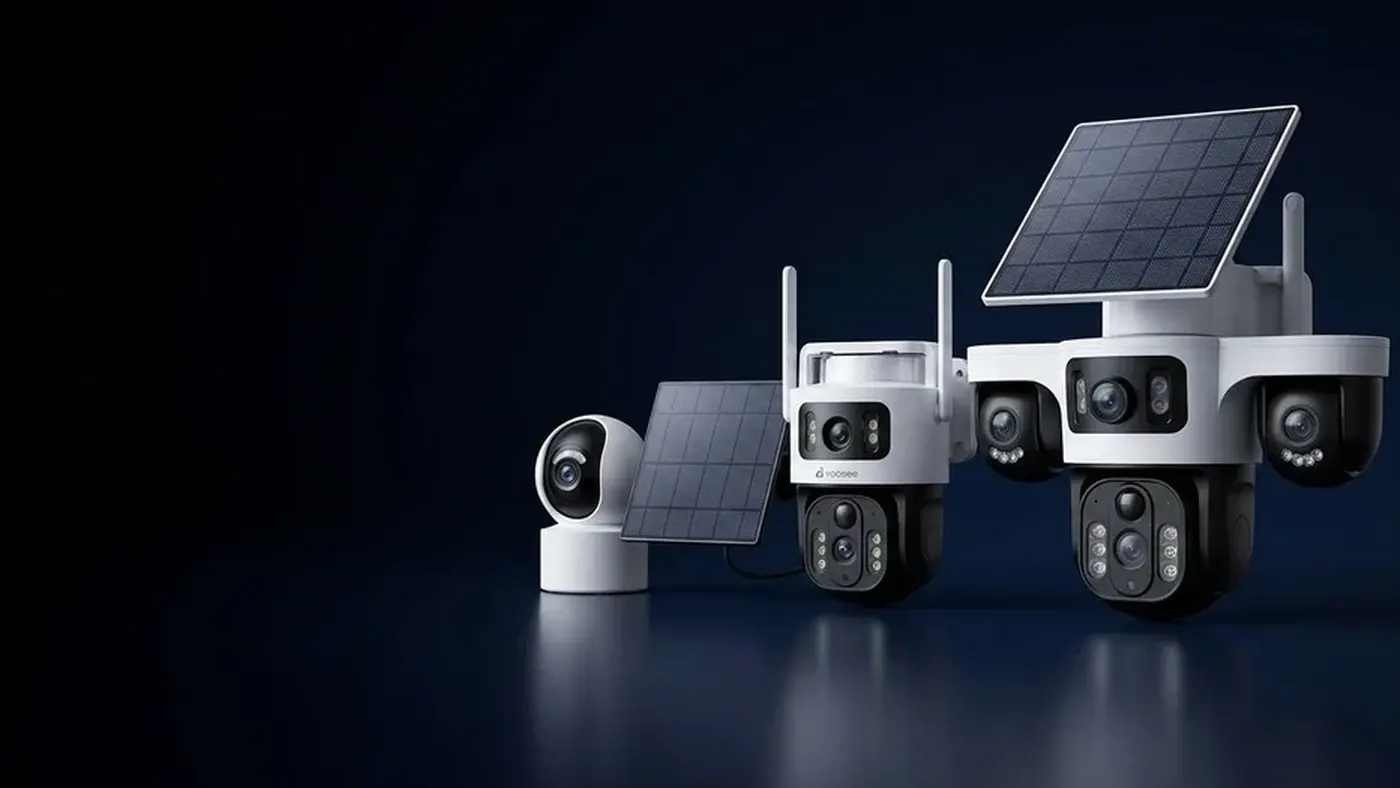
Usually not, if it is a typical battery solar camera. Most of these models save power by sleeping between motion events, and an NVR or any other ONVIF or RTSP client expects a stream that is always there, so the channel shows "offline" or "video loss" most of the time. An onvif solar camera can record to an NVR around the clock only if it is built to stay awake and its panel and battery are sized to run it day and night, including through grey weeks. Test this on a table before you mount anything, because the label on the box rarely tells the whole story.
Two very different things are sold as "solar cameras"
The word "solar" covers two designs that behave in opposite ways.
Low-power battery cameras with a solar panel. The battery sits inside the camera body, and a small panel tops it up. The camera spends most of its life asleep, usually woken by a heat-based (PIR) motion sensor. It records a short clip, sends an alert and goes back to sleep. This is the common type, and it is the type that struggles with an NVR.
Always-on cameras fed by a solar power system. Here the camera is essentially a normal network camera that never sleeps. It gets power from a larger panel, a separate battery and a charge controller, sometimes all in one kit and sometimes built around the camera. Because it streams continuously, an NVR can treat it like any wired camera, as long as the power holds.
How to tell which one you own:
- Check the manual or listing for words like "low power", "PIR wake-up" or "standby time". Those point to a sleeping camera.
- Look at the app. A battery level indicator on the camera's page usually means a low-power model. Menu names may differ slightly by app version.
- Watch the live view. If opening live view takes a few seconds while the camera "wakes", and it falls asleep again soon after you close it, it is a low-power design.
- Ask the seller directly: "Does this model stream continuously, and does it support ONVIF while doing so?" Get the answer for your exact model and batch.
If you want the background on why a sleeping camera's battery lasts as long as it does, how long a solar camera battery lasts explains the wake-up cycle in detail.
Why a sleeping camera keeps dropping off the NVR
An NVR is built around one assumption: every camera on its list is reachable at all times. It connects over ONVIF, opens a stream, and writes it to disk. It keeps checking that the stream is still alive.
A low-power camera breaks that assumption in several ways:
- While asleep, its network connection is reduced or off. The NVR knocks, nobody answers, and the channel shows offline or video loss.
- When it wakes for an event, the NVR may not reconnect in time. Reconnecting and negotiating a stream takes a moment. By the time the NVR has a picture, the short event clip may already be over.
- Every reconnect attempt can wake the camera. On some models, repeated connection attempts from the NVR keep pulling the camera out of sleep, which drains the battery far faster than normal use.
- ONVIF may not be offered at all. Many low-power models only talk to their own app, because keeping a standard stream ready costs power.
The same applies to VLC or PC recording software using an RTSP address. If you have tried the steps in opening a Yoosee IP camera in VLC and the stream works for a minute and then dies, a sleeping camera is a likely explanation.
What an always-on solar camera needs
If you really need 24/7 recording on an NVR at a site with no mains power, the camera must stay awake, and the power system must cover that around the clock. Think of it as a daily budget.
The energy budget, as a worked example
The numbers below are an example to show the method, not specifications for any model. Use the figures on your own camera's label and your own site.
- Daily use. Suppose the label says the camera draws about 5 watts with night vision on. Running all day and night, that is 5 watts times 24 hours, or roughly 120 watt-hours per day. Check whether the label gives a higher figure for night vision, heater or spotlight, and use the higher one if you are unsure.
- Battery reserve. Suppose you want the camera to survive two sunless days. That means about 240 watt-hours of usable energy. Many batteries should not be drained completely, so the battery's stated capacity needs to be larger than the usable figure. The battery's own documentation tells you how deep it can be discharged.
- Panel size. Suppose your site gets the equivalent of about 3 hours of strong sun on a short winter day. To put back 120 watt-hours in that time, the panel must deliver around 40 watts in practice. Real panels rarely produce their rated output because of angle, heat, dirt and controller losses, so the rated size usually has to be noticeably larger than that.
Plan for the worst month, not the average one. A system that balances in summer can run flat every night in winter. Whether solar cameras work in cloudy weather explains why the balance over a week or two matters more than any single day.
The network also needs power
This is the part people forget. A camera on the far side of a field is often too far from the router for a stable WiFi link. Continuous streaming to an NVR needs a stronger, steadier link than occasional event clips. If you add a wireless bridge or access point near the camera, that device needs power around the clock too, and it belongs in the same budget.
A 4G camera is usually not a fix for NVR recording, because it connects over the mobile network rather than your local network. WiFi versus 4G security cameras covers when each makes sense.
Panel placement still decides everything
An always-on system draws power every hour of the night, so a shaded panel shows up as gaps in the NVR timeline within days. Use the guide to mounting the solar panel to check sun hours, angle and winter shadows before you fix anything in place.
Test compatibility before you mount anything
Ladders, poles and roofs make every mistake expensive. Do this on a table or a windowsill first, close to the router and the NVR.
- Charge the camera fully and confirm it works normally in the app.
- Set a device password in the app. On many models this is the password the NVR uses, not your app account password. Look in the camera's security settings.
- Find the camera's local IP address and reserve it in the router, so it cannot change after a restart.
- Add the camera on the NVR using ONVIF, with manual add if the search does not find it. The full steps, including protocol, port and login, are in adding a Yoosee camera to an NVR.
- Look for a power or working mode setting in the app. Some models offer a mode that keeps the camera awake longer or permanently. Whether it exists, and what it is called, depends on the model and app version.
- Set the NVR to continuous recording on that channel and leave it for at least a full day and night.
- Check the NVR timeline the next morning. Continuous footage means the camera stays awake. Short islands of video with long gaps mean it is sleeping.
- Check the battery trend in the app at the same hour each day. If it falls steadily even on a sunny windowsill, it will not last outdoors.
- Test night vision. Cover the lens or test in a dark room, because night is when an always-on camera uses the most power.
If the camera passes all of that, mount it and repeat the timeline check after a week outdoors. If it fails at step 4 or step 7, no NVR setting will fix it.
Reading the symptoms
Once a solar camera is on an NVR, the pattern of gaps tells you what is wrong.
- The NVR never finds the camera. ONVIF is not supported, not enabled, or the camera and NVR are on different networks. Go back to the NVR guide's checks.
- Found, but offline most of the time with short bursts of video. The camera is sleeping between events. This is normal for a low-power model.
- Continuous in the day, gaps every night. Night vision is drawing more than the battery can supply, or the battery is not reaching full during the day.
- Fine for weeks, then gaps during a cloudy spell. The reserve is too small for your worst weather. Either the battery or the panel needs to be larger, or the camera needs to use less.
- Frequent short dropouts at any hour. Usually weak WiFi, not power. The video never reaches the NVR even though the camera is awake.
- Black channel, but the camera shows as connected. A login or video format problem, covered in the NVR guide.
If your camera is a low-power model
You do not have to replace it. Work with what it is good at:
- Let it record events to its own memory card and use the app for alerts and playback. That is what it was built for.
- Use the NVR for your wired or mains-powered cameras, and keep the solar camera separate.
- Do not force the NVR to keep reconnecting. If you leave it on the NVR list, it may drain the battery with constant connection attempts. Removing it from the NVR is often the better choice.
If you are still deciding how to store footage across your site, NVR or SD card for a wireless camera walks through the trade-offs.
Settings that help an always-on camera stay up
- Record the lower-quality stream on the NVR if the higher one is not needed for that spot. Less work for the camera and the WiFi link.
- Turn off features you do not use, such as a spotlight, siren or audio, on models that allow it.
- Note that motion-only recording on the NVR saves disk space, not camera power. The camera still streams continuously either way.
When to get help
- Mounting on poles, walls or roofs. Use proper ladders and a second person, and consider a professional installer for anything high up.
- Wiring a separate solar kit, battery or charge controller. Switch off and disconnect power before touching connections, and use a qualified electrician for anything you are not sure about. Large batteries store a lot of energy and can be dangerous if wired wrongly.
- The seller cannot confirm ONVIF support for your model while it streams continuously. Do not buy an NVR on a guess.
- Long wireless links across a property. A network installer can plan a stable link and its power supply.
Install or resell cameras?
Solar cameras on NVRs generate return visits when the camera type does not match the customer's expectation. A few habits help:
- Ask at the start whether the customer needs continuous recording or only events. Low-power cameras suit events; 24/7 NVR recording needs an always-on design and a proper power budget.
- Bench test the exact camera with the customer's exact NVR for a full day and night before going on site.
- Do the energy budget in writing using the camera's label figures and the site's winter sun, and size the battery and panel for the worst month.
- Include the power for any wireless bridge in the same budget.
- Show the customer the NVR timeline at handover and explain what a gap means.
If you install or sell cameras and want details on the dealer program, see the Yoosee business page.
Frequently asked questions
Can I make a battery solar camera stay awake all the time?
Some models have a working mode that keeps the camera awake longer, but most low-power cameras are not designed to run continuously. Even where it is possible, the battery and panel inside the camera are usually sized for occasional events, so a camera kept awake around the clock tends to run flat. Check the manual for your model, and treat any always-on mode as something to test, not to assume.
Why does my solar camera show "video loss" on the NVR at night only?
Most often the camera runs out of power after dark, when night vision adds to the load and the panel delivers nothing. Compare the battery level in the app at dusk and at dawn: if it is low by dusk, the panel is not refilling it (check shade, angle and dirt); if it is full at dusk but empty by dawn, the battery is too small for an always-on night load. If the battery never drops, look at WiFi signal at night instead.
Does ONVIF support mean the camera will record 24/7 on my NVR?
No. ONVIF only covers how the NVR and camera find each other and exchange video. It says nothing about whether the camera stays awake or has the power to stream all night. A model can list ONVIF and still only answer while awake, so confirm continuous streaming separately with the overnight test above.
Will the camera still send alerts to my phone if it is on an NVR?
Usually yes, because the app connection and the NVR connection are separate. On a low-power camera, though, the NVR's connection attempts can drain the battery faster, so alerts may stop sooner when the battery runs low.
Is a solar IP camera with a separate battery box better for NVR use?
Often, because a separate battery and controller can be sized to the job and replaced later. The camera itself still has to support ONVIF and run continuously, so confirm that for your model before building the power system around it.