
Running a Camera Where There Is No WiFi and No Power
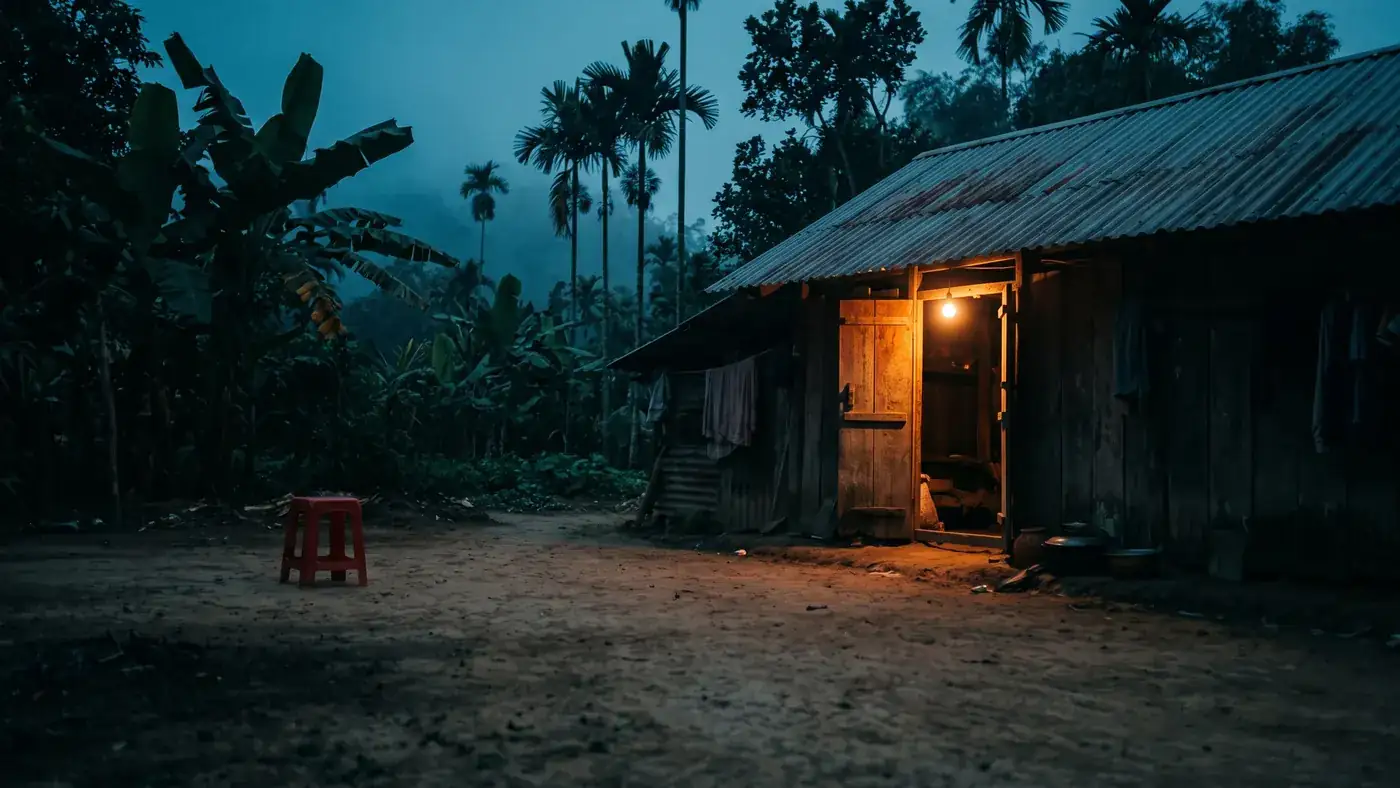
A site with neither broadband nor a socket has two separate problems, and the mistake is treating them as one. Connectivity is solved by a mobile 4G link with its own SIM. Power is solved by a battery that a solar panel keeps topped up. A camera that does both is usually sold as a 4G solar camera, and that combination is what makes a gate on a back lane, a field, a boat mooring or a half-built house watchable at all.
The important thing to understand before you buy is that these two halves fail independently and for different reasons. A camera can have a full battery and no signal. It can have four bars and a flat battery. Diagnosing one while the other is the actual problem is the single most common way people waste a weekend on an off-grid install.
This article is about the pairing — what it can genuinely do, what it cannot, and how to survey a site so the install survives its first bad month. The individual halves have their own detail elsewhere: choosing the SIM card and how long a solar camera battery lasts.
Split the problem in two before you buy anything
Write down two questions about your site and answer them separately.
Can a mobile network reach the exact mounting point? Not the house, not the road outside, not the coverage map — the point where the camera will physically sit. A barn wall, a wooded boundary or a spot behind a hill can be a dead zone a short walk from a usable signal.
Will there be enough light on the panel across a full year? Not today's weather. The worst season, with the sun at its lowest, and with whatever will have grown, been stacked or been parked there by then.
If either answer is no, no camera model fixes it. You change the mounting position, add height, or move the panel away from the camera on a cable if the model supports that. Solving both at the same physical spot is the actual constraint of an off-grid install, and it is worth an hour of walking around before you spend anything.
The connectivity half: what 4G gives you and what it costs
A 4G camera carries its own modem and SIM, so it does not care that there is no router anywhere nearby. It behaves much like a phone: it registers on a tower, and everything you see in the app travels over mobile data.
Three consequences follow.
Signal quality matters more than the camera. A weak link is worse than a distant one in a specific way: the modem raises its transmit power and retries failed sends, which costs battery. On a mains-powered site that is invisible. On solar it directly shortens your reserve. Signal strength is a battery setting as much as a picture setting.
Everything you watch is paid for twice — in data and in charge. Opening the live view is the most expensive single thing you can do to an off-grid camera. It is fine to check in. Leaving a feed open on a second screen all afternoon will empty a battery that would otherwise have lasted weeks. The data side of that is covered in how much data a 4G camera uses.
The account can outlive your attention. Prepaid SIMs lapse on inactivity as well as on balance. A camera at a site you visit twice a year needs a plan that renews itself, or a calendar reminder.
If you have power at the site but no broadband, you do not need the solar half at all — see cameras that work without WiFi for that simpler case.
The power half: the panel does not have to win every day
A solar camera is not running off the panel in real time. The panel charges a battery, and the battery runs the camera. Picture a bucket: sunlight pours in during daylight, and every event the camera handles takes a scoop out.
That is why the balance that matters is over a week or two, not over any single afternoon. A camera can ride out a run of grey days if its reserve is healthy and its workload is small. The same camera on a busy roadside can be flat in far less than that with plenty of sun, because the drain is coming from events, not from the weather.
Almost all of an off-grid camera's consumption is wake cycles: something triggers detection, the processor and sensor come up, the encoder runs, the radio connects, a clip and a notification go out. Standby between those is cheap. So the number of daily triggers is the lever, and most of it is under your control, which is where the settings section below comes in.
Cloudy weather specifically is dealt with in do solar cameras work in cloudy weather, and panel placement in where to mount the solar panel.
Where the combination honestly falls short
This is the part sales pages skip. None of the following means the setup does not work — it means you should design around them.
Long runs of grey days plus a busy scene. Either alone is survivable. Together they are what actually flattens off-grid cameras. Winter is worse on both counts at once: less light to harvest and, on many sites, more darkness to illuminate.
Night-time triggers cost far more than daytime ones. After dark the camera supplies its own light, and the infrared illuminators run for the whole clip. Worse, insects and rain drift into that light, look like motion, and start another cycle — which turns the light back on and draws more insects. A camera that is stable all day and dead by morning is usually stuck in that loop, not suffering a bad battery.
Weak signal is a slow leak. A marginal mounting point can look fine for a week and then fail during a spell of poor weather, because two small drains have combined.
Live viewing is not a background activity. On mains power you can leave a stream open. Here you cannot, and no amount of panel makes that cheap.
Recovery after a deep discharge takes time. When a camera has run flat, the first decent day does not bring it straight back to full. Expect it to climb over several days while still serving events.
Dirt and growth act like cloud. Dust, salt, bird mess and a branch that has grown across the glass all cut harvest. Shade on even part of a panel costs more than people expect.
Physical risk goes up at unattended sites. The kit is visible, valuable and alone. Height and a proper mount are as much a part of the design as the electronics.
Designing an install that survives
A workable off-grid install is mostly survey and settings. In rough order of how much each one buys you:
- Test the signal at the mounting point with a phone on the carrier you intend to use, ideally with a data speed test rather than by reading bars. Do it at the height you plan to mount, not standing on the ground.
- Site the panel for the worst season, not for the day you are installing. Trace where shadows fall in the low sun, and remember what grows or gets stacked there in summer.
- Cut the detection zone to what you actually care about. Mask the road, the neighbour's track, the tree line. This is the biggest single saving available and it costs nothing.
- Lower motion sensitivity, then walk-test it yourself. Sensitivity high enough to catch a moving branch is far higher than you need for a person.
- Shorten clip length and let recording stop when motion stops.
- Turn off alerts you never read. An ignored notification still cost a full wake cycle to produce.
- Use a schedule if the site only matters at certain hours.
- Mount high and out of easy reach, with the fixings suited to what you are drilling into — see how high to mount an outdoor camera.
- Keep local recording as a backstop. If a card is supported, events stored on the camera survive a signal outage even when uploads do not.
Which of these settings your camera actually has, and what they are called, differs by model and firmware — check the manual for the unit in your hands and confirm with the seller rather than assuming a feature exists.
Proving it works before you trust it
Give a new off-grid install a fortnight of observation before you decide it is finished.
Note the battery level at the same time each day. The level swings between morning and late afternoon while the panel is working, so comparing readings from different hours tells you nothing.
Look for recovery, not for a flat line. A healthy install dips on poor days and comes back to full or near full on decent ones. If it never returns to full even after clear weather, you have a harvest problem — shade, angle, dirt, or a cable or connector fault — not a consumption one.
Count your alerts for a week. If most of them are grass, headlights or insects, fix the detection zone before you consider anything else. That single change often turns a marginal site into a stable one.
Test the worst case deliberately. Walk the site after dark and confirm you get a usable image and a timely alert. Finding out that the night picture is unusable months later, from the one clip that mattered, is the expensive way to learn it.
Frequently asked questions
Can a security camera work with no internet and no electricity at all?
Yes, if it supplies both for itself: a 4G modem with its own SIM for the connection, and a battery kept charged by a solar panel for the power. That combination is what makes gates, fields, moorings and building plots watchable. The limit is not the camera but the site — you need a usable mobile signal and enough year-round light at the exact point where the unit will be mounted.
What happens during a long spell of cloudy weather?
The battery is there precisely so that harvest and consumption do not have to match every day, so short grey spells are normally absorbed without you noticing. Whether a long one is survivable depends on how much work the camera is doing: a tight detection zone and short clips can ride out a run of dull days, while a camera triggering constantly on traffic will not. Tightening the detection zone before winter is the cheapest insurance available.
Do I still need a SIM card if the camera is solar powered?
Yes — the panel solves power, not connectivity. Unless there is WiFi in range, a solar camera still needs a mobile data SIM to reach your phone. The two are entirely separate systems in the same housing, which is why a camera can show a full battery and no connection, or a strong signal and a flat battery.
Can I watch the live feed all day on an off-grid camera?
Not realistically. Live viewing is the most expensive thing the camera can do per minute, because it has to encode and stream continuously and hold the radio link open. Brief check-ins are fine. A feed left open on a screen will drain a battery that would otherwise have run for weeks, and it uses mobile data at the same time.
Does the camera keep recording if the mobile signal drops?
That depends on the model, but where local storage is supported the camera generally keeps recording events to a card even when it cannot upload them, and you retrieve them later. It is worth confirming this for your specific unit before relying on it, because a site with marginal coverage will lose the link occasionally and local recording is the only thing that turns an outage into an inconvenience rather than a gap.
How do I know whether a poor signal or a weak battery is the problem?
Look at which one recovers. If the battery reads healthy and the camera is still unreachable, it is the network — check the SIM account, the APN and the signal at the mount. If the camera reappears in the middle of a sunny afternoon and vanishes again by morning, it is power. Checking the battery level at the same hour each day for a week separates the two faster than any single test.
Installing off-grid cameras for other people
If you fit cameras professionally, off-grid callbacks are nearly always survey failures rather than hardware failures: a panel put where the winter roof line shades it, a mount chosen just inside a coverage dead spot, or a detection zone left wide open onto a public road. All three are cheap to catch on the first visit and expensive to fix on the second. If you sell or install security cameras and want to discuss supply and dealer terms, see the Yoosee partner information.