
How to Keep an Eye on a Cabin That Sits Empty for Weeks
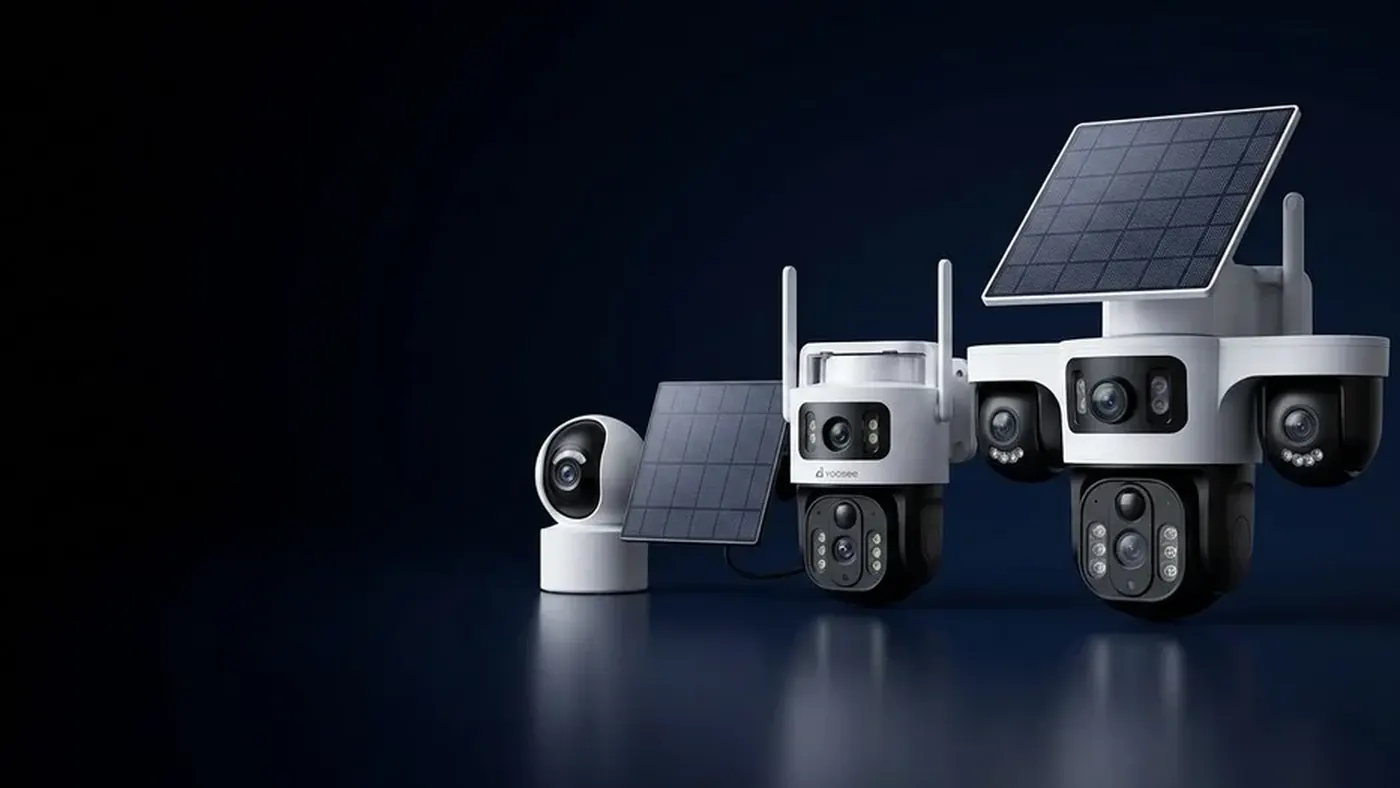
A security camera for cabin use should be judged on staying power, not on picture sharpness. It needs to still be online after a freezing month with nobody there, tell you quickly when it stops, and not require a long drive to reset it. A cabin is hard on cameras because the problems are slow: a cold snap, a short power cut, a router that never restarted. Nobody is around to notice any of it.
So plan for three things, in this order. First, power and connection that survive absence. Second, an alert when the camera goes quiet, because silence is the failure you cannot see. Third, a simple routine so you check the right things at the right times. Picture quality comes after all of that.
Start with how the cabin is actually used
A cabin that is empty for a fortnight and one that is empty for six months need different setups. Answer these before buying or moving anything.
- Is there mains power while you are away? Some cabins have the supply switched off at the board between visits. If so, a mains camera is off the whole time.
- Is there broadband, and does it stay up unattended? A router in an unheated cabin may restart badly after a cut.
- Is there a usable mobile signal at the spot where the camera will sit? Test with your phone at that exact point, not at the road.
- What does the winter look like? Freezing temperatures, snow on the panel or lens, and short days all change what works.
- Who can reach the cabin in an emergency? A neighbour, a caretaker or a relative changes how much you can fix remotely.
Your answers point to one of three setups:
| Situation | Sensible setup |
|---|---|
| Mains and broadband stay on all year | Mains camera on WiFi, ideally with backup power for the router |
| Mains is on, no broadband | Camera with its own 4G connection and a mobile data SIM |
| No mains, no broadband | Battery 4G camera with a solar panel, covered in detail in setting up a camera with no WiFi and no electricity |
If the cabin has both power and a decent line, do not overcomplicate it. The extra work is mostly in surviving cuts and cold.
WiFi or 4G for a cabin
Many holiday homes have broadband that only exists to run the camera. That is a fragile arrangement: you pay for a line, a router sits in the cold, and a power cut can leave it stuck. A camera with its own mobile connection skips the router completely, so there is one less thing to fail. WiFi versus 4G for security cameras explains the trade-offs in plain terms.
The honest limits of 4G are signal and data. If the cabin sits in a poor-coverage valley, no camera fixes that. And remember the SIM is a separate account that can lapse. A SIM that expires while you are away means the camera is online in the cabin and unreachable from your phone. Set a reminder to renew it, or pick a plan that renews itself.
Surviving winter cold
Cold does three things to a camera, and they are worth knowing before the first frost.
Batteries lose capacity. A battery that lasts weeks in mild weather will be noticeably shorter in deep cold, and some will refuse to charge below freezing. Check the temperature range in the manual for your model, because it varies. Do not assume.
Condensation forms inside housings. When a cold camera is brought into warm air, or when a heated cabin cools down, moisture can collect behind the lens. A camera that suddenly shows a hazy picture every morning may have a seal problem rather than a software one.
Lenses and panels ice or snow over. Frost on the lens blurs the image. Snow on a solar panel stops charging. Mounting under an overhang helps both, as long as the panel still sees the sky.
The full list of cold-related faults and fixes is in common security camera cold weather problems. For a cabin, the practical rules are short:
- Check the operating temperature range for your model before the first cold month, and choose a mounting spot that is sheltered but not enclosed.
- Keep the camera away from the cabin's own heat source, such as a stovepipe or a heater vent. Repeated warm-cold swings cause more condensation than steady cold.
- If your model supports a memory card, use a card rated for the temperatures you expect. Check the card's label.
- Tilt the panel steeply in winter if it is adjustable, so snow slides off, and keep it clear of shade from bare branches that will fill with leaves later.
Power cuts and the camera that does not come back
In a cabin, the dangerous outage is the one that ends by itself. Power returns after an hour, the camera reboots, but the router does not reconnect, or the router comes up before the mobile network and the camera gives up. You see nothing, and nobody tells you.
The options, from simplest to most resilient:
- Battery camera with 4G. It does not rely on the cabin's wiring or router, so a cut does not take it down. This is the most robust answer for a cabin with unreliable power.
- Mains camera with a small backup supply for the camera and the router together. It only helps for as long as the backup lasts, so it covers short cuts rather than a week-long outage.
- A plug-in timer or smart socket on the router so it power-cycles itself on a schedule. This depends on the socket coming back on after a cut, so check how it behaves.
Test whichever you pick by simulating a cut. Unplug the camera and router together for a few minutes, plug them back in, and watch whether the camera reconnects without you. If it does not, you have found the weak point while you can still fix it. Choosing a camera with battery backup and a SIM walks through that test step by step.
Safety note: do any work on the cabin's mains wiring or the main board with the supply switched off, and use a qualified electrician for anything beyond plugging in a device.
If the cabin is off-grid
A cabin with no mains supply usually means solar. It works, but the combination of short winter days, snow cover and weeks without anyone clearing the panel makes it the hardest case.
- Size your expectations around the darkest month, not the summer.
- Understand how a panel behaves under cloud; whether solar cameras work in cloudy weather covers what to realistically expect.
- Look at how long a solar camera battery lasts to understand what drains it: night clips, wide detection zones and live viewing all cost more than standby.
- Keep the detection zone tight. A camera that triggers on every branch in the wind will empty the battery long before the panel can help.
If you are not sure the site is workable, a short trial in late autumn tells you far more than a summer test.
Making the camera tell you when it goes quiet
A camera that fails silently is worse than no camera, because you assume you are covered. Build in a way to notice.
Turn on the offline notification in the app, if your model offers one. Some camera apps can notify you when a device goes offline, but whether yours does, and what the setting is called, depends on the model and app version. Look through the device settings and the manual. If there is no offline alert, say so honestly to yourself and use one of the workarounds below.
Use a heartbeat habit. Open the app on a fixed day each week and confirm the live view loads or the last event time is recent. This is crude but effective. If you only ever open the app when something happens, you will not know it died two weeks ago.
Pair the camera with another signal. A smart plug or a second simple device that reports to your phone can show that the cabin has power even when the camera is silent. That tells you whether the problem is power or the camera.
Know the difference between offline and quiet. A camera that shows online but never records events is either watching an empty cabin, or its detection zone is wrong. A short walk-test during a visit settles which.
A check-in routine that actually helps
Decide the routine once, write it down, and keep it with the cabin keys.
Before you leave the cabin:
- Open the app and confirm the live view works from your phone, not just inside the cabin.
- Trigger motion yourself and check that the alert arrives.
- Clear snow and dirt from the lens and panel, and check the mount is tight.
- Check battery level and SIM balance or plan expiry.
- Make sure the memory card, if used, is seated and not full.
While you are away:
- Weekly: open the app and look at the live view or the last event time.
- After any storm, cold snap or reported power cut: check again that day.
On arrival:
- Look at stored events from the gap. If there are none at all, check the detection zone and the schedule.
- Note anything that changed, such as new shade, a loose mount or a hazy lens, and fix it while you are there.
Common mistakes
- Testing only in summer. The setup that works in July can fail in January.
- Placing the camera where the signal is good for you, not for the modem. Test on the mounting point.
- Assuming a power cut means the camera will return. Simulate it instead.
- Letting the SIM or cloud plan expire. Put the renewal date in your calendar.
- Aiming at a window. Glare and reflections ruin night images; place the camera outside or well back from the glass.
- Ignoring physical security. A visible camera on a low bracket can be removed in seconds. Mount it high where it is hard to reach, and think about where the evidence will be stored if the camera is taken.
- Mounting the camera yourself on a ladder or roof alone. Get a helper, and avoid wet or icy surfaces.
When to get help
Ask a qualified electrician if you need to run a new supply, fit an outdoor socket, or add backup power to the board. If signal is the limit, a local installer can test an external antenna or suggest a better mounting point. And if the cabin is high-value or the insurer has requirements, check what they expect before relying on any camera setup. A camera records events and helps you respond; it does not stop a determined intruder, and it is not a substitute for locks, lighting and a neighbour who knows who should be there.
For a quick temporary setup while you decide, portable security cameras for short-term use can be a sensible stepping stone.
Frequently asked questions
What is the best security camera for a cabin with no internet?
A camera with its own 4G connection and a mobile data SIM is usually the answer, because it does not need a router or broadband line. If the cabin also lacks mains power, add a battery and solar panel. Check that the mobile signal is usable at the exact mounting point before you buy.
Will a security camera keep working if the power goes out at my cabin?
Only if it does not depend on the cabin's supply. A battery camera with 4G can keep running through a cut. A mains camera will stop unless it has a backup power source, and the router must also stay powered. Test by unplugging the camera and router briefly and watching whether everything reconnects.
Can I get an alert if my cabin camera goes offline?
Some models can send an offline notification through the app, but it depends on the camera and the app version, so check the device settings and the manual. If yours cannot, set a weekly habit of opening the app, and consider a separate smart plug that shows whether the cabin still has power.
How cold is too cold for a cabin security camera?
It depends on the model, and there is no single safe number. Check the operating temperature range in the manual or on the label, and remember that batteries often suffer before the electronics do. Our guide to cold weather problems with security cameras lists what to look for before winter.
Is WiFi or 4G better for a holiday home camera?
For a home that is empty for long stretches, 4G often wins because it removes the router from the chain. WiFi is fine if the line is reliable and the router restarts cleanly after cuts. See WiFi versus 4G cameras for a simple comparison.
How often should I check the camera when the cabin is empty?
Once a week is a reasonable rhythm for most cabins, and again after any storm, cold snap or power cut. The check can take a minute: open the app, confirm the live view or last event is recent, and look at battery and connection status.
Can solar power run a cabin camera through winter?
Sometimes, but it is the hardest case. Short days, snow cover and weeks without cleaning all reduce charging. Keep the detection zone tight, place the panel where it sees open sky, and read about how long solar camera batteries last before relying on it for a whole season.