
Solar Surveillance Trailer: How Mobile Camera Towers Work
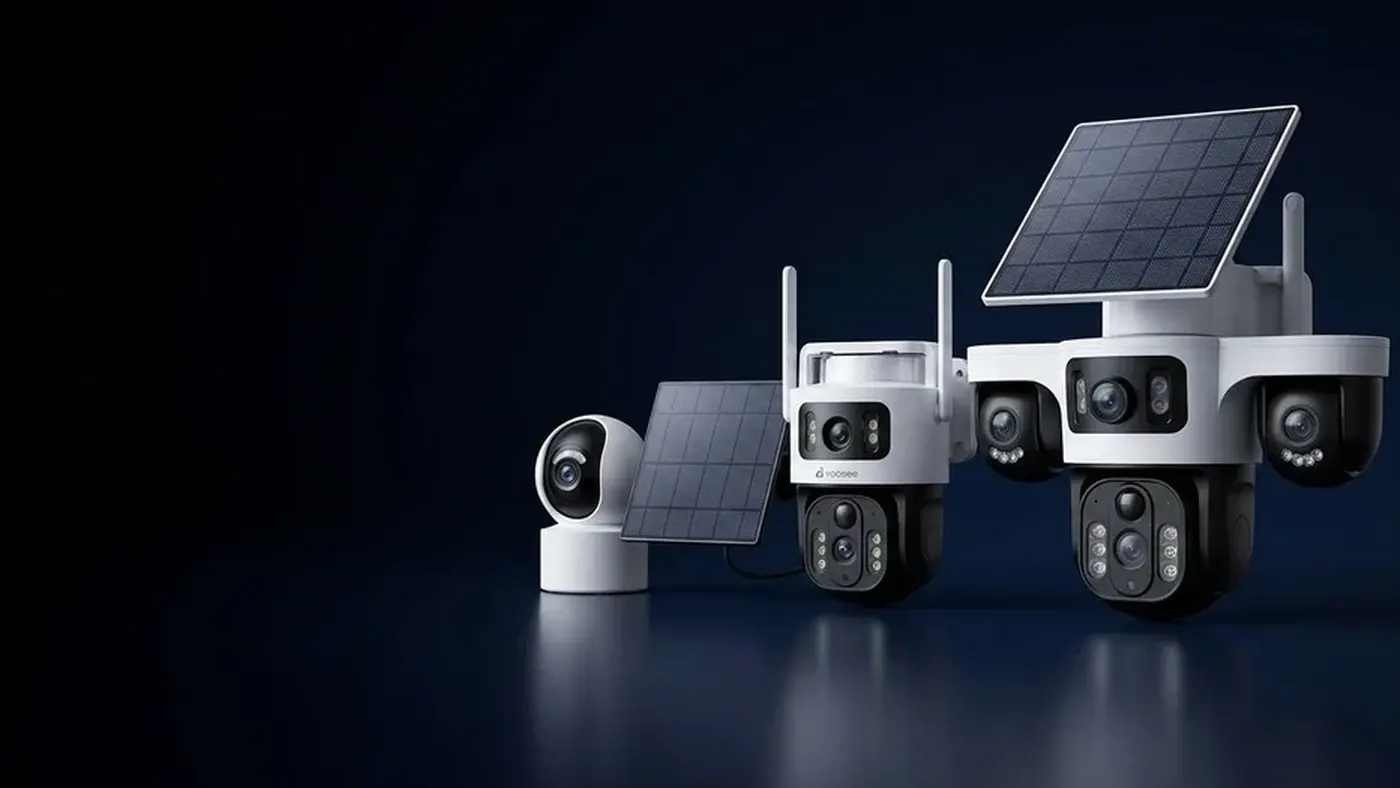
A solar surveillance trailer is a small towable trailer carrying a telescopic mast with cameras on top, solar panels, a battery bank, a 4G router and an on-board recorder. You park it, raise the mast, and it watches a car park, building site, event field or yard without mains power or broadband. Whether it keeps running through the night and through a cloudy week comes down to one balance: how much energy the panels and batteries can supply against how much the cameras, router and recorder draw, especially in winter.
This article explains each part, how they work together, and the checks that tell you whether a trailer (or a home-built version) will stay online where you plan to park it.
What is on a solar camera trailer
Most units, whatever they are sold as — solar camera trailer, solar security trailer, solar CCTV trailer — follow the same layout:
- The trailer chassis. A single or twin axle frame with a tow hitch, stabiliser legs at each corner and usually a lockable steel cabinet. The legs matter more than they look: a mast swaying in the wind makes shaky video and false motion alerts.
- The mast. Telescopic, raised by a hand winch or a pump. Height gives a wider view and keeps cameras out of reach, but every extra section also catches more wind. Most masts have a rated wind limit above which they should be lowered; check the label or manual for yours.
- Cameras. Typically a mix of fixed cameras covering set areas and a pan-tilt camera you can steer from the app. Some carry floodlights, a siren or a loudspeaker for two-way audio.
- Solar panels. Mounted flat or on a tilting, sometimes rotating, frame on top of the cabinet or around the mast.
- The battery bank. Inside the cabinet. It powers everything at night and on dull days.
- A charge controller. It sits between panels and batteries and stops overcharging and deep discharge.
- A 4G router. It gives the cameras an internet connection through a SIM card so you can see live video and receive alerts on your phone.
- A recorder or memory cards. Footage is stored on board, either on a network video recorder in the cabinet or on a memory card in each camera.
That last point surprises people. On most trailers, recording happens on board; 4G is mainly for live view, alerts and playback on demand. Streaming every camera to the cloud around the clock would use a lot of mobile data and a lot of power, so most setups keep the evidence locally and only send what you ask for.
How the power balance works
Everything on a mobile solar security trailer is a trade between energy in and energy out.
Energy out is the total draw of everything that stays on: each camera (more at night when infrared lights are on), the router, the recorder, plus anything that switches on occasionally such as floodlights, sirens, heaters or the pan-tilt motors.
Energy in is what the panels produce, which depends on panel size, the angle and direction they face, shade, dirt, and above all the number of good sun hours in the shortest days of the year at your location.
The battery bridges the gap. It must carry the load through every night, and it should carry it through several dull days in a row without falling flat.
A worked example (assumptions stated)
Say, for illustration only, your cameras, router and recorder together draw about 30 watts on average across day and night. Over 24 hours that is roughly 720 watt-hours. If the location gets about 3 hours of useful winter sun, the panels need to put out about 240 watts during those hours just to break even — and in practice you add a margin for cloud, dust, cable losses and battery ageing. If you want it to survive three dull days, the battery needs to hold about three days of load on top, adjusted for how deeply your battery type can safely be discharged.
Your real figures will be different. Read the power rating of each device from its label or manual, and look up the winter sun hours for your own area. The step-by-step method is in our guide to sizing a solar panel with battery for a security camera; a trailer is the same calculation with more devices on it.
Why winter decides everything
In summer almost any trailer looks fine. Long days refill the battery even when the load is too high. The problem appears in the shortest weeks: less sun, lower sun angle, longer nights with infrared lights on, and often several overcast days in a row. A trailer sized for the average day will run flat in the worst week, which is also when sites go dark earliest and the cameras matter most.
Step-by-step: checks before you rely on a trailer
Whether you hire one, buy one or are planning to build your own, go through these in order.
1. List every device and its draw
Write down each camera, the router, the recorder, lights and any accessory. Note the power from the label or manual, and whether it changes at night. A pan-tilt camera that moves often draws more than one that sits still — our article on whether pan and tilt drain a solar camera battery covers how patrol, tracking and recording mode affect this.
2. Check the solar position on site
Before parking, look at where the sun will be in winter, not today. Avoid shade from buildings, trees, cranes, stacked materials and other cabins. Shade on even part of a panel can cut its output sharply. If the panel frame tilts or rotates, set it for the low winter sun and lock it.
3. Check mobile signal at mast height
Stand at the parking spot with a phone on the same mobile operator as the trailer's SIM and check signal and a quick speed test. Signal usually improves with height, but metal structures, basements and hollows can make it worse. If signal is weak at ground level, ask whether the router supports an external antenna mounted on the mast.
4. Set the data budget
Live view is the biggest data user on a 4G trailer. Several cameras streaming in high quality can use a monthly plan quickly. Use a lower-quality view (often labelled SD or smooth) for routine checks if your app offers one, close the app when you are done, and pull recorded clips only when something happened. For the details of what uses data and how to measure it, see how much data a 4G camera uses.
5. Tune motion detection for the site
Every alert wakes something up, sends a notification and may switch on lights. On a busy site in working hours that means a constant drain. In the camera settings in the app, narrow the detection area to entrances and storage zones, lower sensitivity where trees or flags move, and use an arming schedule so alerts only run outside working hours, if your model offers one. Menu names may differ slightly by app version.
6. Confirm the recording works without internet
Cut the internet for a few minutes, for example by taking the SIM out of the router (power the router off first), walk past a camera, then reconnect and check that the clip is in playback. If the recording only works while 4G is up, you have a gap every time the network drops.
7. Watch the battery for the first week
Most charge controllers and many trailer systems show battery voltage or charge level, sometimes in an app. Check it each morning for the first week. If the morning level is lower each day even in decent weather, the system is undersized for that location or that settings profile, and it will not survive winter.
Daily use from your phone
Once the cameras are added to your app account, the trailer behaves like any other camera group:
- Live view: tap a camera to watch. On pan-tilt models, drag on the image or use the arrows to steer, then, if your model supports preset positions, return to one so the camera covers the main area again.
- Alerts: check that notifications are allowed for the app in your phone settings, or you will miss them.
- Playback: open the camera and choose playback or recordings, then pick the date and time. Downloading long clips over 4G takes time and data, so pick the short window you need.
- Two-way audio or siren: if fitted, a spoken warning through the loudspeaker can be enough to send people away before anything is damaged.
- Shared access: if your app supports sharing a device, give site managers or night staff their own access rather than sharing one login, so you can remove it later.
Moving and maintaining the trailer
A trailer's advantage is that it moves with the work. Each move is a small reinstall, so keep a routine:
- Lower the mast fully and stow the cameras before towing.
- At the new spot, level the trailer and lower all stabiliser legs before raising the mast.
- Re-check the solar direction and shade for the new position.
- Re-aim cameras and redraw detection areas — the old ones will point at the wrong things.
- Check signal again; a short move can change it.
- Clean the panels. Dust from site roads builds up quickly and cuts output without any warning.
For the bigger picture of planning cameras on a site that changes month to month, our guide to construction site security cameras with no power covers placement, mounting and what you want to see at night.
When to get help
Some issues are not for a quick fix on site:
- The battery is flat every morning even after you reduced settings: the system is undersized or a battery is failing. Ask the supplier to check the battery health and the controller logs.
- The mast will not raise or lower smoothly, or the trailer rocks in wind: stop using it and have it inspected.
- Burning smell, swollen battery cases, hot cables or water inside the cabinet: switch off the system at the isolator if it is safe to do so, keep people away and call the supplier or a qualified electrician. Battery banks store a lot of energy and should only be opened by someone trained.
- Any wiring changes, adding a camera, or connecting to a site generator or mains supply: use a qualified electrician.
- Rules about where you can park and what you can record: cameras covering public roads or neighbours' property may be restricted. Check local rules before you place the trailer.
Install or resell cameras?
If you put together or supply camera trailers for customers, most problems trace back to sizing and setup on the day:
- Size for the darkest week, not the sales demo. Write down the assumed load, sun hours and backup days, and give the customer a copy.
- Show the battery level check and what a falling morning level means.
- Set detection areas and schedules with the customer on site, before you leave.
- Agree a data plan that matches how often they really watch live.
- Label the isolator and cabinet, and keep a spare camera so a failed unit is swapped rather than repaired in the field.
If you install or resell security cameras and want to talk about supply and dealer terms, see the Yoosee partner information.
Frequently asked questions
Do solar surveillance trailers work at night?
Yes. The panels charge the battery bank during the day, and the battery runs the cameras, router and recorder at night. Cameras use infrared or floodlights to see in the dark, which adds to the night-time draw, so the battery has to be sized for the longest nights of the year.
How long can a solar security trailer run without sun?
It depends entirely on battery capacity against the total load, and it varies a lot between trailers. Ask the supplier how many days of autonomy the unit was designed for with your camera setup, then watch the morning battery level during the first dull spell to see whether it matches.
Can I view a solar camera trailer from anywhere?
If it has a working 4G connection, yes: the cameras appear in your app like any other camera and you can watch live, get alerts and play back recordings. If the mobile signal drops, most systems keep recording on board, but alerts raised during the outage may never reach your phone, so check playback afterwards and test this on your own setup.
Does a mobile solar security trailer need a data plan?
Yes, the router needs an active SIM with data. How much you need depends on how often and how long you watch live, how many cameras you open, and whether you download clips. Starting with a mid-sized plan and checking actual usage after the first weeks is safer than guessing.
Is it worth building my own solar CCTV trailer?
It can be if you are comfortable with power sizing, weatherproof cabinets and towing rules, but the electrical and structural parts are where home builds fail. Have the battery and wiring work done or checked by a qualified electrician, and make sure the mast and trailer are rated for the wind and meet local towing rules.