
Solar Flood Light With CCTV Camera: Where the Battery Goes
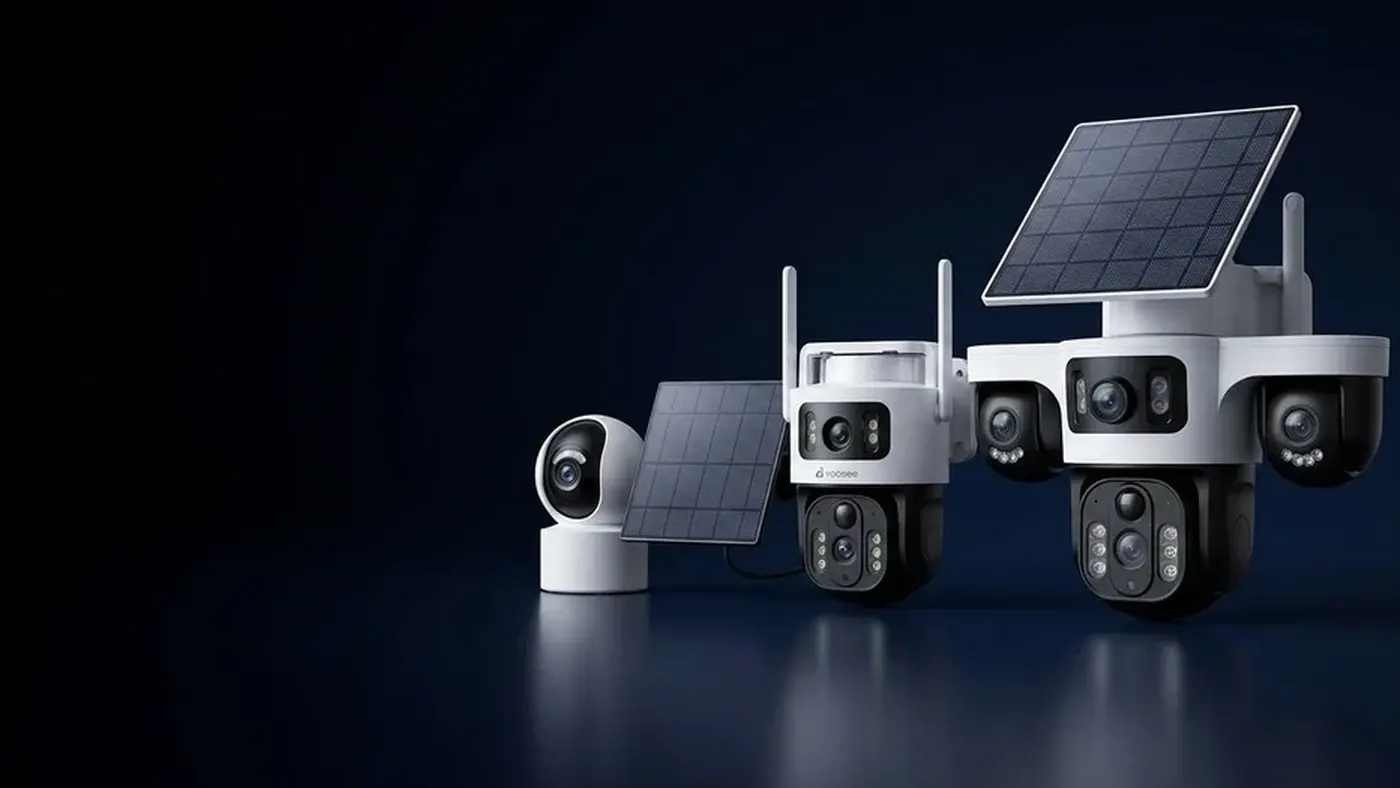
A solar flood light with CCTV camera puts two very different loads on one battery and one panel. The camera sips power and wakes in short bursts; the floodlight is a bright lamp that, every second it is on, uses far more energy than the camera does. So when one of these units runs flat, the light is usually the reason — and the first fix is not a bigger panel but three light settings: when it switches on, how bright it is, and how long it stays lit.
This guide explains why the floodlight dominates the energy budget, which settings to change and in what order, how to tell whether your light settings are the problem or something else is, and when the site simply cannot support a floodlight camera on solar alone.
Why the lamp, not the camera, decides battery life
On a plain solar camera, the big costs are wake-ups, recording time, night-time infrared and sending clips over WiFi. Our guide to how long a solar camera battery lasts goes through those one by one. A floodlight model has all of those costs, plus one that is larger than any of them.
Think about what each part has to do:
- The camera wakes when something moves, records a short clip, sends it, and goes back to sleep. Most of the day it is in a low-power standby.
- The infrared illuminators on a normal night camera are small and run only while the clip records.
- The floodlight has to light up a driveway, yard or gate bright enough for a person to see by. That takes real power, and it often stays on after the camera has already gone back to sleep.
A worked example makes the proportion clear. Suppose — and these are assumptions, not the specs of any particular model — the camera draws a small amount while recording, and the floodlight draws many times that amount at full brightness. If each night event records a short clip but the light is set to stay on for a minute, then the lamp is running both harder and longer than the camera on every single trigger. Multiply that by the number of night events, and the light can account for most of what the battery spends in a day. Check the label or manual of your own unit for its actual figures; the point is the ratio, not the numbers.
There is a second effect. A lit lamp can draw insects at night, and insects flying close to the sensor can cause more triggers, each of which may switch the lamp on again. A badly set floodlight can feed its own false alarms.
Know your light modes before you change anything
Floodlight cameras usually offer some combination of the modes below. Names and exact options vary by model and app version, so open the camera's settings in the Yoosee app and look for a section called something like light, floodlight, lamp, illumination or night vision.
- Motion-activated (often the default). The lamp stays off and switches on when the sensor detects movement at night. This is the mode most people should use.
- Always on at night, or dusk-to-dawn. The lamp lights the area all night. This is the single most expensive setting there is, and on most compact solar units it will run the battery down quickly unless the panel and battery are unusually large for the lamp.
- Scheduled. The lamp runs for a set window, for example the early evening when people are arriving home. Cheaper than all night, still costly.
- Off, with infrared night vision. On models that have infrared LEDs, the floodlight never switches on and the camera records in black and white using infrared. This is usually the cheapest night setting.
- Colour night vision or "smart" light. Some models switch the lamp on only to capture a colour image when a person is detected, then turn it off. Behaviour differs a lot between models, so test it rather than assume.
- Manual. A button in the live view turns the light on while you watch. Handy, but every minute of live view with the lamp on is a large spend.
If you do not know which mode yours is in, find out first. A common cause of a floodlight camera dying in winter is a dusk-to-dawn or scheduled mode that someone switched on in summer and forgot.
The settings to change, in order of impact
Work down this list. Change one thing, then watch the battery level for a few days at the same hour each day before changing the next, so you know what actually helped.
1. Make the light motion-only
If the lamp is in an always-on or scheduled mode, switch it to motion-activated. Nothing else on this list saves as much. If you want the area lit when you arrive home, a short scheduled window is a far smaller cost than all night — but try motion-only first; for most entrances it is enough.
2. Shorten how long the light stays on
The "light duration", "lighting time" or "delay" setting decides how long the lamp stays on after the last movement. Set it to the shortest value that still lets someone walk from the gate to the door. If the camera re-triggers while a person is still moving, the timer usually restarts anyway, so a long duration mostly lights an empty yard.
3. Turn the brightness down
If your model has a brightness slider or levels, lower it until the area is lit enough to identify a person on the recording, then stop. A lamp at a lower level draws less, and on many sites the top level is brighter than the camera needs. Look at a night clip after each change to make sure faces are still recognisable.
4. Cut false triggers so the lamp fires less often
Every false trigger at night now costs a lamp cycle, not just a short clip. So the usual motion fixes are worth more on a floodlight model:
- Narrow the detection zone if your model supports zones, so passing cars and the pavement are excluded.
- Lower the sensitivity a step if trees, bushes or insects keep setting it off.
- Turn on person detection where available, so the light reacts to people rather than any movement. Whether this helps depends on how your model wakes; test it over a few nights.
- Re-aim the unit so people walk across its view rather than straight toward it, and so it does not look at warm surfaces, vents or a busy road.
5. Separate the light from the alert
Some models let you keep motion alerts and recording on while setting the light to trigger only for detected people, or only during part of the night. If yours does, use it. You keep the security value of the camera all night and spend lamp energy only where it counts.
6. Check the recording and connection settings
Once the light is under control, the remaining spend is the same as any solar camera: clip length, cooldown between events, and a weak WiFi signal that makes the radio work harder. A shorter clip and a stronger signal help both the camera and the lamp, because a borderline battery often fails on the night it has both a busy hour and a slow upload.
Planning for winter, not summer
A floodlight unit that is fine in summer can fail every winter, and the light is why. Three things change at once:
- Nights get longer, so the lamp is in its active window for more hours and catches more events.
- Days get shorter and the sun sits lower, so the panel harvests less.
- Cold weather reduces how much usable charge the battery delivers.
The camera's own night-time use rises a little with the longer nights, but the lamp's share rises much more, just as the income falls. That is why settings you chose in summer need a second look before the dark months. A practical approach is to keep a "winter profile": motion-only, short duration, reduced brightness and a tighter zone, switched on as the evenings draw in and relaxed again in spring.
Also check the panel. Low winter sun is easily blocked by a roof edge, a wall or a tree that never shaded it in summer. Our guide on where to mount the solar panel explains how to find a position that still gets midday light in the darkest months. Overcast weather is a smaller problem than people expect — the panel still collects diffuse light, as covered in do solar cameras work in cloudy weather — but long periods of deep shade are not.
Is it the light, or is the battery not charging?
Before you blame the floodlight, rule out a charging fault. Look at the battery reading in the app across a few days:
- The level rises in the day and falls at night, but ends a little lower each day. The unit is charging; it is spending more than it earns. That is the light-settings problem this article is about.
- The level falls in the day as well as at night, or never climbs even in full sun. That points to a panel, cable or connector problem, or shade. Work through solar camera not charging first, because no light setting will fix a panel that is not delivering.
- The level drops sharply in one night. Look at the recordings for that night. A long run of triggers — rain, insects, a cat, a neighbour's party — usually explains it.
- It shuts down at a reading that is not empty, often on cold nights. Cold or an ageing battery can cause this; it is worth raising with your seller if the unit is fairly new.
A simple diagnostic test: set the floodlight to off for a week, leaving everything else the same. If the battery now holds steady, the light was the problem and you can bring it back with tighter settings. If it still drains, look elsewhere.
When a floodlight camera on solar is the wrong choice
Some sites cannot support a bright lamp on solar alone, however carefully you set it:
- Busy night-time scenes, such as a gate on a street with regular foot traffic, a shared courtyard or a car park entrance. The lamp will fire too often.
- North-facing walls in the northern hemisphere, or south-facing in the southern hemisphere, with no way to place the panel in the sun. The panel cannot earn enough in winter.
- Places where you need light all night, for safety rather than security. That is a lighting job; use a mains-powered light and let the camera do the camera's job.
In those cases, the better options are a plain solar camera with infrared night vision and a separate mains light, or a mains-powered floodlight camera. If you go the mains route, switch off the power at the breaker before any wiring work and use a qualified electrician; for any mounting on a roof edge or high wall, work with a second person and a stable ladder, and check local rules on outdoor lighting that shines onto neighbours or the street.
When to get help
Contact the seller or the support channel listed for your product if:
- the light will not switch off, or switches on in daylight, after you have checked the mode and schedule;
- the battery reading never rises in good sun after you have checked the panel, cable and shade;
- the unit shuts down at a reading that is far from empty, or the battery swells, gets hot or smells;
- the light settings described here are missing from your app and you cannot find an update.
Have the model number from the label, the app version, and the light mode, duration and brightness you are using ready before you get in touch.
Frequently asked questions
Can a solar floodlight camera keep the light on all night?
Only if the panel and battery are sized for it, and most compact all-in-one units are not. A lamp lit for a whole night is a much bigger load than short motion-triggered bursts, so expect the battery to fall a little further each night, faster in winter, until the unit shuts down. If you need the area lit all night, use a mains light and let the camera run on solar.
Will the camera still record at night if I turn the floodlight off?
On models with infrared LEDs, yes: with the floodlight off, the camera switches to infrared night vision and records in black and white. Some colour-only floodlight models have no infrared and need the lamp to see at night, so check the specifications for your model. Either way, look at one night clip after changing the setting to make sure the image is clear enough at the distances you care about.
Does the floodlight scare intruders away, or just help the recording?
It can do both. A light that switches on when someone approaches is a clear signal they have been noticed, and it lets the camera capture colour and detail. That is the case for keeping it in motion-only mode with a short duration: you keep most of the deterrent effect for a small part of the energy cost.
Why does my floodlight camera turn on when nobody is there?
Common causes are insects flying close to the sensor, branches moving in wind, car headlights or passing cars at the edge of the view, and warm surfaces cooling after sunset. Narrow the detection zone, lower sensitivity a step, use person detection if your model has it, and re-aim the unit away from roads and bushes.
Is a wireless solar floodlight camera as reliable as a wired one?
It can be reliable for an entrance with modest night traffic and a sunny spot for the panel, provided the light settings are sensible. It is less suited to busy scenes or shaded walls, where a mains-powered unit avoids the energy budget altogether. The deciding factors are the site and the light settings, not the word "wireless" on the box.