
Solar PTZ Camera: Will Pan and Tilt Drain the Battery?
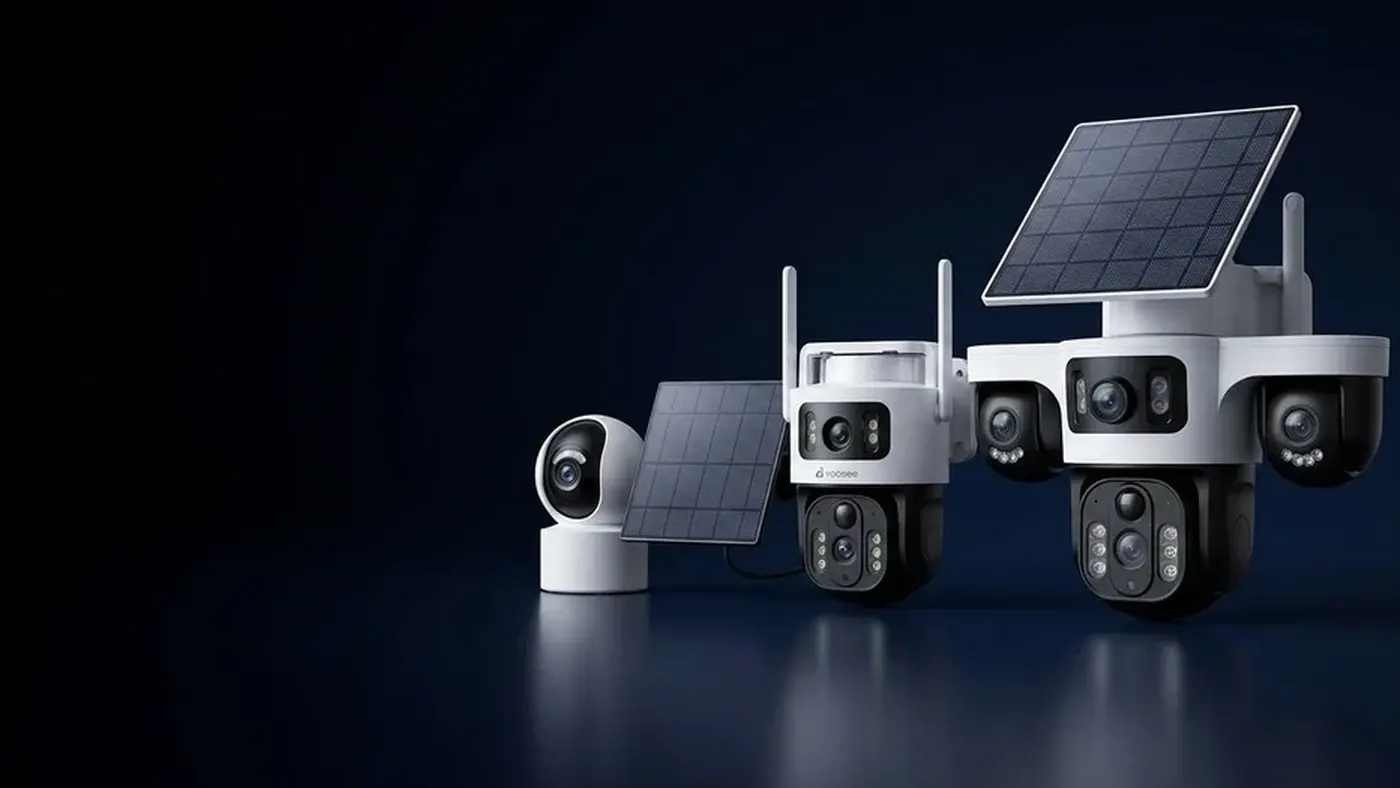
A single pan or tilt move uses only a short burst of power, so occasional repositioning will not flatten a solar ptz camera. What drains the battery is movement that never stops: a patrol route cycling all night, motion tracking chasing every leaf, continuous recording, and frequent live viewing over mobile data. If the camera dies before morning, change those settings first, then look at the panel and the signal.
This article is about the power budget specific to pan-tilt models. For the general picture of how solar batteries are used and how to judge a reserve, see how long a solar security camera battery lasts.
Why a pan-tilt camera behaves differently on solar
A fixed solar camera spends most of its life asleep and wakes only when its sensor detects something. A pan-tilt model adds two small motors and, on many models, features that keep the camera awake for longer: patrol, tracking and preset positions. Each one is useful, but each one changes the camera from "sleep, wake briefly, sleep" into "awake and moving for minutes at a time".
Three things are worth separating:
- The motor itself. A move from one position to another is brief. On its own, that is a small cost.
- Staying awake to move. The camera cannot move while asleep. Tracking and patrol keep the processor, the image sensor and the radio running the whole time, and that is usually the larger cost.
- What happens at night. After dark the infrared lights run whenever the camera is recording, and on some models a spotlight or colour night mode adds more. A camera that patrols all night is lighting the scene all night.
So the honest answer to "will pan and tilt drain the battery?" is: the moving rarely does, but the features that make it move automatically can.
Step 1: find out what is actually running
Before changing anything, open the camera in the app and look at what is switched on. Menu names differ slightly between app versions and models, so look for settings with these meanings rather than these exact words:
- Patrol, cruise or tour. Moves the camera between positions on a timer. On mains power this is harmless; on a battery it is the most expensive setting you can leave on.
- Motion tracking or humanoid tracking. Makes the camera follow a moving subject. Each event can turn a short clip into a long one.
- Recording mode. Look for options such as event recording, alarm recording or continuous recording. Continuous recording keeps the camera awake around the clock and is rarely sustainable on a small panel.
- Clip length or recording duration. Longer clips mean longer awake time per event.
- Detection sensitivity and detection area. High sensitivity on a busy view multiplies wake-ups.
- Night mode. Infrared only, colour or smart switching. Colour night modes that turn on a white light use more energy per event.
Write down the current values. When you change things one at a time, you will know which change made the difference.
Step 2: switch off scheduled patrol
If patrol is on, turn it off first. A patrol route keeps the camera awake and moving whether or not anything is happening, and it does so through the night when the panel is producing nothing.
If you really need two or three areas covered, there are better options on most models:
- Set a good home position that covers the most important area, and, if your model supports it, let the camera return there after an event.
- Save presets for the other areas and tap them when you want to look, instead of having the camera visit them on its own.
- Limit patrol to daylight hours if your model allows a schedule, so the panel is charging while the motors run.
If you find the camera wandering on its own even with patrol off, why a PTZ camera moves or refuses to move explains the other settings that can move the head.
Step 3: make tracking earn its keep
Motion tracking is the feature people buy a pan-tilt camera for, so you do not have to give it up. The aim is to stop it chasing things that do not matter.
- Use people detection if your model offers it, so the camera tracks a person rather than every swaying plant or passing car headlight.
- Tighten the detection area to the gate, path or door you care about. A view that takes in a public road will trigger tracking far more often.
- Lower the sensitivity one step at a time and check over a few days whether real visitors are still caught.
- Check the home position. If the camera starts each event pointing at a tree or a busy street, it will spend energy turning back and forth.
If tracking loses people, turns the wrong way or follows trees instead of visitors, those are settings and mounting problems with their own fixes, covered in motion tracking that will not follow people. Fixing them usually saves battery too, because a camera that locks onto the right subject quickly finishes the event sooner.
Step 4: choose a recording mode the panel can support
On a solar powered PTZ camera, event recording is the normal choice. The camera sleeps until its sensor triggers, records a clip, sends an alert and goes back to sleep.
Continuous recording is a different load entirely. The camera never sleeps, the image sensor and processor run all the time, and at night the infrared lights stay on for hours. Unless your model and panel are specifically designed for it, expect continuous recording to empty the battery.
Also check the clip length. If the number of events stays the same and you halve the clip length, the time spent recording roughly halves too. The real saving is smaller than that, because each event also costs energy to wake up and upload, but shorter clips still help on a tight budget.
Step 5: watch less live video, especially on 4G
Live view is one of the biggest single drains on a battery camera, and on a PTZ model people tend to watch for longer because they are panning around to look. Every minute of live view keeps the camera fully awake with the radio sending video.
On a 4G solar PTZ camera the radio cost is often higher than on WiFi, and it rises further when the signal is weak, because the modem works harder to hold the connection. A few habits help:
- Check alerts and recorded clips first, and open live view only when you need it.
- Close the app properly when you finish, rather than leaving the live view open in the background.
- Use a lower video quality setting for remote checks, if your app offers one; it sends less data.
- Ask family members who share the camera to do the same, since several people opening live view adds up.
If the signal indicator in the app is consistently low, moving the camera or repositioning its antenna (on models that have one) can help both reliability and battery life. Check with your mobile provider that the SIM is suitable for a camera and has enough data.
Step 6: confirm the panel is keeping up
Settings can only do so much if the panel is not charging properly. Watch the battery level in the app for a few days:
- It climbs during the day and falls at night. Normal. If it reaches morning with a little left, your settings are close to the limit; trim one more thing.
- It barely climbs even on sunny days. Look at the panel, cable and shading. Diagnosing a solar camera that will not charge walks through the cable, the light and the battery in order.
- It runs fine for weeks, then drops during a grey spell. That is expected. How solar cameras cope with cloud and rain explains why shade matters more than cloud and how to plan for the rainy season.
A pan-tilt camera is heavier on power than a fixed one, so it is more sensitive to a panel that is partly shaded, dusty or facing the wrong way. On models with a separate panel on a cable, the panel can often be aimed at the sun independently of where the camera looks.
A night-proof starting configuration
If you want a simple baseline to begin from, this works on most models:
- Patrol off, or limited to daytime.
- Home position aimed at the main entrance or path.
- People detection on, with a tight detection area.
- Motion tracking on, with medium sensitivity.
- Event recording, with a short clip length.
- Night mode set to infrared or automatic switching, rather than full-time colour.
- Live view only when an alert needs checking.
Run it for a week, note the battery level at the same time each morning, and then add features back one at a time if the battery has headroom.
When to get help
Contact the seller or support if:
- The battery falls quickly even with patrol, tracking and live view off and the panel in full sun.
- The battery reading jumps up and down sharply, or drops to empty without warning.
- The camera body or battery feels unusually hot, or the housing is swollen.
- The motors make grinding noises or the head strains at a position, which can waste power as well as damage the gears.
Before you call, have your model number from the label, the app version and a note of your settings and battery readings ready. If adjusting the camera means climbing a ladder or working on a roof, have someone hold the ladder, avoid wet or windy days, and switch off any nearby electrical supply. For anything connected to mains wiring, use a qualified electrician.
Install or resell cameras?
If you fit pan-tilt solar cameras for customers, most battery complaints come from how the camera was set up on the day:
- Leave patrol off unless the customer asks for it, and explain why.
- Set the home position and detection area on site, with the customer, so tracking starts from the right place.
- Check the mobile signal at the mounting point for 4G models before you drill, not at the gate.
- Aim the panel for the sun in the darkest season, not the day you install.
- Show the customer the recording mode and live view habits that keep the battery healthy.
If you sell or install security cameras and want to discuss supply and dealer terms, see the Yoosee partner information.
Frequently asked questions
Does a solar PTZ camera move when nobody is watching?
Only if a feature tells it to. Motion tracking turns the head when it detects a subject, patrol moves it on a timer, and some models return to the home position after an event. With all of those off, the camera stays where you last pointed it.
Can a PTZ solar camera record around the clock?
Some setups can, but most small battery and panel combinations are designed for event recording. Continuous recording keeps the camera awake all night with the infrared lights on. Check the manual for your model before relying on it, and watch the battery level for a week if you try it.
Why does my 4G solar PTZ camera drain faster than my WiFi one?
The mobile modem usually uses more energy than WiFi, and much more when the signal is weak. Live viewing and uploading clips over 4G also take longer on a poor connection, which keeps the camera awake longer. Improving the signal position and cutting live view time usually narrows the gap.
Will the battery drop if I pan around in live view a lot?
A little, but the panning is not the main cost. The streaming is: the camera stays fully awake for as long as the view is open, whether you move it or not. If you need to check several areas, saved presets get you there in one tap each, so the session ends sooner than panning around by hand.
Should I turn off motion tracking in winter?
Not necessarily. Tighten the detection area, switch to people detection and shorten the clips first, since those often save enough. If the battery still runs out on short winter days, turning tracking off for the season and using a well-placed home position is a reasonable trade.